QSG_F620.283.00_EN_01 / 2019-02-20
35 / 46
Starting up
POWER UP
1. Make sure that all the necessary connections are
in place.
Electrical: such as power supply, inputs/outputs
Pneumatic: including line pressure supply
2. Power up your device.
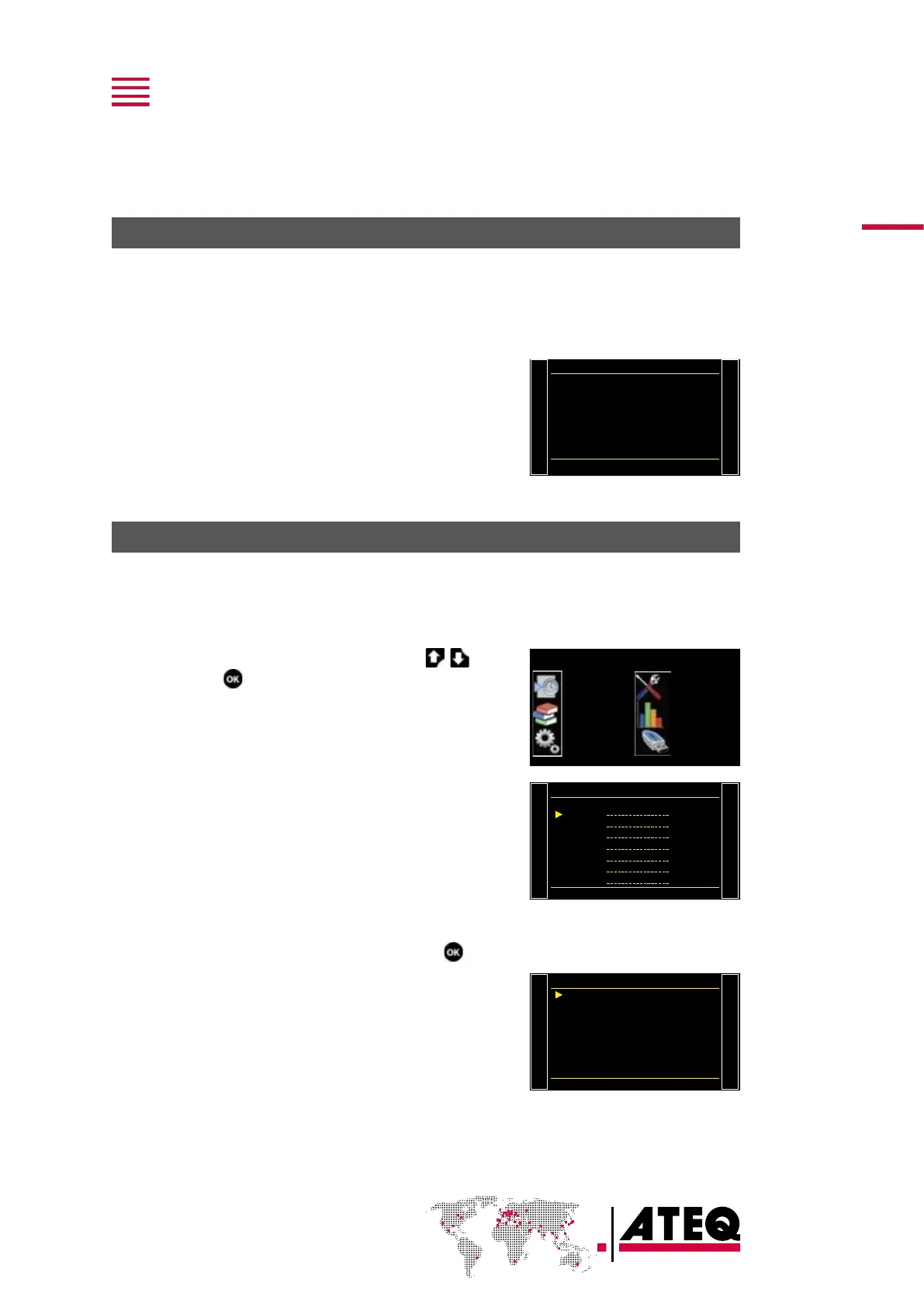
When power-up is completed, the Program screen is
displayed with last program used on screen.
Pr 001
LEAK TEST
PREPARING A PROGRAM
Use this procedure to configure a new test program.
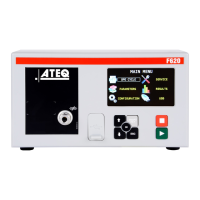
On the MAIN MENU screen:
ACCESSING THE PARAMETERS
1. Select PARAMETERSusing the up/down
keys and press .
MAIN MENU
SPE CYCLE
PARAMETERS
CONFIGURATION
SERVICE
RESULTS
USB
The program list is displayed.
Pr:01
Copy-Paste
Pr:02
Pr:03
Pr:04
Pr:05
Pr:06
Pr:07
SELECTING A PROGRAM NUMBER
2. Select the program to configure and press .
A list of the available measurement types is displayed:
— LEAK TEST type
— BLOCKAGE type (option)
— DESENSITIZED TEST type (option)
— OPERATOR type (option)
— BURST TEST type (option)
— VOLUME type (option)
LEAK TEST
BLOCKAGE
DESENSITIZED TEST
OPERATOR
BURST TEST
VOLUME


 To Next Page