QSG_F620.283.00_EN_01 / 2019-02-20
34 / 46
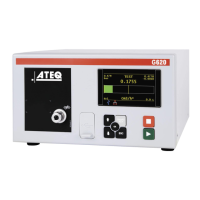
The Measurement cycle screen
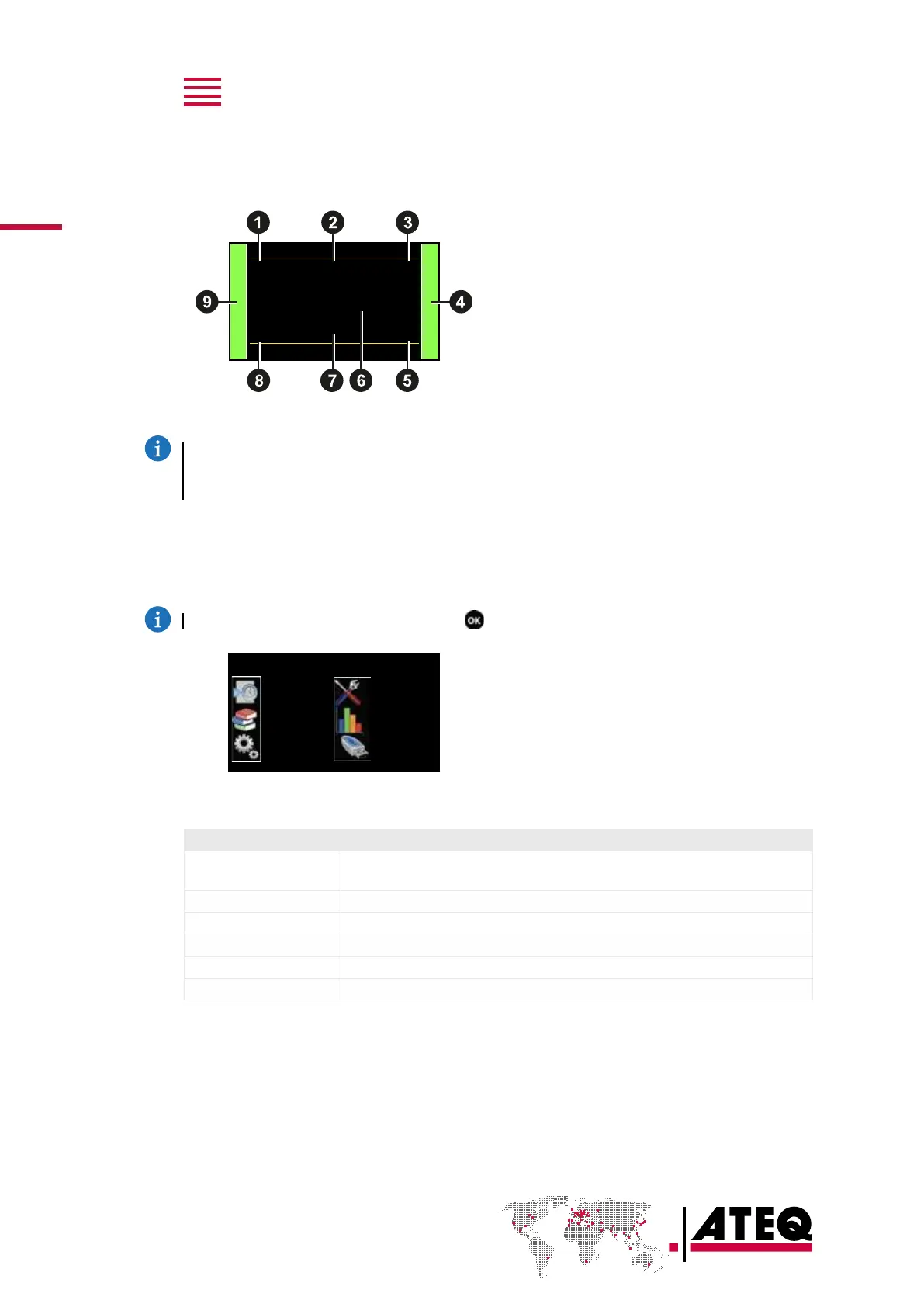
The Measurement cycle screen displays the different values of the current test (or last one).
0.742
bar
40
Pa
Pr 1
1.3 s
TEST
13
Pa
1 Test pressure measurement
2 Test result or step phase
3 Test reject value
4 Vertical line test result
5 Remaining time of the current phase
or ready status
6 Leak measurement
7 Measurement unit
8 Current program
9 Vertical line test result
A star (*) can be displayed after the measurement unit7 when the standard conditions function
is validated.
Refer to the Reference Manual.
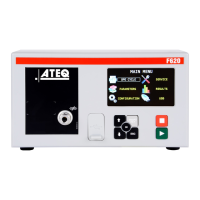
The MAIN MENU screen
The MAIN MENU screen gives access to different sections for managing the device and
the test parameters.
Access: from the Program screen, press .
MAIN MENU
SPE CYCLE
PARAMETERS
CONFIGURATION
SERVICE
RESULTS
USB
Option Description
SPE CYCLE
Specific procedures necessary to ensure the proper operation of specific
measurement cycles (for example, adjustment of a pressure regulator).
PARAMETERS
Parameters of the test programs.
CONFIGURATION
General configuration of the device.
SERVICE
Maintenance of the device.
RESULTS
Test results, backup and display options.
USB
USB connection functions (backup, restore).


 To Next Page