1700 Technology Drive, San Jose, CA 95110
t: 408/773-5200
f: 408/773-9940
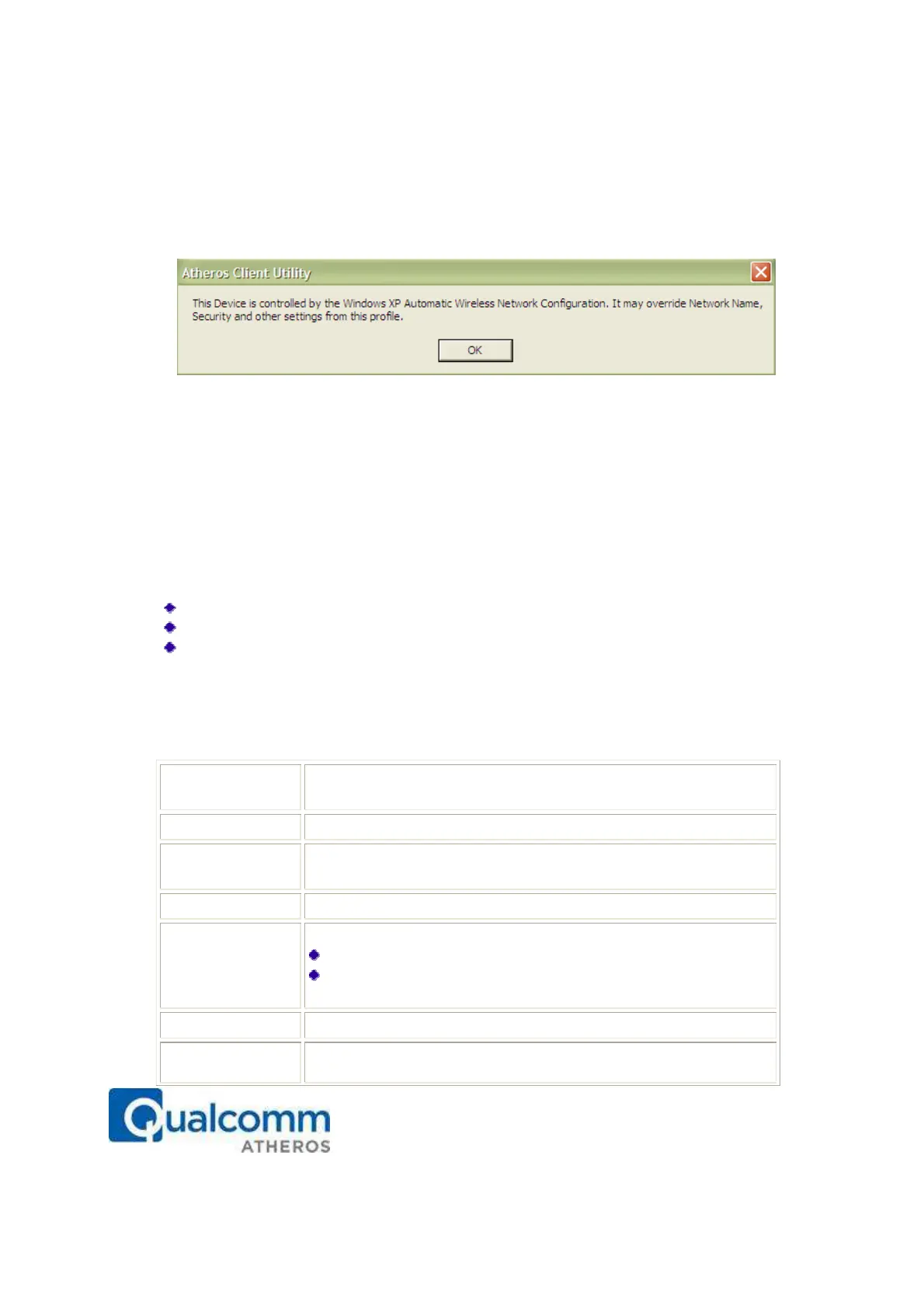
When Zero Configuration is in use, a pop-up message is displayed on the ACU when
you attempt to create or edit a configuration profile from the Profile Management tab of
the ACU.
To turn Zero Configuration off on Windows XP, take the following steps:
1. In Windows XP, open the Wireless Network Configuration Properties dialog box.
2. Clear the check box “Use Windows to configure my wireless network settings” to set
Zero Configuration. When this check box is cleared, all profile settings are controlled
by the configuration profile, which is set up from the ACU Profile Management tab.
Check the Status Information or Diagnostics
The Atheros client utility includes a number of tools to display current diagnostics and
status information.
Check current status
Check driver information
Check receive and transmit diagnostics
Current Status
The Current Status tab contains general information about the program and its
operations. The Current Status tab does not require any configuration. The following
table describes the items found on the Current Status screen.
of the current selected configuration profile.
configuration name on the General tab.
Shows whether the station is assoc
iated to the wireless network.
Configure the wireless mode on the
Advanced tab.
the station is connected to.
Infrastructure (access point)
Ad Hoc
Configure the network type on the Advanced tab.
Shows the currently connected channel.
Authentication
Shows whether server based authentication is used.



 To Next Page