Qualcomm Atheros, Inc. • xxxiii
COMPANY CONFIDENTIAL January 2012
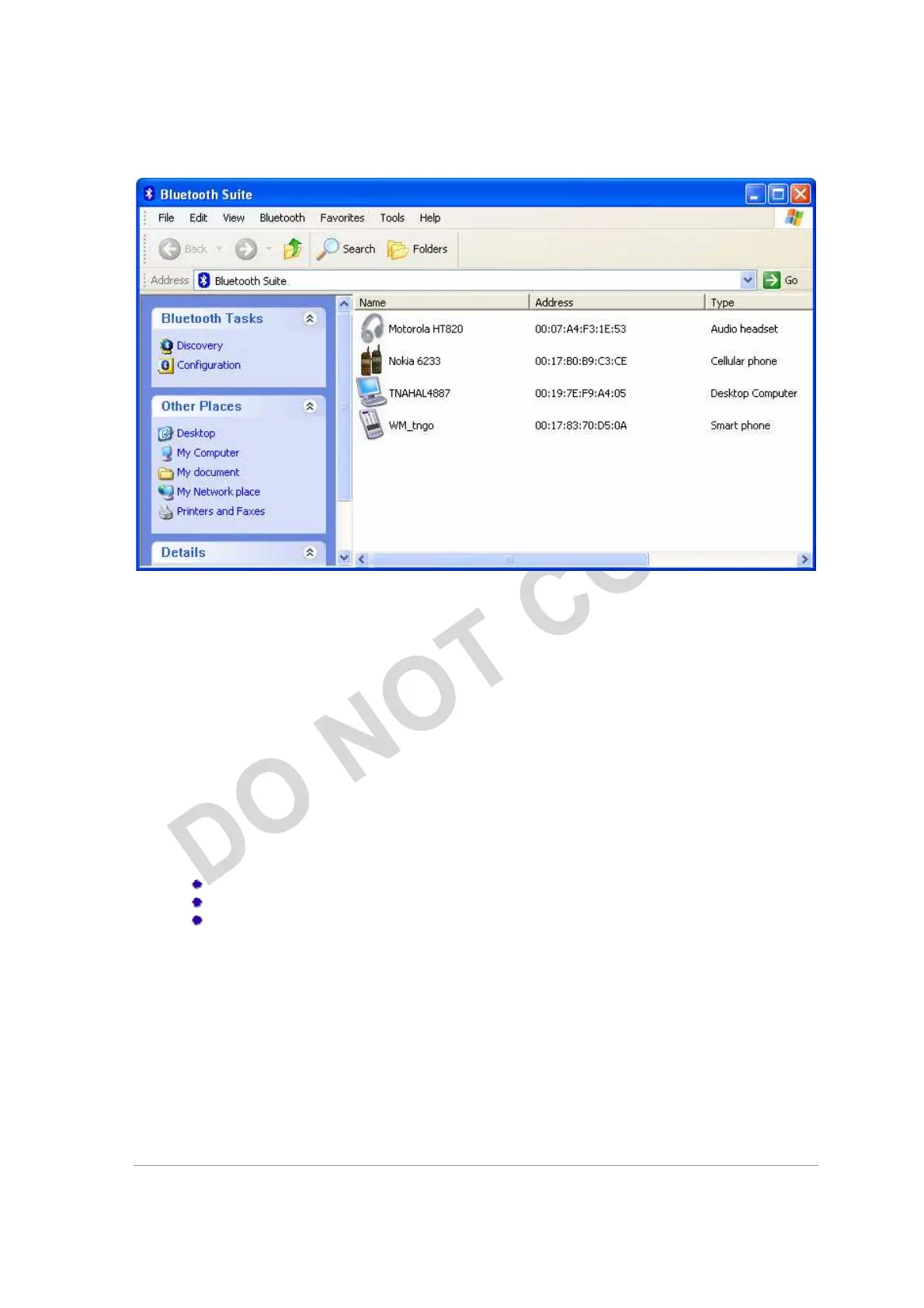
Figure 2-8. Discovered Bluetooth Devices
NOTE:
Trusted remote devices will show Paired status in Device list, and Connected remote
devices will show Connected status in Device list. Other devices will display Inrange status.
Introduction to the Bluetooth Suite
Now that you have successfully launched the Bluetooth Suite, spend few minutes in getting to
know your Bluetooth Suite. The following few pages explain various features and components
associated with the Bluetooth Suite GUI.
The My Bluetooth Suite is the main screen that consists of three major parts:
Menu bar
Bluetooth Tasks area
Bluetooth devices along with their IP addresses and types are
displayed on the right panel.
In addition, there is a Bluetooth Suite Tray which allows you to launch
the Bluetooth Suite.



 To Next Page