1700 Technology Drive, San Jose, CA 95110
t: 408/773-5200
f: 408/773-9940
Uninstalling the Bluetooth Suite
Anytime you install a new version of Bluetooth Suite, you need to
uninstall any existing version of the Bluetooth Suite. Follow this
procedure to uninstall the Bluetooth Suite.
1. Make sure the Bluetooth dongle is removed from any system USB
port.
2. Choose start > All Programs > Bluetooth Suite > Uninstall Bluetooth Suite.
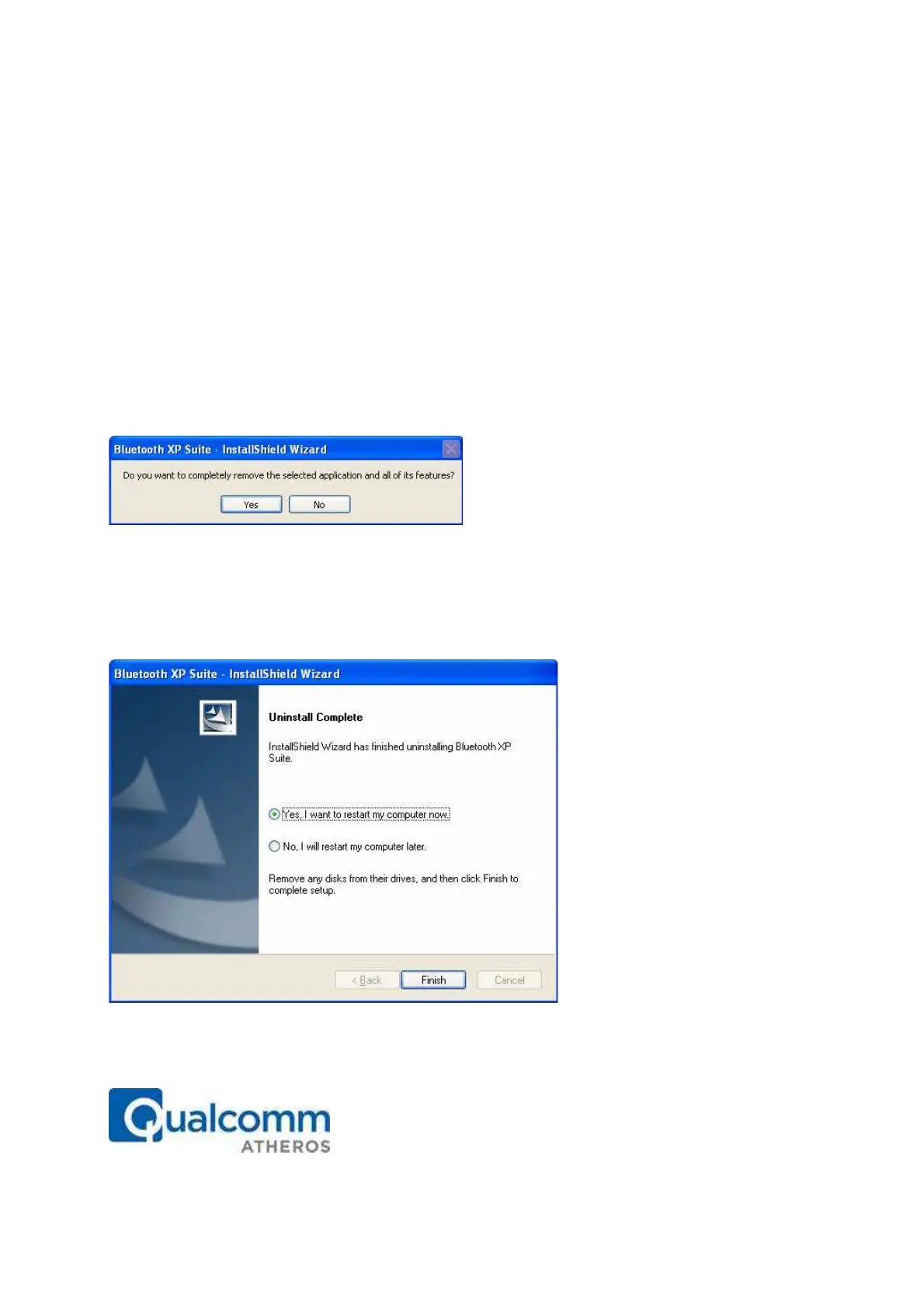
The system prepares for uninstallation. A screen is briefly displayed that shows that it is ready
to uninstall the program. You will see another screen that prompts you to completely remove
the application and all of its features. See Figure 2-10.
Figure 2-10. Bluetooth Suite Uninstallation Prompt
3. Click Yes.
You will see a Setup Status screen showing that application is being removed followed by
another screen showing Uninstall Complete. See Figure 2-11.
Figure 2-11. Finishing Bluetooth Suite Uninstallation
4. Click Yes, I want to restart my computer now.



 To Next Page