1700 Technology Drive, San Jose, CA 95110
t: 408/773-5200
f: 408/773-9940
Launching the Synchronization Process
1. Launch the Bluetooth Suite.
2. Choose My Bluetooth Place from the Bluetooth tray on your desktop. It displays
the My Bluetooth Place start-up screen.
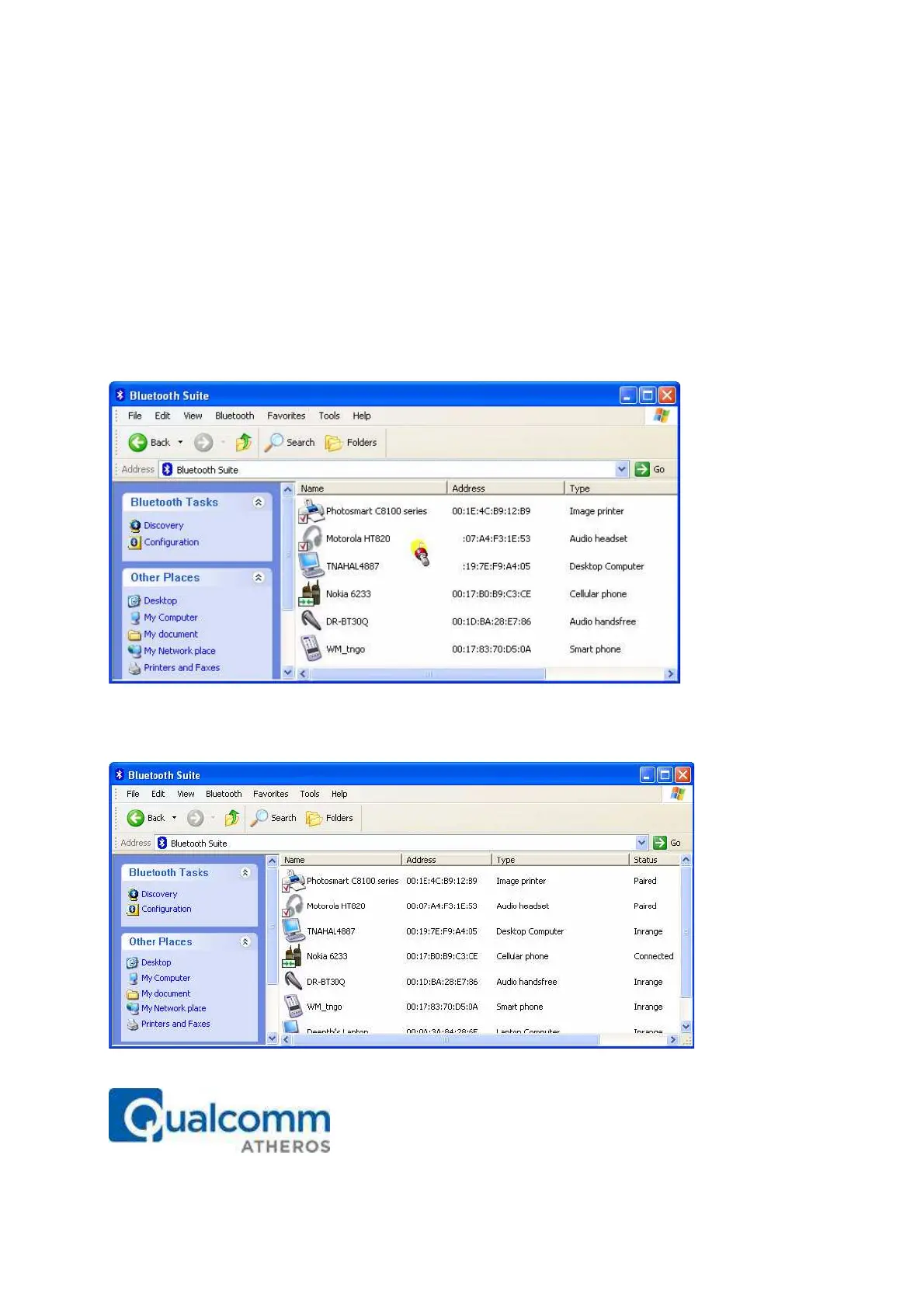
3. Right mouse click the blank panel and choose Device Discovery option. See Figure
10-1.
Figure 10-1. Bluetooth Suite Discovery Screen
4. Highlight the device that you wish to sync with and pair it. See Figure 10-2.
Figure 10-2. Pairing the Device for Syncing



 To Next Page