Overview
3-2
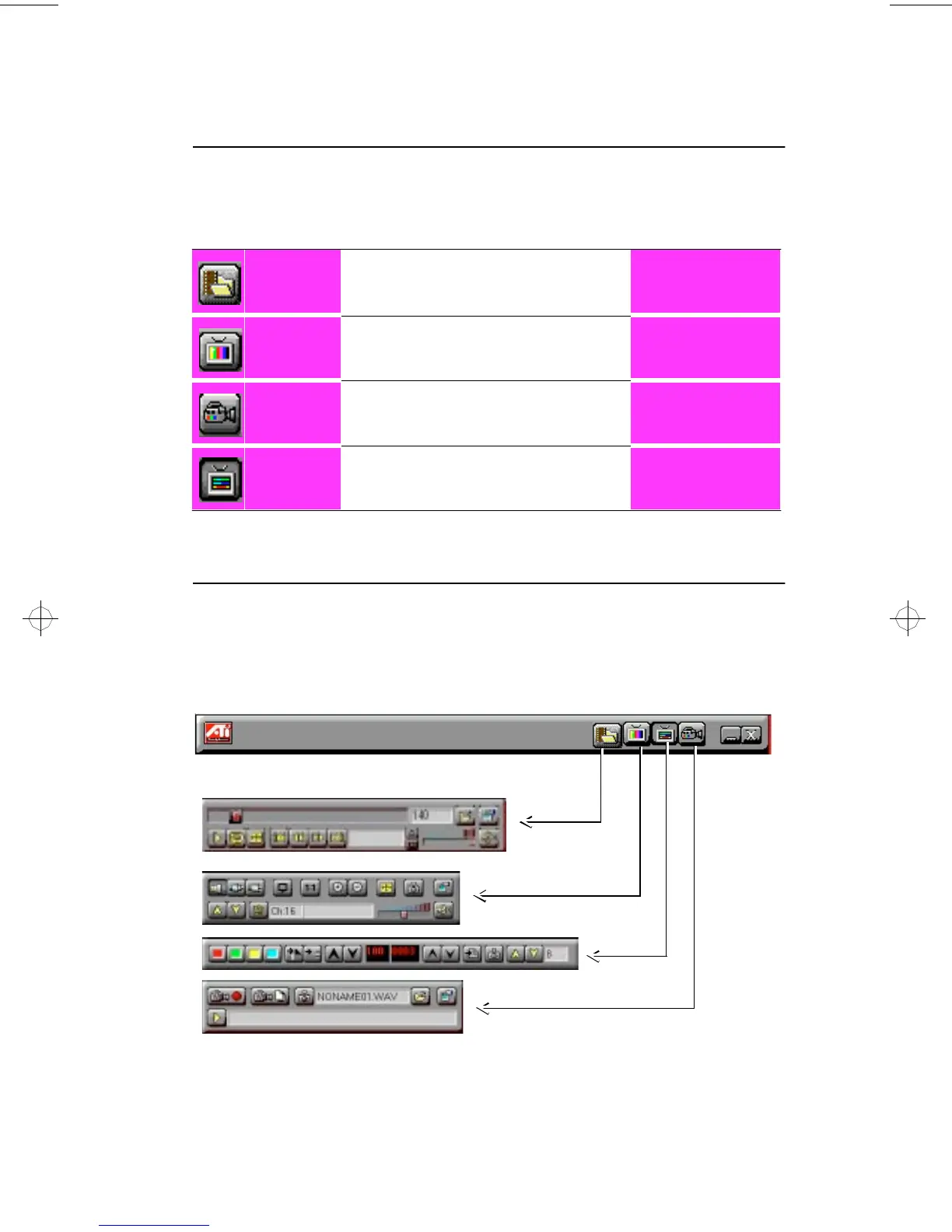
Switching Modes
Use the Task control panel buttons to switch between Media Playback,
TV, Capture, and Teletext modes.
ATI-TV—The Control Panels
When you select a mode in the Task control panel or press a shortcut key,
the Control panel changes to the appropriate control panel for that mode.
All modes provide context-sensitive help, see “Online Help” on page 3-5.
Media
Playback
Playback MPEG and AVI video
files.
See Chapter 4
TV
Display live video sources,
such as television programs.
See Chapter 5
Capture
Capture still images,
video sequences, or audio-only.
See Chapter 6
Teletext
(Europe only)
Display European teletext.
See Chapter 7
TV Tuner
Teletext
Capture
Media
Playback
generic.bk : 03_oview.fm Page 2 Thursday, June 20, 1996 4:10 PM



 To Next Page