Playing Media Files
4-1
Chapter 4
Playing Media Files
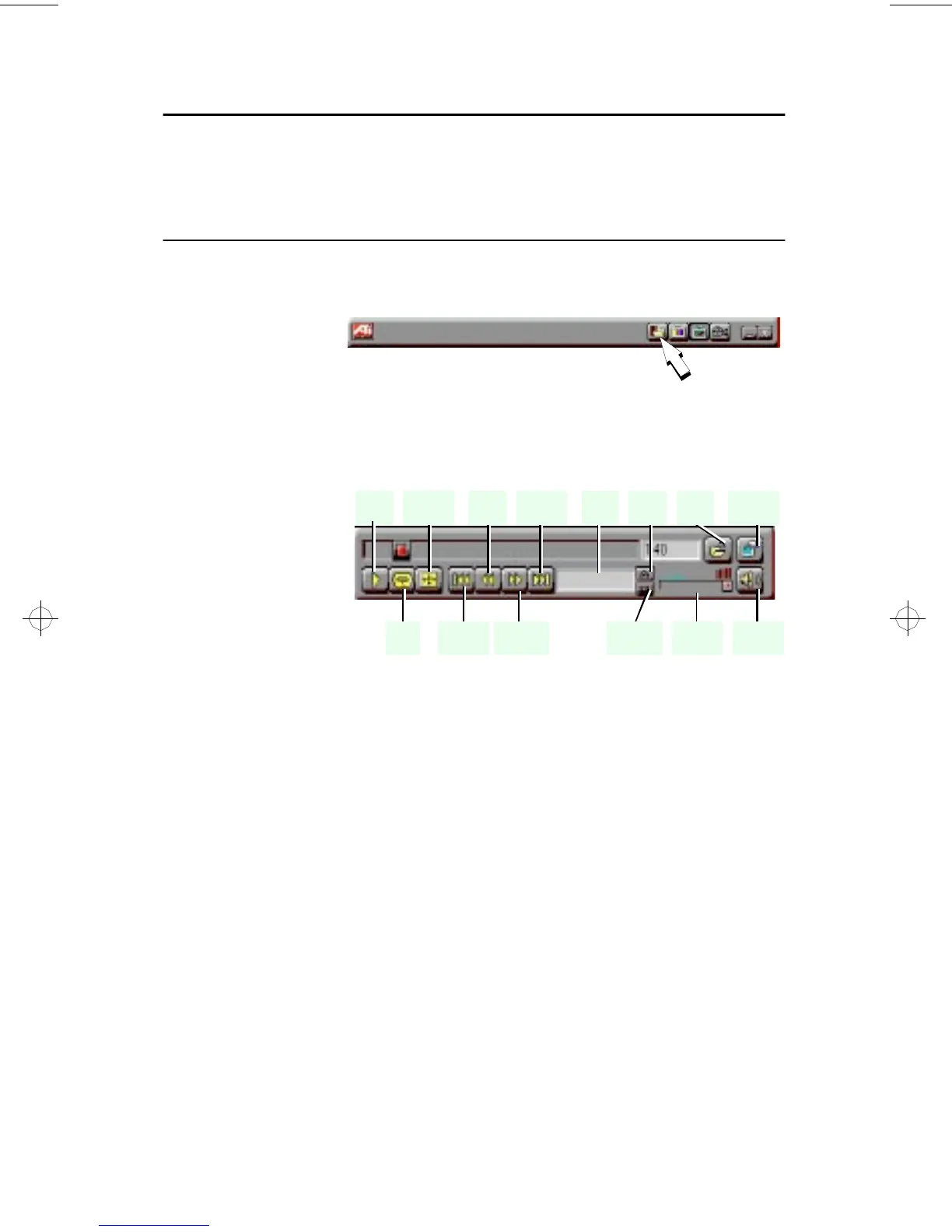
Click the Media
Playback button
in the Task
control panel to
switch to
playback mode.
The Control
panel changes to
the Playback
panel.
To view the
Playback panel
in Full Screen
mode, press F2.
You can use the Media Playback panel to play the following media files:
• MPEG-1 digital audio and video, including Karaoke—including
dual-channel audio, CDi, Games, and reference application titles
• .AVI video files
Play /
Stop
Loop
Full
Screen
Rewind
Skip
Back
Skip
Forward
Skip
To End
File
Name
Previous
Track
Next
Track
Volume
Control
Volume
Mute
Open
File
Setup
Dialogs
generic.bk : 04_plybk.fm Page 1 Thursday, June 20, 1996 4:10 PM



 To Next Page