Introduction
1-1
Chapter 1
Introduction
Now you can watch TV, videos, or
games on your computer!
ATI-TV lets you watch up to 125
cable television channels and 70
antenna channels in smooth, full-
motion video on the whole screen
or in a window.
You can capture still frames and
movie clips, channel surf, or
create your own TV transcripts.
Features
• Television quality video in a window and full screen
• Composite video and S-Video inputs for VCR, video camera,
laser-disc player, video game consoles, etc.
• Still image and live video capture with a simple mouse click
• Closed captioning (NTSC only) support including transcript
creation and Hot Words that alert you when the ATI-TV is
broadcasting information that you want to watch
• European Teletext support (PAL only)
• MPEG-1 video playback for Windows™ 95 and
Windows™ 3.1x, full-screen, at up to 30 frames per second on
most Pentium PCI systems or better. Also supports Video CD 2.0
and Karaoke—including dual-channel audio, CDi, Games, and
reference application titles
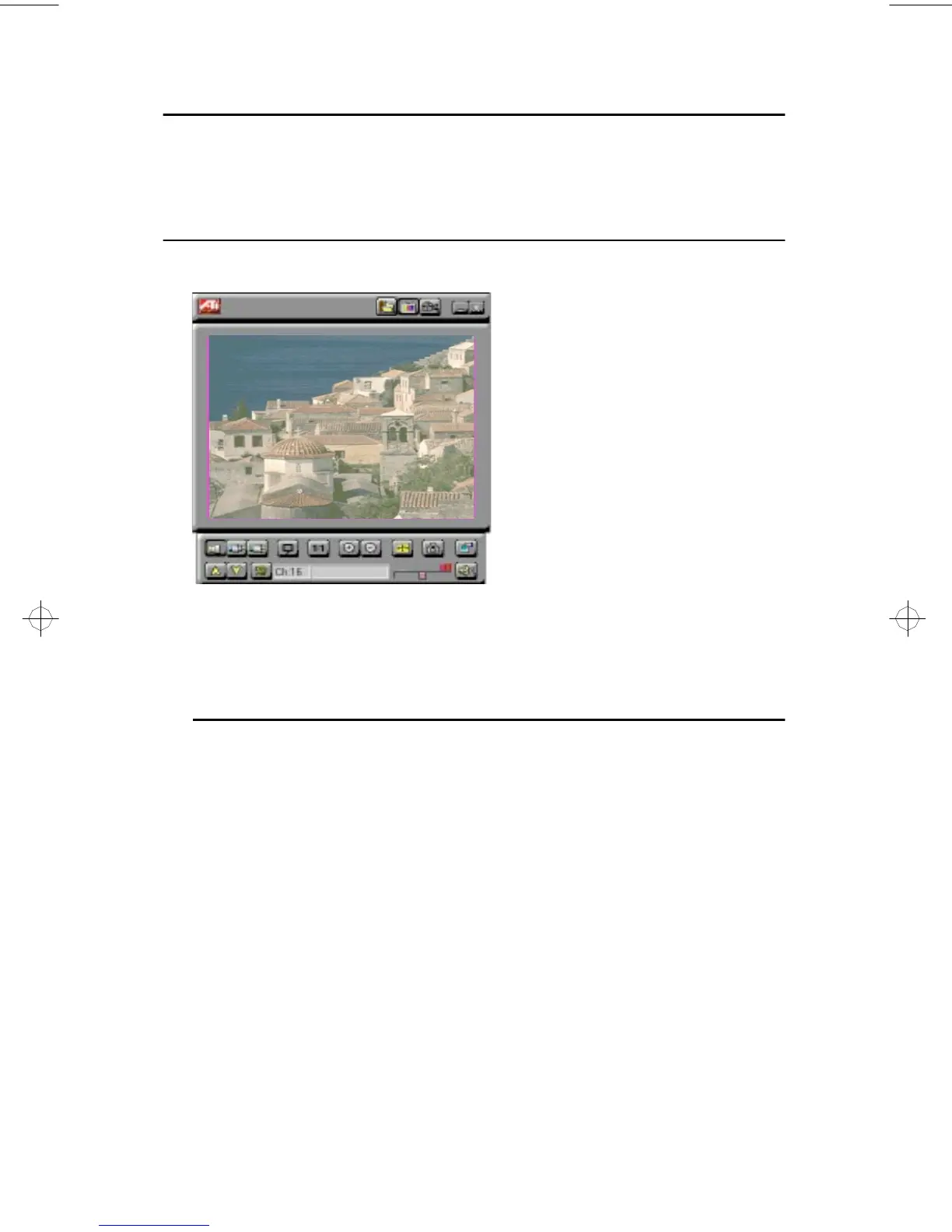
Get real-time information when you
want it. Move the TV window, zoom it to
full-screen, and capture video images.
generic.bk : 01_intro.fm Page 1 Thursday, June 20, 1996 4:10 PM



 To Next Page