RADEON™ 9700 Series User Manual
3-4
Clicking the button extends your desktop to a
Secondary display located below the Primary display.
4. Click OK or Apply to save the changes.
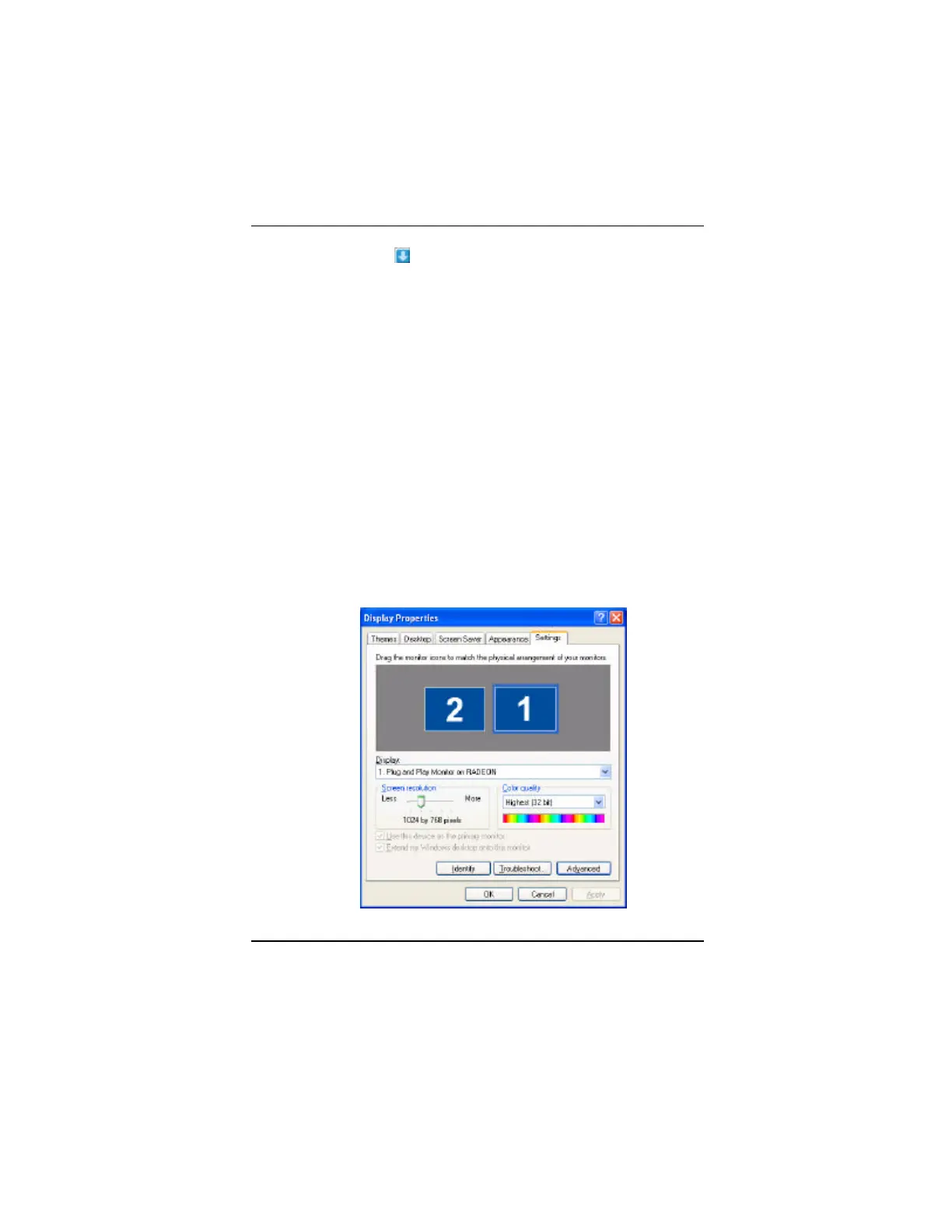
Virtually Repositioning Your Displays
1. On the Settings tab, click and drag the appropriate
monitor icon to the desired position. For example, the
secondary display can be dragged to the left of the
primary display, allowing it to be virtually on the left,
as shown below.
2. Click OK or Apply to save the changes.



 To Next Page
 Loading...









