CATALYST Software Suite
3-5
Ratiometric Expansion
Your RADEON 9700 Series card offers ratiometric
expansion (or digital panel scaling as it is commonly
known). This expands a low resolution image to fill a
higher resolution panel. However, ratiometric expansion
is only available on the Primary display. Therefore, if a
flat panel display (FPD) is set as Secondary, the
Extended Desktop mode is disabled and the resolution is
less than the FPD’s native resolution. This causes the
FPD to default to center mode.
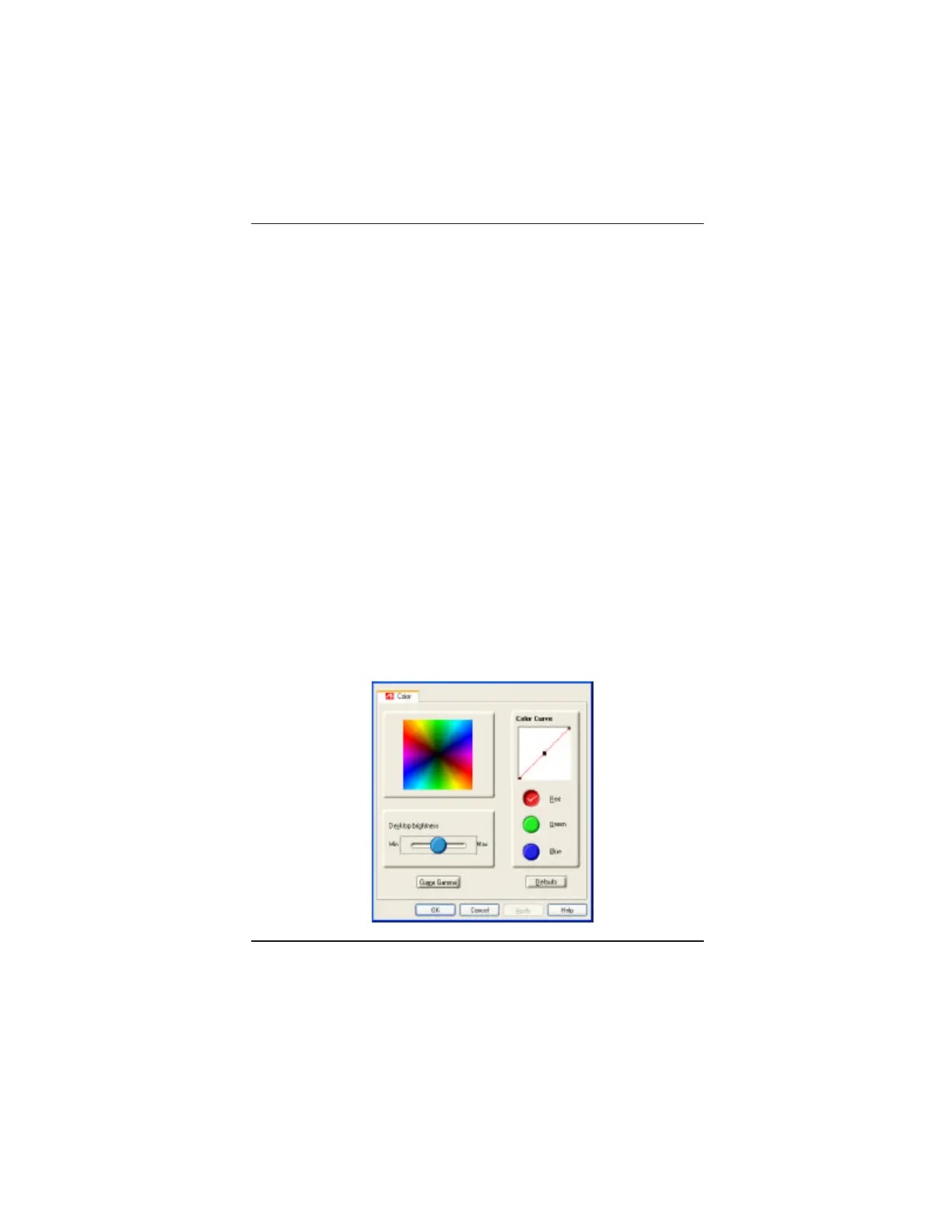
ATI Color Tab
The ATI Color tab is used to adjust the color settings.
You can change the red, green and blue display colors.
Desktop brightness and Game Gamma (brightness) can
also be changed.



 To Next Page
 Loading...









