Reference guide "1846- EN"
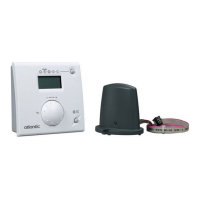
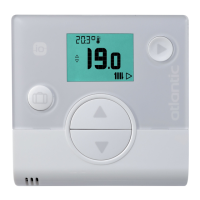
Navilink A59 Intelligent Room Temperature Controller
- 10 -
A
A
A
A
A
A
A
B
3.3 Pairing a 2
nd
sensor
The installation includes a 1
st
working sensor.
3.3.1 Procedure for pairing with a 1
st
sensor
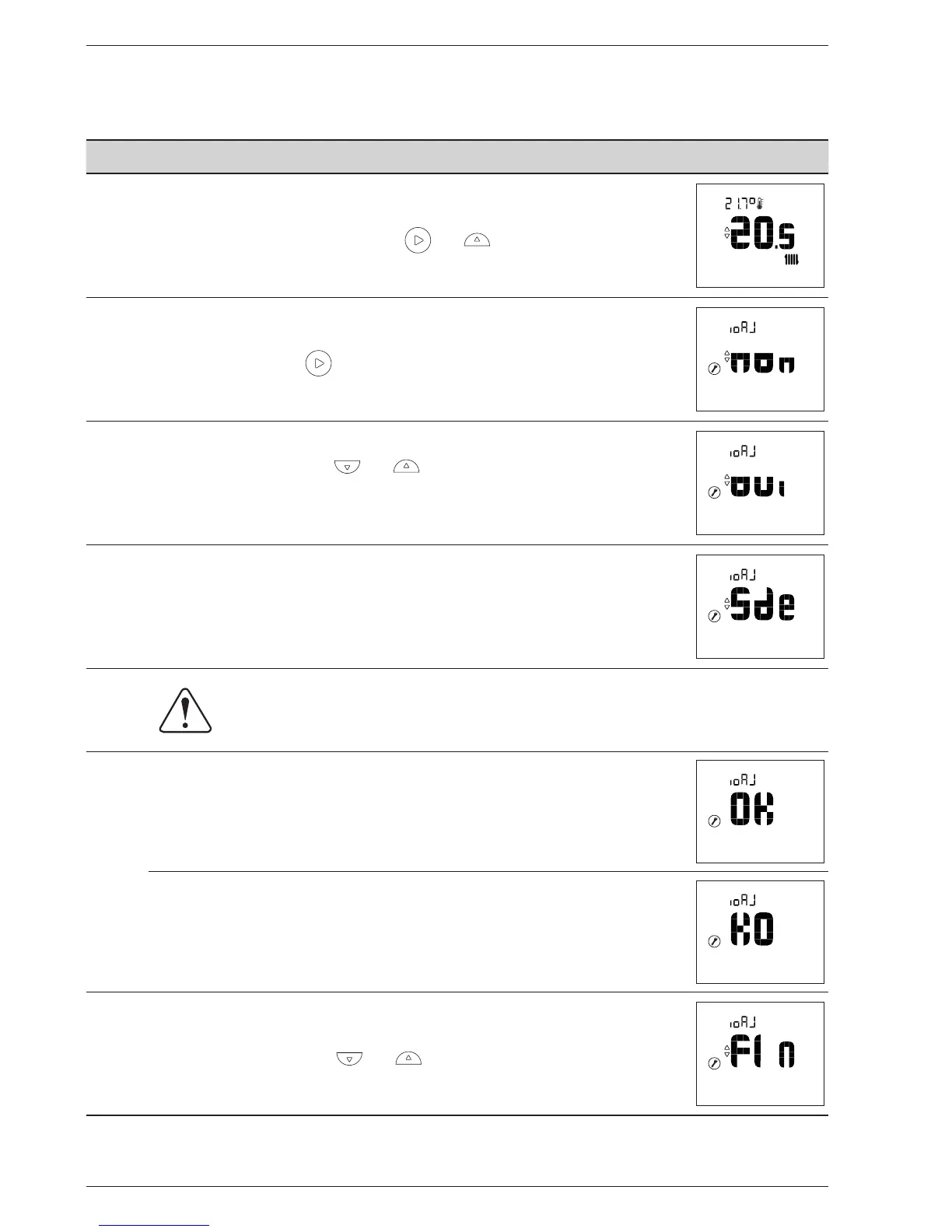
Action Description Display
1
Access the Installer Menu by pressing and simultaneously.
2
Select "ioAJ" using the button.
3
Select "oui" (Yes) using the and buttons.
Wait 5 seconds.
4
"Sde" (sensor) ashes. The sensor waits for pairing for 10 minutes.
5
Start the pairing procedure on the 2
nd
sensor ("Pairing a 2nd sensor", page 11).
6
Pairing was successful.
Pairing failed.
7
Select "FIn" (end) using the and buttons.


 To Next Page