Reference guide "1846- EN" - 13 -
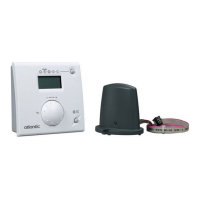
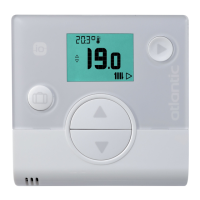
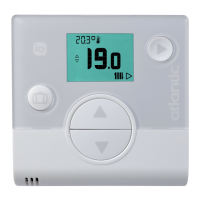
Navilink A59 Intelligent Room Temperature Controller
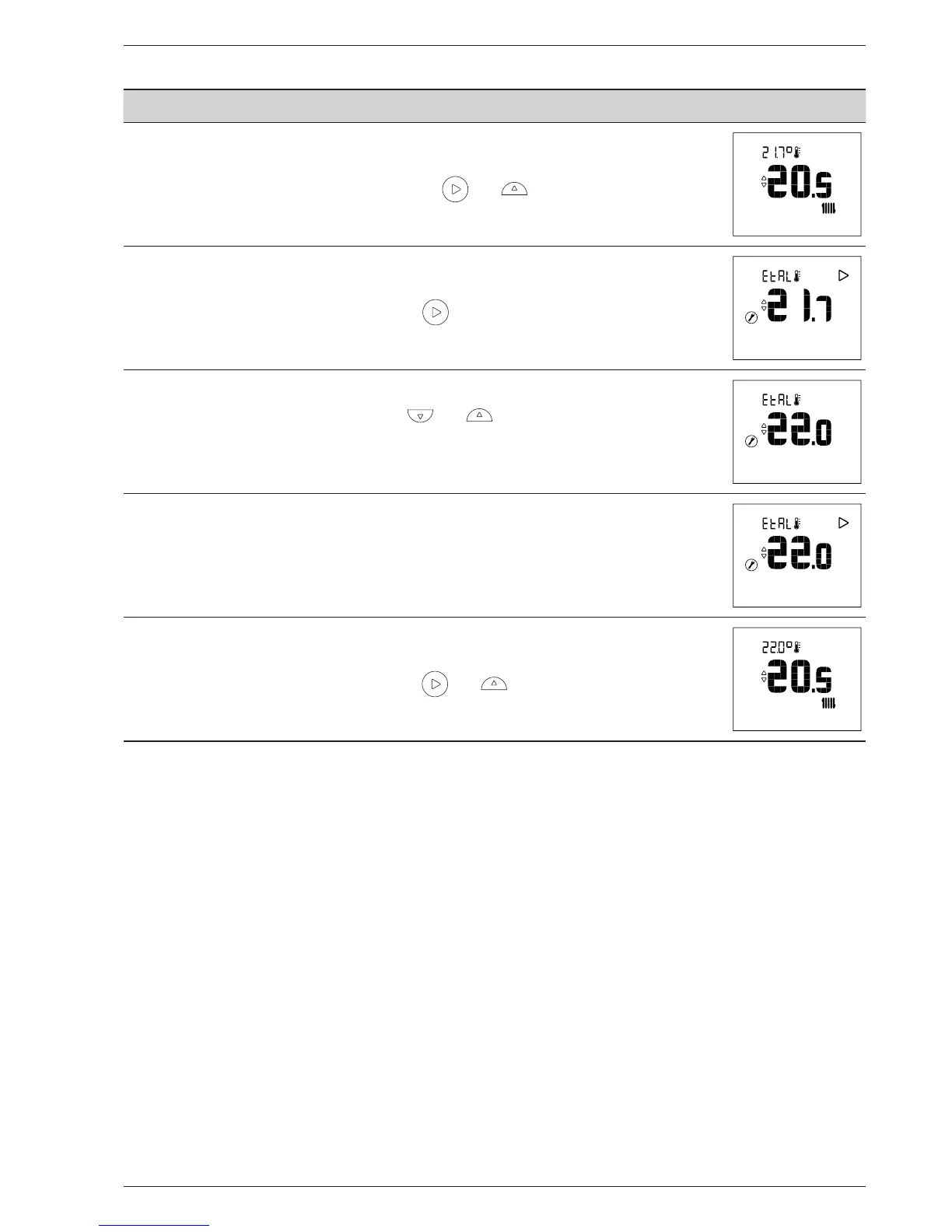
4.1 Calibration
Action Description Display
1
Access the Installer Menu by pressing and simultaneously.
2
Select "EtAI" (calibration) using the button.
3
Adjust the temperature using the and buttons.
Wait 5 seconds.
4
The sensor is calibrated.
5
Quit the Installer Menu by pressing and simultaneously.


 To Next Page