Reference guide "1846- EN"
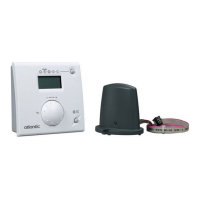
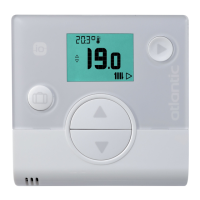
Navilink A59 Intelligent Room Temperature Controller
- 20 -
5 How to Use
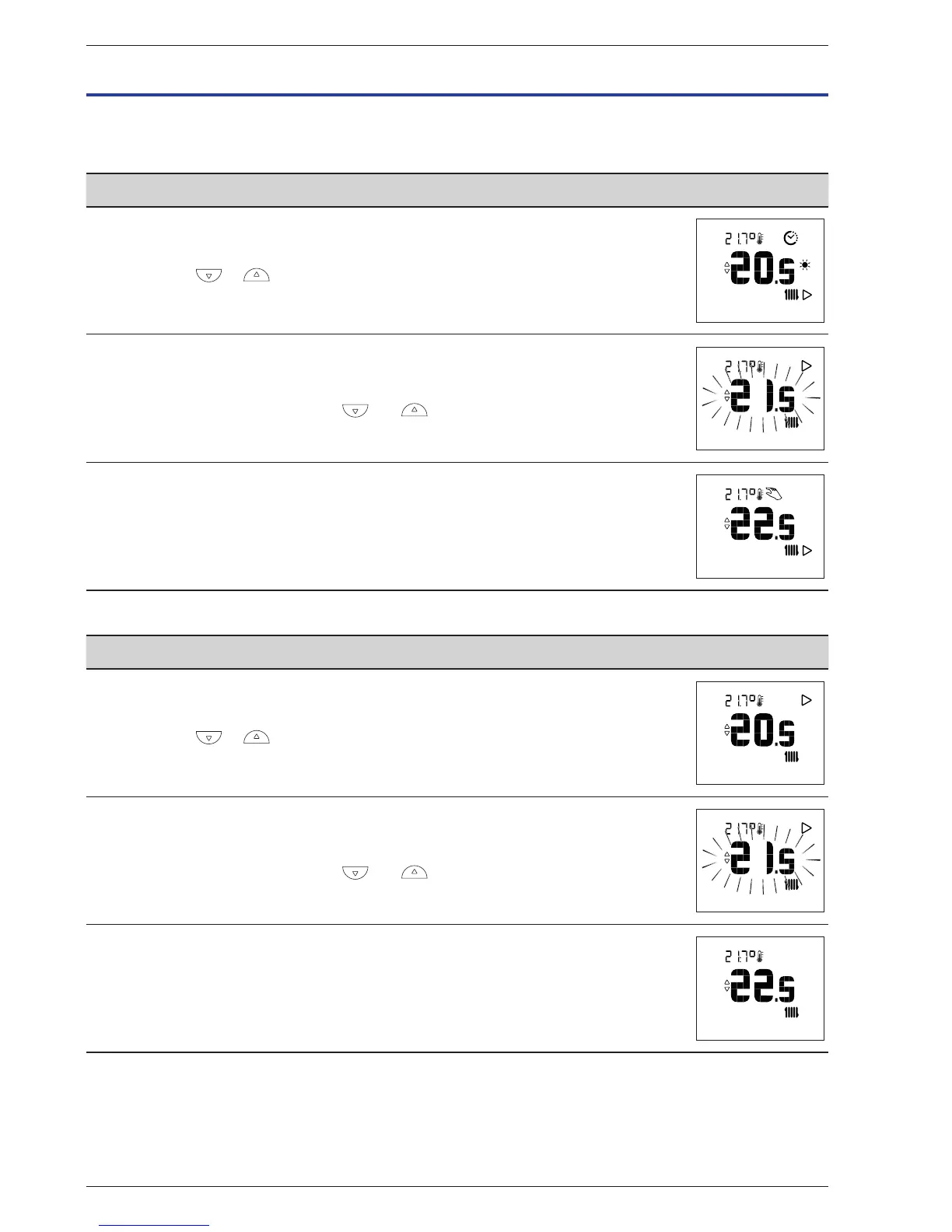
5.1 Adjusting the setpoint via the Advanced Menu: Manual mode
" The exemption allows you to change the setpoint for a period of 24 hours.
Action Description Display
1
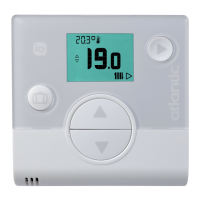
Press or .
2
The setpoint ashes.
Adjust the setpoint using the and buttons.
3
Once the setpoint has been selected, wait 5 seconds.
It stops ashing.
The setpoint is changed for a period of 24 hours.
At the end of the exemption period, it returns to the original state and the "hand"
symbol disappears.
5.2 Adjusting the setpoint via the Simplied Menu: Direct setpoint
Action Description Display
1
Press or .
2
The setpoint ashes.
Adjust the setpoint using the and buttons.
3
Once the setpoint has been selected, wait 5 seconds.
It stops ashing.
The setpoint was changed.


 To Next Page