Reference guide "1846- EN"
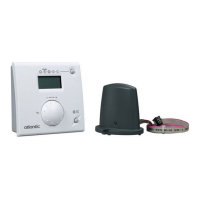
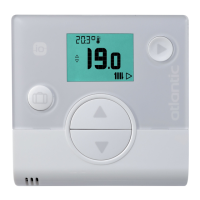
Navilink A59 Intelligent Room Temperature Controller
- 16 -
• ADVANCED PARAMETERS - HOME AUTOMATION OPTIONS
Security key:
The io-homecontrol® WiFi protocol has built-in security to avoid interfering with nearby equipment.
Where various io-homecontrol® devices are used, the rst installed device will generate a
unique "security key" for all devices in the house. Existing equipment must share this security key with the
equipment to be added.
This section is reserved for competent users of io-homecontrol® technology and oers various services
covered by this key.
Please refer to the section on pairing io-homecontrol® devices.
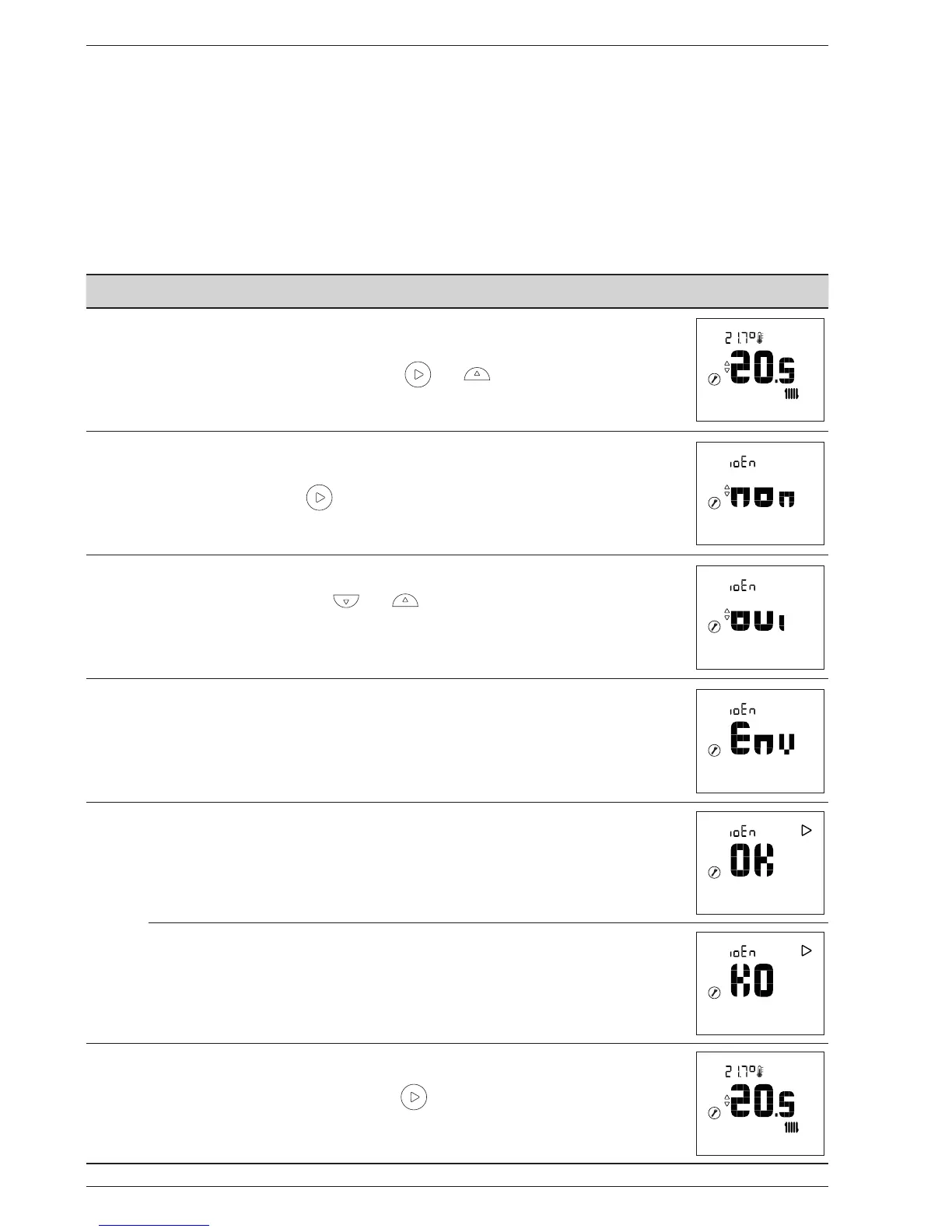
4.4 Sending an io-homecontrol® key
Action Description Display
1
Access the Installer Menu by pressing and simultaneously.
2
Select "ioEn" using the button.
3
Select "oui" (yes) using the and buttons.
Wait 5 seconds.
4
The io-homecontrol® key send sequence starts.
5
The io-homecontrol® key was sent successfully.
The io-homecontrol® key was not sent.
6
Go back to the main screen using the button.
In the event of a failure, restart the procedure from the beginning.


 To Next Page