10
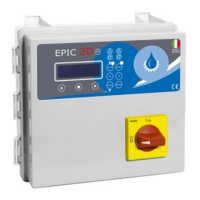
EPIC 2D
3.4 ADJUSTMENTS AND SETTINGS (ADVANCED MENU)
Installation
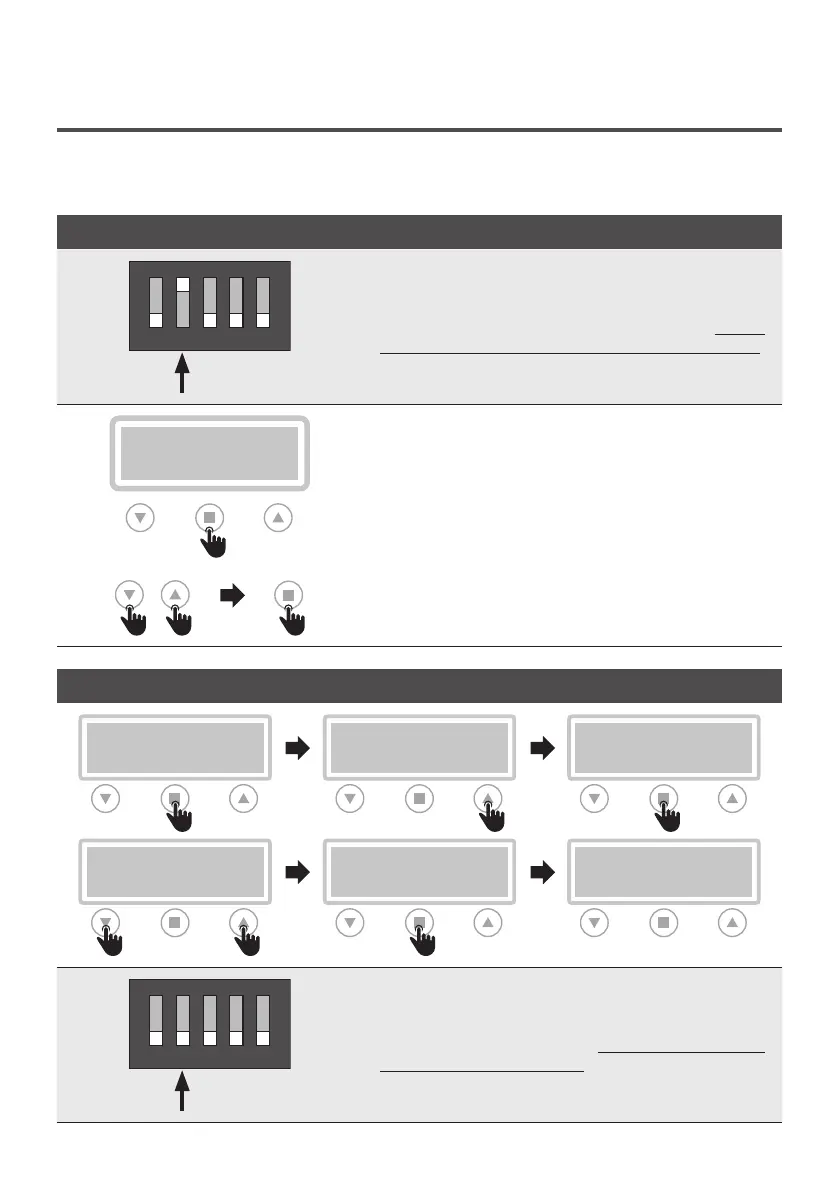
ACCESS TO ADVANCED MENU
54321
DIP-SWITCH 2
The control panel is set as standard with the dip-switch
2 in the “OFF” position. To access the “ADVANCED
MENU” and modify the various parameters, switch
off the control panel and set dip-switch 2 to “ON”.
Then turn the control panel back on to display the
message on the “ADVANCED MENU” on the display.
>SETTING
>PARAMETERS [OK]
SETTING PARAMETERS
To access the advanced menu and set the various
parameters, enter confirmation. On the display will appear
in cascade all the fuctions. To enter each individual function,
select it with the arrows and enter the confirmation button.
EXIT M05 PUMP 2
M01 UTILITY M06 PROGRAM
M02 GENERAL M07 SENSOR
M03 NET CONTROL M08 TIMER
M04 PUMP 1 EXIT
CONFIRM MODIFICATIONS AND EXIT FROM ADVANCED MENU (EXAMPLE)
LANGUAGE
>ENG
M01 UTILITY
>LANGUAGE
>M01 UTILITY
LANGUAGE
>M01 UTILITY
M02 GENERAL
>EXIT
M01 UTILITY
>SETTING
>PARAMETER [OK]
54321
DIP-SWITCH 2
Once the setting of the various parameters has been
confirmed (for example the LANGUAGE parameter), to
exit the “ADVANCED MENU” bring the dip-switch 2
back to the “OFF” position.


 To Next Page