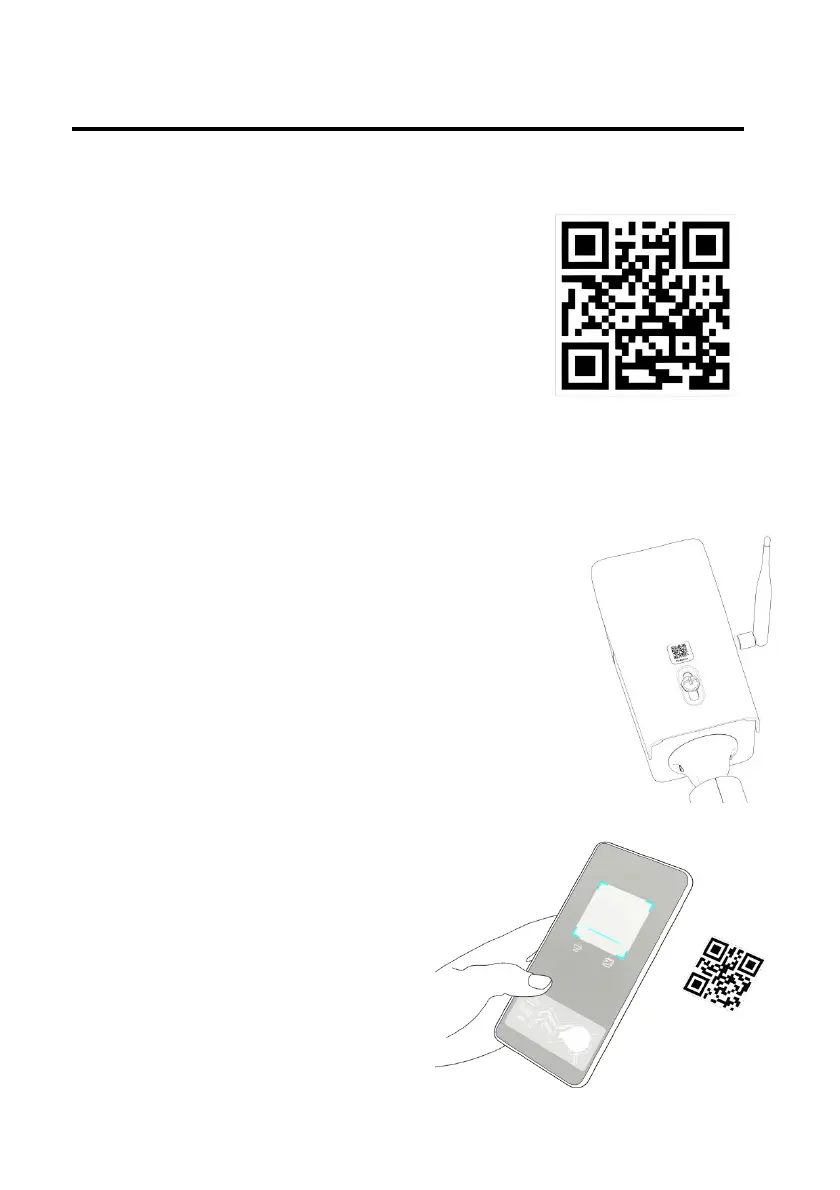
Scan the QR code on the right to install
ATLI Cam App.
The ATLI Cam App can also be installed
via the Apple App Store or an Android
App Store.
a. Open ATLI Cam App to display the Discover
home screen. Time lapse videos and
tutorial videos are available in this page.
b. Turn the camera upside down to view the
camera QR code as shown on the right.
*A backup camera QR code is located at the
bottom of the camera roof.
c.
Click on the [Camera] icon at the bottom
and then click on [Add
Camera] to register your
camera.
d.
Scan the camera QR code to
connect.
e. Switch back to ATLI Cam App
to connect the camera to
view the camera dashboard.


 To Next Page