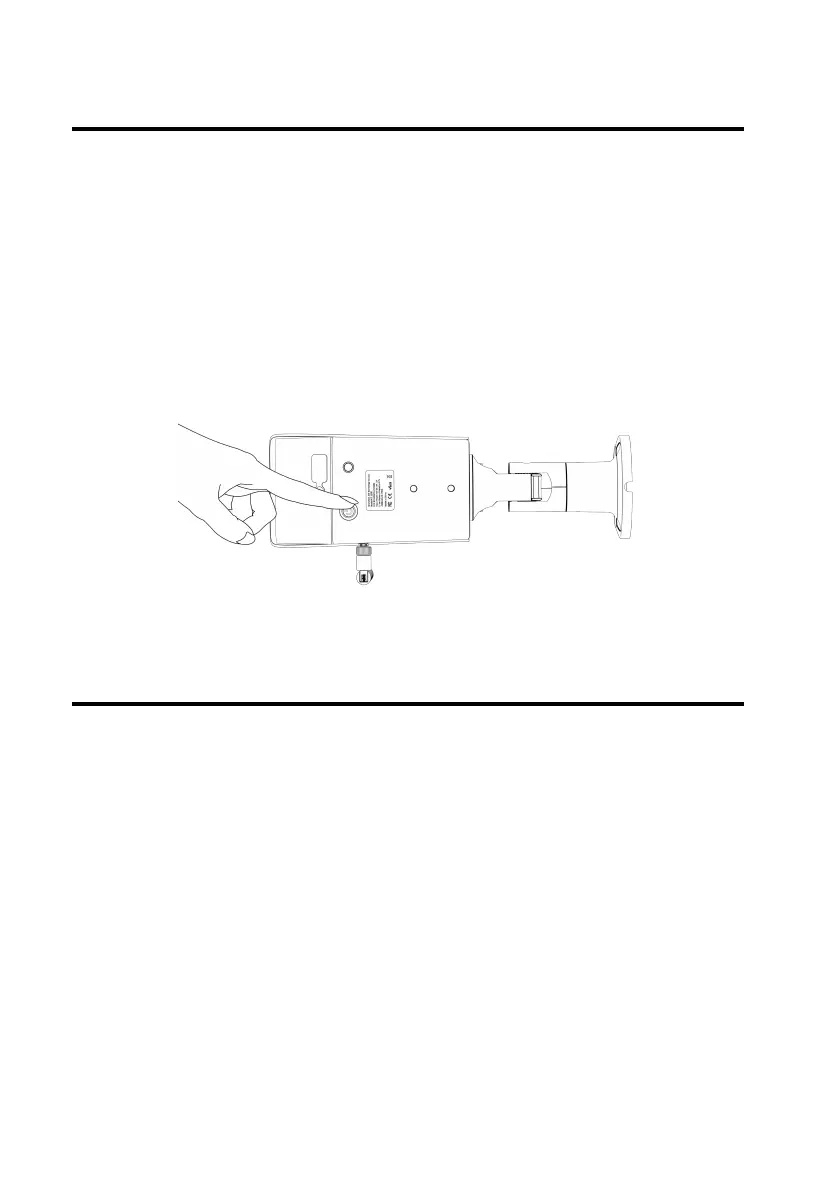
Hard restart
Hard restart the camera if the screen is frozen or cannot be
powered on normally.
Long press the power button 4 to 5 seconds to shut down the
camera. Then press the power button again for 4 to 5 seconds
to turn it back on.
Reset to factory settings
To remove all settings from the camera, reset your camera to
factory settings.
Open ATLI Cam app, System Settings > Reset to factory
defaults.


 To Next Page