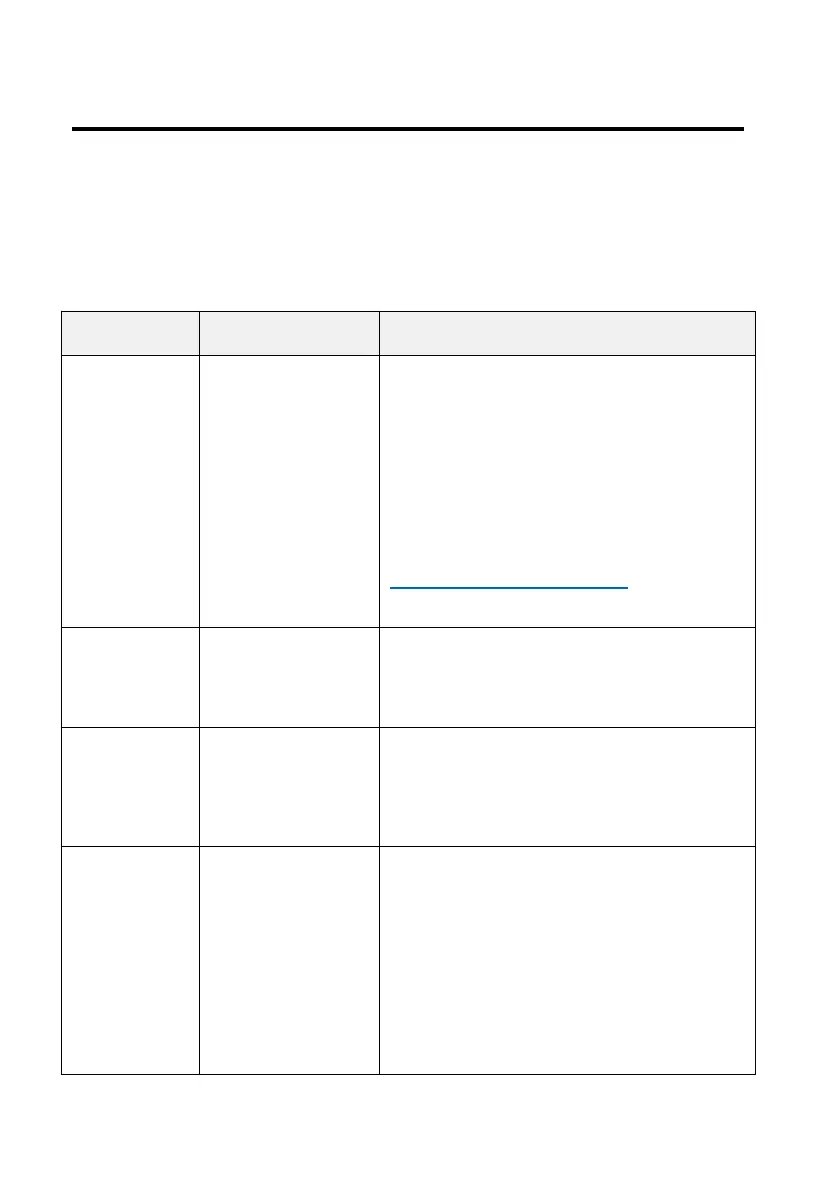
Camera Status
Two LEDs located at the bottom of the camera are used to
display the camera status.
Power Button with Status Indicating LED
When the camera is off, press
and hold the power button for
approximately 5 seconds until
the LED turns on.
If the camera does not blink,
then it fails to power up.
Please contact
service@atliview.com for
help.
The camera is sleeping. Press
the power button momentarily
to wake up the camera.
Fast
blinking
(0.5 seconds
on/off)
The camera can only be
connected via direct Wi-Fi
connection.
Slow blinking
(1 second
on/off)
The camera is connected to the
pre-configured local Wi-Fi
network. It can be accessed via
either the local Wi-Fi or the
camera Wi-Fi. If internet access
is available, the camera can also
be accessed remotely.


 To Next Page