3-10
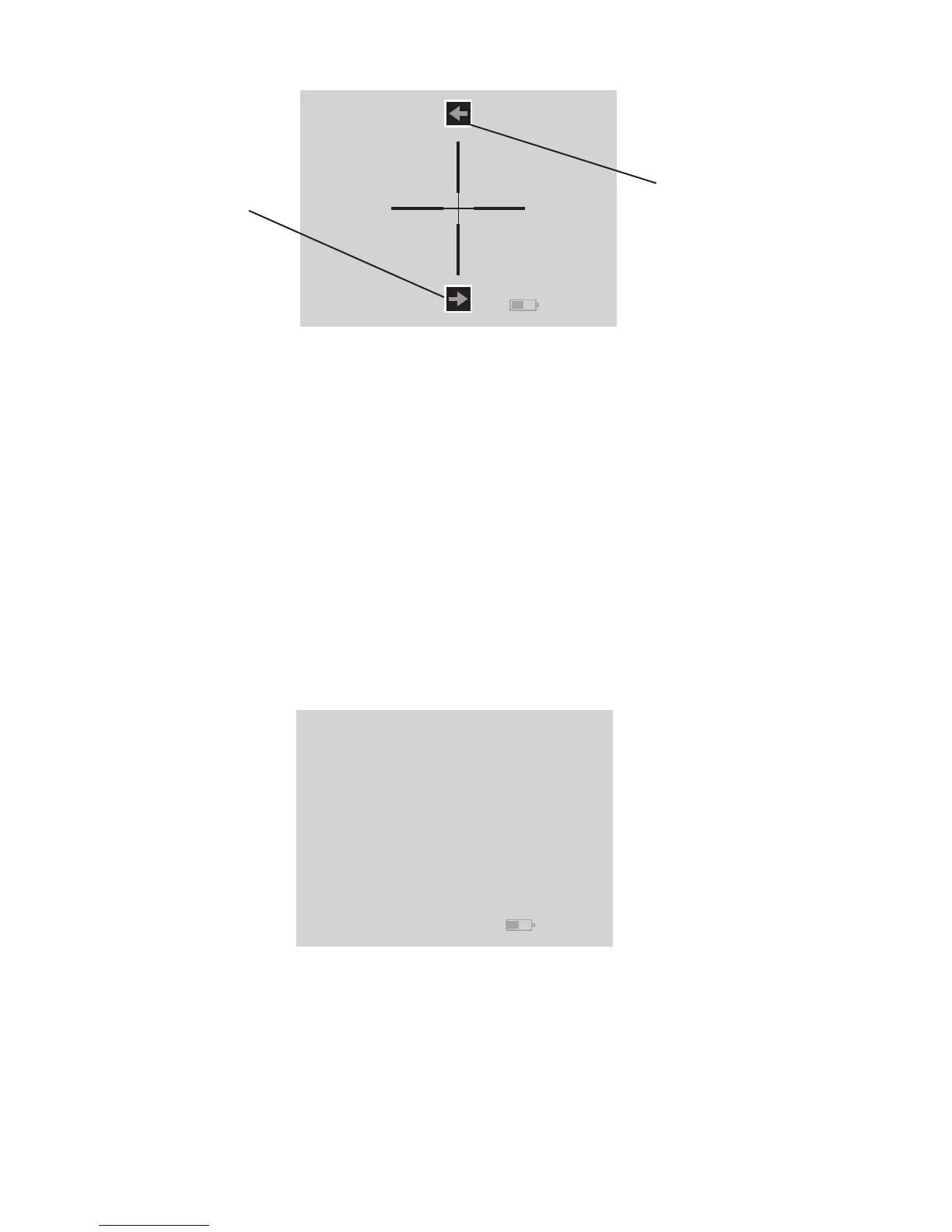
c. ”C” Screen - The two icons on the screen are Left Windage
Adjustment (on top) accessed by UP button and Right Wind-
ageAdjustment (on the bottom) accessed by DOWN button.
Left Windage Adjustment – UP button will move the reticle
Left.
Right Windage Adjustment – DOWN button will move the
reticle Right.
3.2.2.5. FIFTH MENU SET
For the Fifth Menu Set all icons are removed from the screen
allowing optimal uncluttered viewing.
The UP and DOWN buttons will still function in the same way
as on First Menu Set. UP button will activate Zoom and DOWN
button will activate White Hot/Black Hot function.
FIGURE 3.11. SCREEN OF FIFTH MENU SET
Left Windage
Adjustment Icon
Right Windage
Adjustment Icon
FIGURE 3.10. "C" SCREEN



 To Next Page