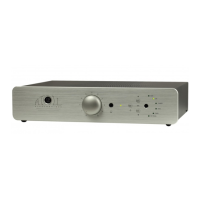
Installation sheet for Windows
Don’t link your computer to your USB-B input now !
In order to use the USB-B Input of the SDA, you have to install on your computer a specific
driver. You can download this driver directly from our website at :
http://www.atoll-electronique.com/convertisseur-dac.php
This operation does not concerns MAC computers.
Here are the different steps :
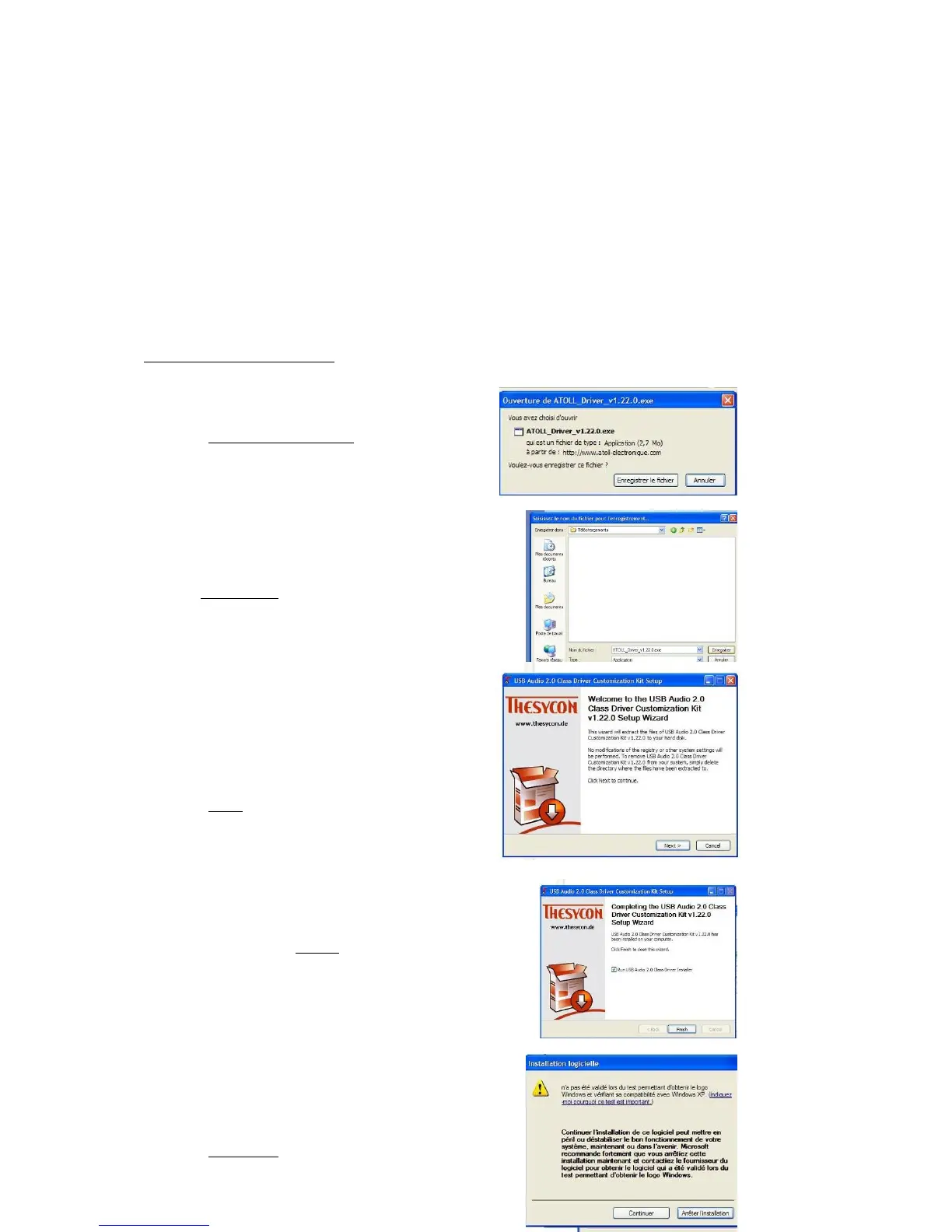
While opening the file, this window appears :
Click on Enregistrer le fichier
You can choose the place to install the driver
Clik on Enregistrer
Once saved, run the file :
ATOLL_Driver_v1.22.0.exe
Click on Next
Follow install steps and when you have
this window click on Finish.
When you have this Alert message,
Click on Continuer.



 To Next Page