Menu operating instruction
Once after every power on machine, the VERSION and MANUFACTURE INFORMATION will be
shown in LED monitor of rear panel. When the machine is powered on, LED monitor on rear
panel shows the current operating standalone mode or DMX address of DMX mode. With help
of LED control panel, is very easy to set and change the operating mode. After every resetting
and saved, the new mode information will be shown on LED monitor at next power。
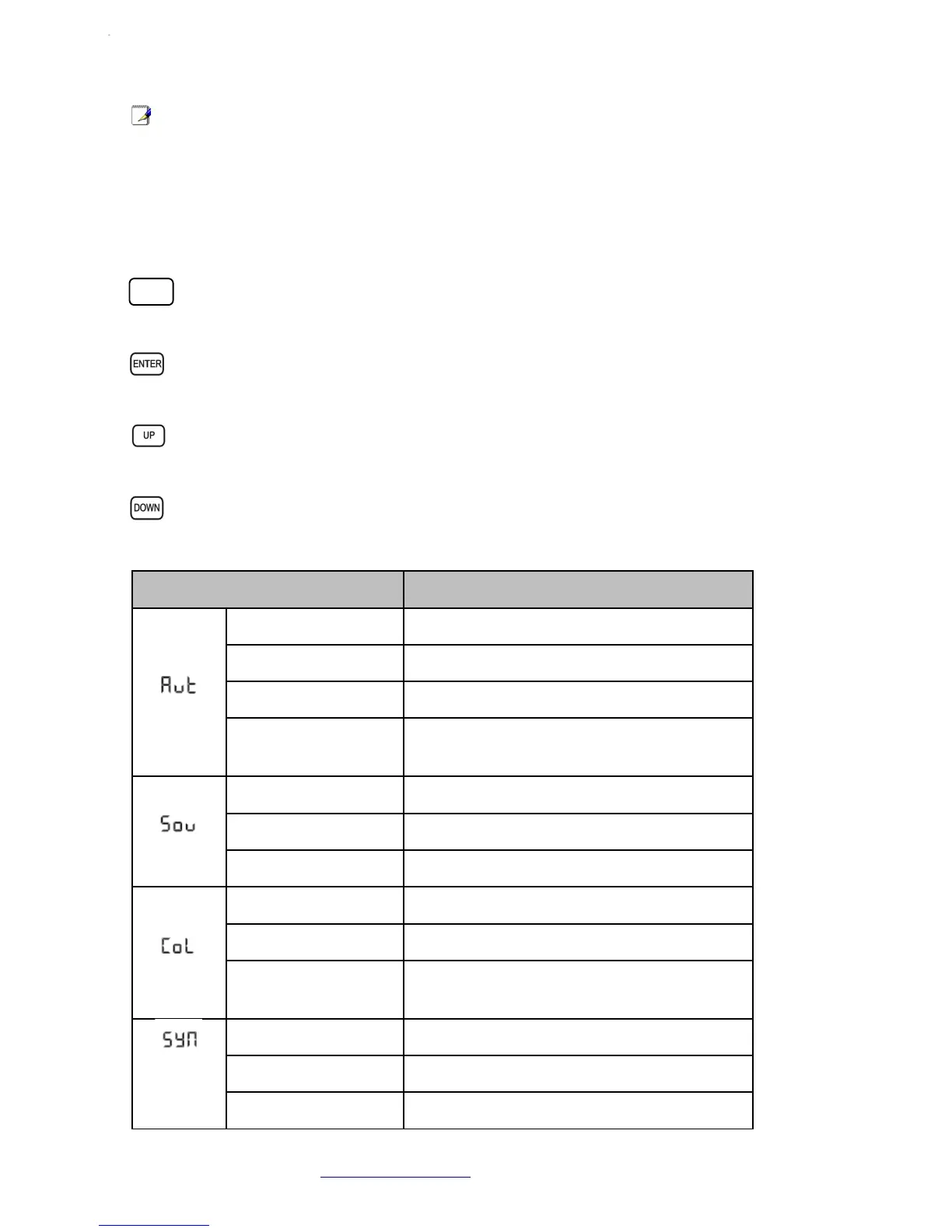
Model choice ,return to the previous menu.
Go into the deeper menu.
For higher numeric value operation.
For lower numeric value operation.
LED Display Functional Description
AutP → AP01-AP17 PAR light auto mode
AutF → AF01-AF10 Flash light auto mode
AutM → AM01-AM03 Mix auto mode
S.01-S.99 Effect speed adjustment. 01 is the slowest, 99
is the fastest
SouP → SP01-SP12 PAR light sound mode
SouF → SF01-SF10 Flash light sound mode
SouM → SM01-SM03 Mix sound mode
COLO Color manual adjustment
R/G/BXXX LED color setting
S.00-S.99 Flash light speed adjustment. S.00: all on; S.99
is the fastest
SY-A Synchronous auto mode
SY-M Synchronous sound mode
S.01-S.99 Auto show speed. 01is the slowest, 99 is the
Atomic4Dj PLS4 Wireless – www.Atomic4Dj.com 8
MEN
U


 To Next Page