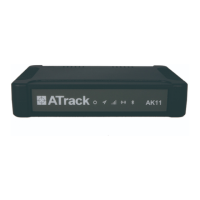
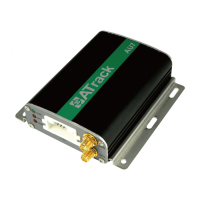
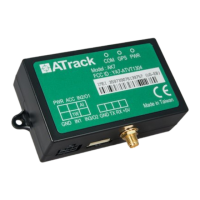
The GPRS or UMTS connection can either be enabled by typing the AT$GPRS command or thorough the AK
Series Configure Tool. Once enabled, the ATrack ServerTool is then installed on a Windows PC in order to
communicate with the AK7 remotely via a GPRS or UMTS network. The ServerTool is a remote server
application, which is mainly used for parsing data by translating binary formats into readable formats or other
testing purposes. Port forwarding is required if the PC is located behind a Broadband router or any other
firewall device or if it has third-party firewall software installed. The communication is bidirectional, which
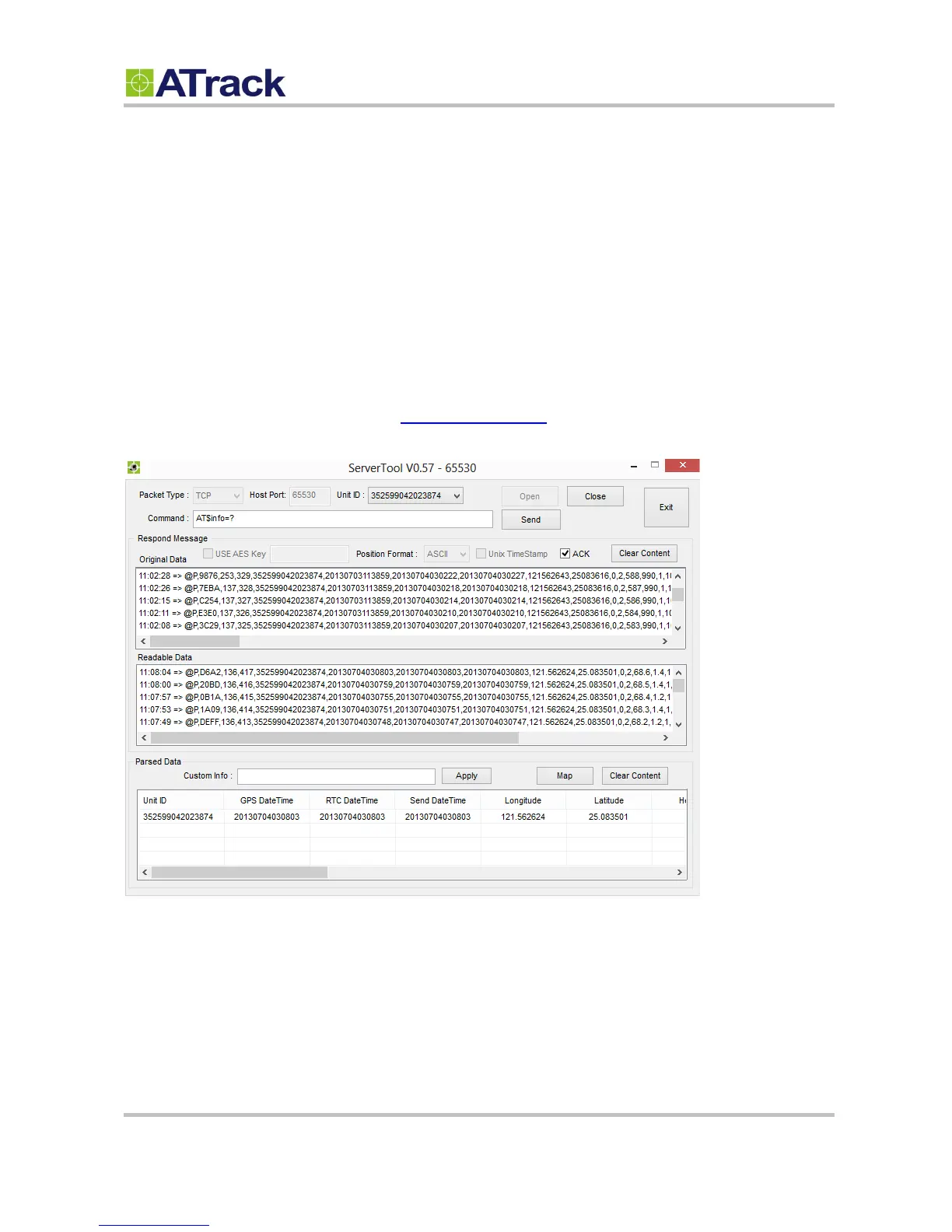
means you can issue any AT command to the AK7 by clicking the Send button. Please refer to the following
snapshot and the Port forwarding website: http://portforward.com/ for details.


 To Next Page