User manual
Version: v4.5.2
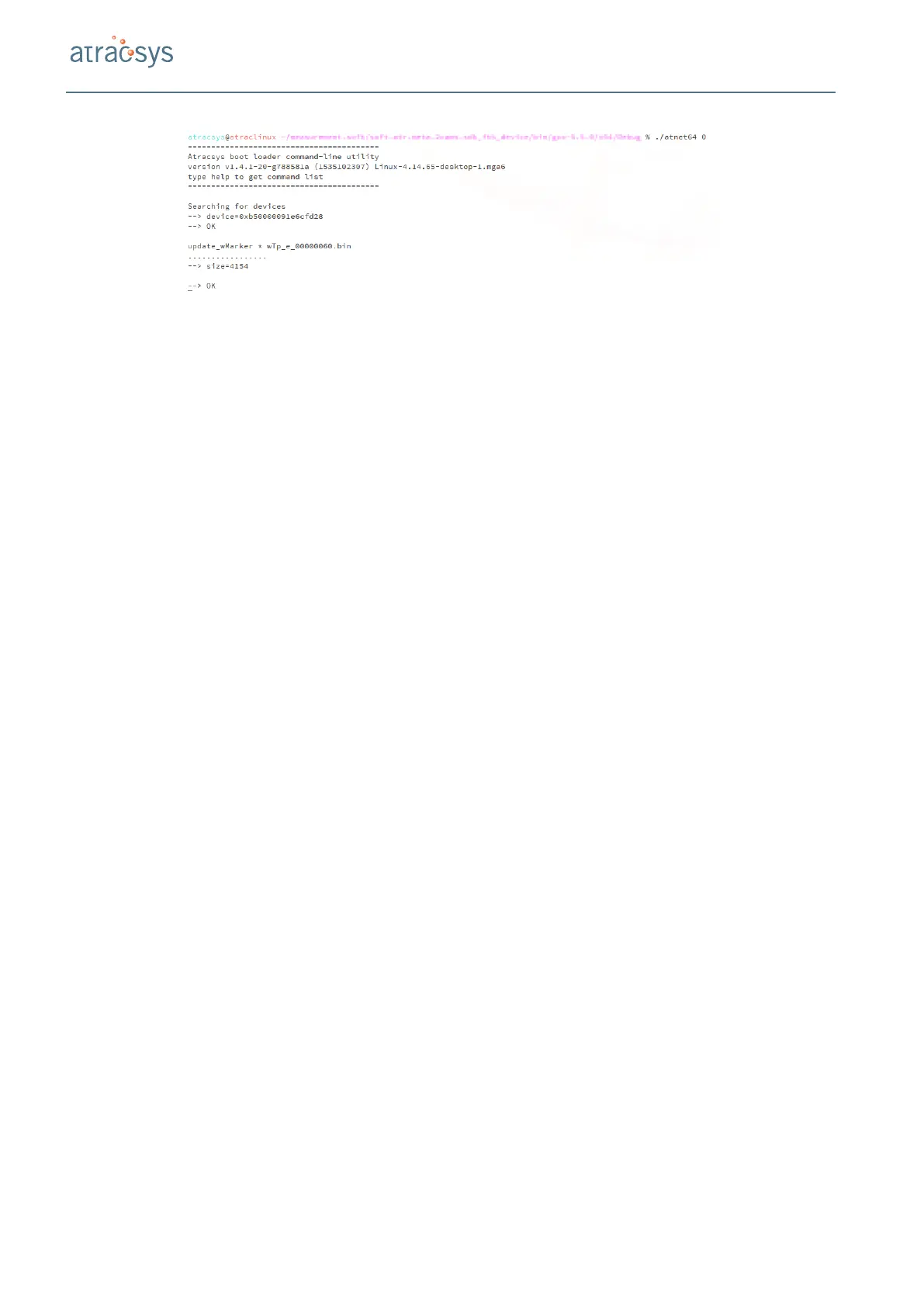
Figure 10.3: Example of an atnet session to upgrade active markers.
10.5 Obtaining a shock report
The shock reports are obtained via the command line software atnet. The connection of the fusionTrack
and atnet is assumed to be stablished in Section 10.1. The process is in two steps:
1. The data is downloaded from the device;
2. The data is sent to Atracsys’ processing server and the pdf report is sent by email.
The procedure is the following:
1. Use the command ‘dlEEPROM’ to download the data and send them to Atracsys. For instance:
dlEEPROM
*
y o u r _ e ma i l _ a d d r e s s
2. Wait for --> OK to be displayed;
3. Boot the device in application rmware by switching off and after 5 s on again or by running the ‘reset
* 1’ command;
An acknowledge of the report request must be received in the next few minutes, and the report should be
received in the next 30 min.
Atracsys / 2020-06-17 / 16:48:00 70 / 113


 To Next Page