6.8 USING PHONEBOOK
•
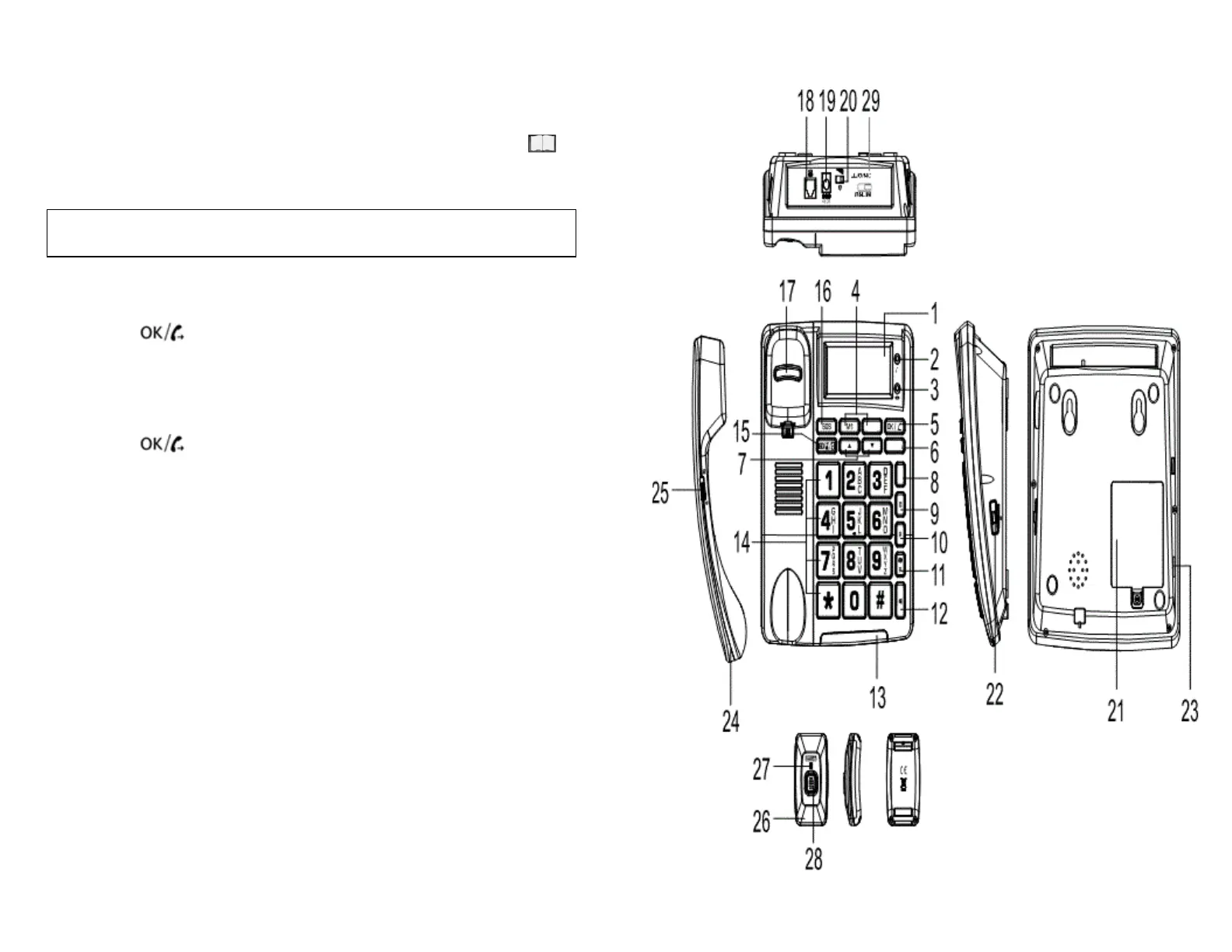
To go to phonebook mode, press PB/D to make sure
Is displayed on screen, next to the date
• Use ▲ and ▼ to navigate through the phonebook
SOS will appear in front of clock in display for
emergency numbers
6.8.1 MAKING CALLS FROM PHONEBOOK
• Select a number from the phonebook
• Press to dial the number
6.8.2 EDIT NUMBER / NAME IN PHONEBOOK
• Select a number from the phonebook
• Press and hold PRO until “EDIT?” appears on display
• Press
• Start modifying number, name, and emergency type
according to Chapter “5.8 Store Telephone Numbers”
Refer to Chapter “5.9 Name Recording” to record a name
6.8.3 DELETE NUMBER FROM PHONEBOOK
• Select a number from the phonebook
• Press DL – “DELETE?” will appear in display
• Press and HOLD DL for 3 seconds – number will be
deleted
6.8.4 DELETE ALL NUMBERS FROM PHONEBOOK
• In phonebook, press and hold DL for 3 seconds –
“DELETE ALL?” will appear in the display
• Again, press and HOLD DL for 3 seconds – all numbers
will be deleted
Page 22
Page 7


 To Next Page