3.Pairing
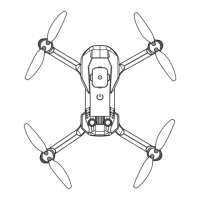
Turn on the aircraft and place the aircraft on the flat ground. At this time, the aircraft indicator flashes and then
turn on the remote control. And then pairing automatically between drone and remote control. Pairing success
and completed after 2-3 seconds, the remote control handle emits "beeps" sound.
4
Short press:Gyroscope calibration
Remote Control
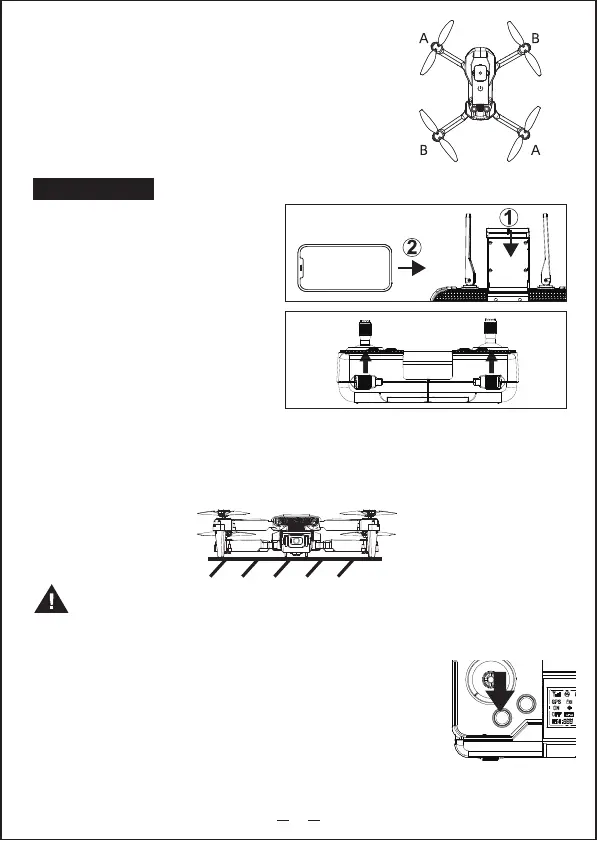
1.Mobile phone rack
Pull out the mobile phone handle
and clamp the mobile phone.
2.Grip installing
Take the grips under the controller and install
to specified position
4.Gyroscope calibration
The aircraft must calibrate the gyroscope before flight, press the gyroscope
calibration button briefly, and the aircraft indicator flashes into the gyroscope
calibration. After the calibration is completed, After the flash, the calibration is
completed.
Note:1. The GPS mode is default when turn on the drone.
2. Could not be change to indoor mode when the drone searched GPS signal.
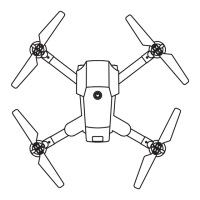
Please install the propeller in the correct direction,
and lock the screw after installing the support arm
of the aircraft corresponding to the mark (A/B) on
the propeller.
2. Installation of aircraft blades


 To Next Page