3
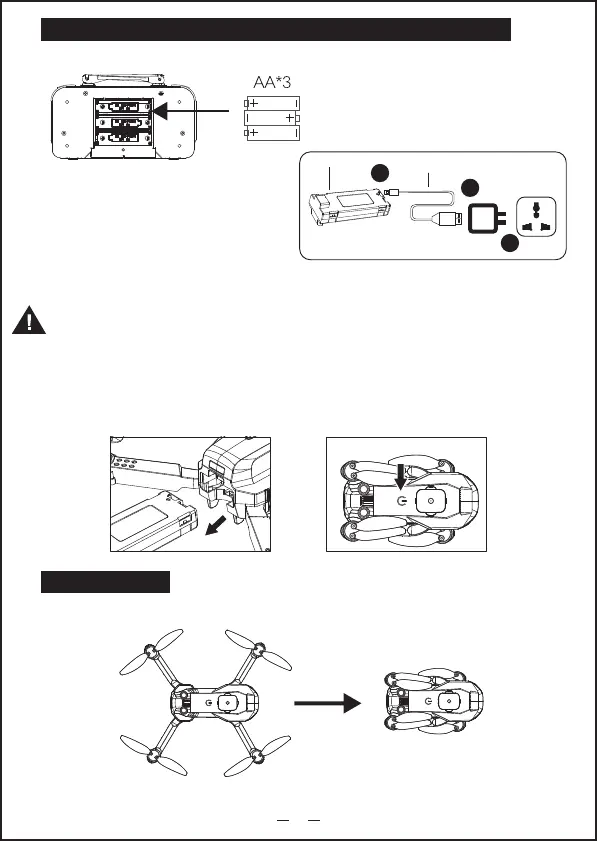
(1) Remove the battery from the aircraft.
(2) Connect the battery to the specific charging
cable, and then insert the cable into the
charging equipment such as the USB power
supply.
(3) When the remote control is charged,
the indicator lights up while be off when charging completion.
Put the battery correctly according
to the electrode instructions (+,-) of
the battery box as shown
USB charging cable
Drone battery
3.Installation and startup of aircraft battery
Put the fully charged battery into the battery slot of the aircraft and hold down the
power switch until the aircraft lights up.
Remote Control and Aircraft Battery Installation and Charging Instructions
1.Remote control battery installing
2.Drone battery charging
3
1
2
5V
Note:Use an power supply with standard output voltage 5V and current greater than or
equal to 2A, otherwise there is a risk of overloading the USB cable and Battery.
The flight time is about 15 minutes and the charging time is about 120 minutes.
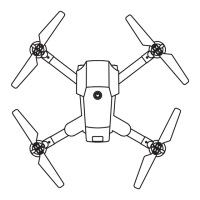
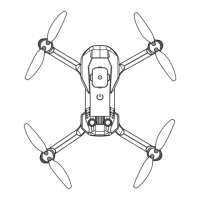
Aircraft installing
1.Folding


 To Next Page