38
Getting Ready
Security Code and Passwords
You can use a security code and other passwords
described below.
Take care not to forget your security code and passwords,
because they are required for performing various
operations and using subscription services.
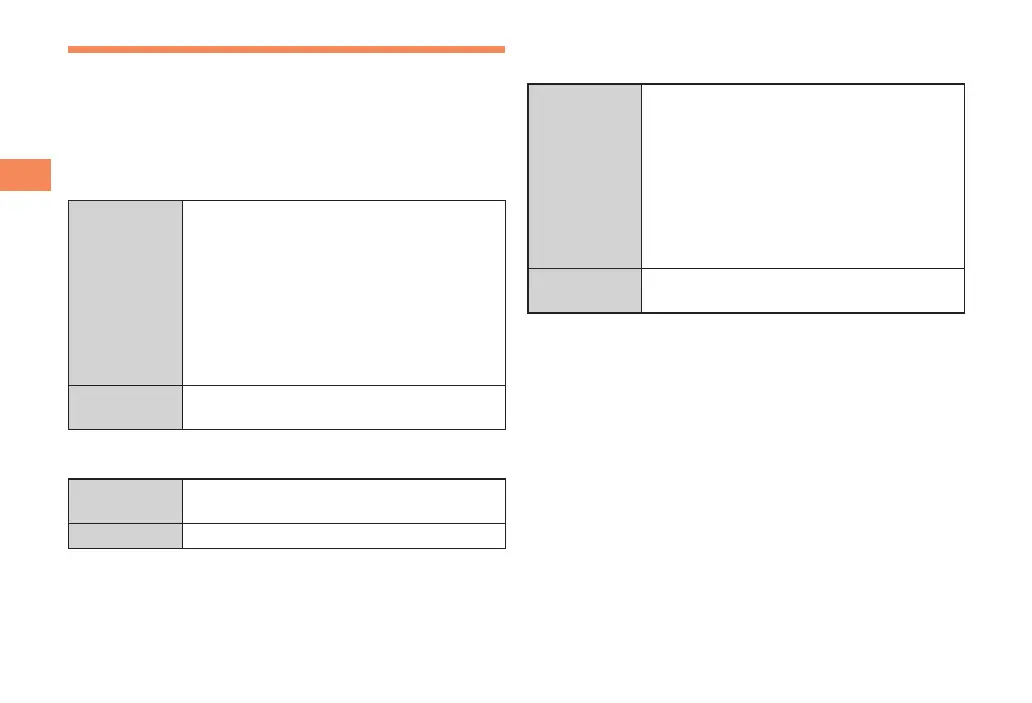
■ Security Code
Usage
Example
① Using the Answering Service (Voice
Mail) and Call Transfer remotely from a
fixed-line phone
②
Making inquiries, applications, and
changes while using Customer Service
Center voice guidance, au web pages,
and EZweb
③
Changing the settings of Spam Filter or
Change Adr/Other under E-mail Setup
Initial Setting
The four-digit number you wrote on your
subscription form
■ Lock No.
Usage
Example
Changing various settings of the cell
phone
Initial Setting 1234
■ au Collective Payment Service/EZ Fee-
Based Contents Service Password
Usage
Example
① Subscribing or canceling subscriptions
to EZweb fee-based contents paid
by
まとめて
au
支払い
(au Collective
Payment Service)
②
Purchasing products fr
om EZweb sites
using
まとめて
au
支払い
(au Collective
Payment Service)
③
Subscribing or canceling subscriptions
to EZ Fee-Based Contents Service
Initial Setting
The four-digit number you wr
ote on your
subscription form


 To Next Page