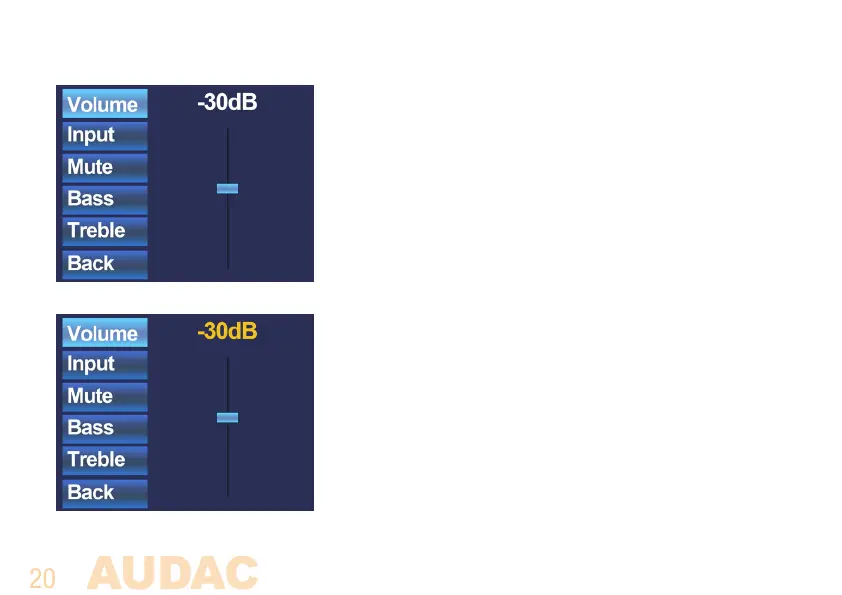
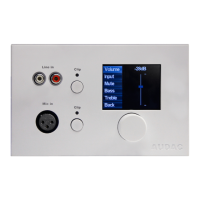
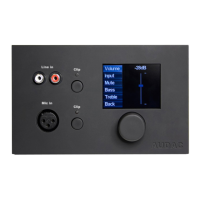
When the desired zone is selected, you will proceed to the
settings menu for the corresponding zone. Settings such as
Volume control, Input signal selection, Mute and Tone control
can be made for the corresponding zone. On the left side of
the display all the possible settings are displayed, and scroll-
ing between the settings can be done by rotating the selection
dial. When rotating the dial, the settings will illuminate one by
one. When the desired setting is selected, you can change it
by pushing the dial. For example, when Volume is selected, the
attenuation on top of the fader will illuminate and the volume can
be changed by rotating the dial. When the volume is set to the
desired level, press the dial again to scroll between the settings.
You can select the input source by rotating the dial until “Input”
illuminates.



 To Next Page