Connecting
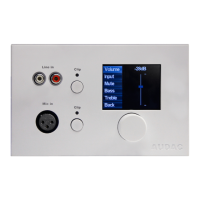
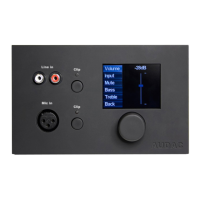
The DW5066 wall panels should be connected to the PI (Peripheral Interface) ports on the rear side
of the system controller with an UTP CAT6 twisted pair cable. 10 PI ports are available (PI1 to PI10)
where 8 of them support addidional digital audio inputs (PI1 to PI8). So make sure the DW5066 wall
panels are connected to PI ports ranging from 1 to 8. The other two PI ports PI9 and PI10 can only be
used to connect digital control devices and do not support digital audio transfer.
The maximum cable length between the matrix system and the wall panel may not exceed 300
meters.
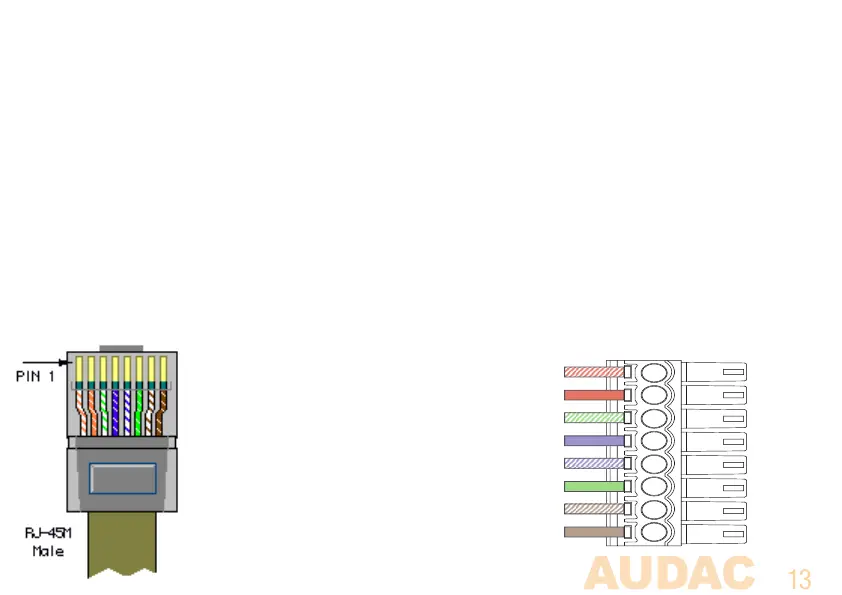
System PI Port PINOUT (RS485, Digital Audio, +24V DC):
Pin 1 White-Orange AUDIO TX A
Pin 2 Orange AUDIO TX B
Pin 3 White-Green +24V DC
Pin 4 Blue RS485 A
Pin 5 White-Blue RS485 B
Pin 6 Green GND
Pin 7 White-Brown AUDIO RX A
Pin 8 Brown AUDIO RX B



 To Next Page