Driver information system 35
Controls Safety Driving tips General maintenance Self-help Technical data
5 seconds, but you can call it up again at any time by
pressing the button:
Ignition lock defective. Contact workshop!
– Do not switch off the engine.
– Drive the vehicle without delay to a qualified workshop
and have the fault repaired.
The ignition cannot be switched off if there is a fault in the elec-
tronic ignition lock. For this reason, you should drive the vehicle
without delay to a qualified workshop and have the cause of the
fault repaired.
If the vehicle is equipped with the advanced key* feature, you
should not switch off the engine with the Stop/Start button because
it cannot be started again after the ignition has been switched off.
Note
On some models the symbol may look slightly different.
Yellow symbols
A yellow symbol indicates a malfunction or other item
requiring attention.
Yellow symbols indicate a Priority 2 fault.
Yellow symbols are accompanied by one warning chime. The
symbol is accompanied by a driver message giving you more infor-
mation about the fault. This message will disappear after about
5 seconds, but you can call it up again at any time by pressing the
button.
The function indicated should be checked as soon as possible. The
yellow symbol will only go out when the fault has been rectified.
If several Priority 2 faults are detected at the same time, the symbols
are displayed one after the other for about 2 seconds at a time.
SET
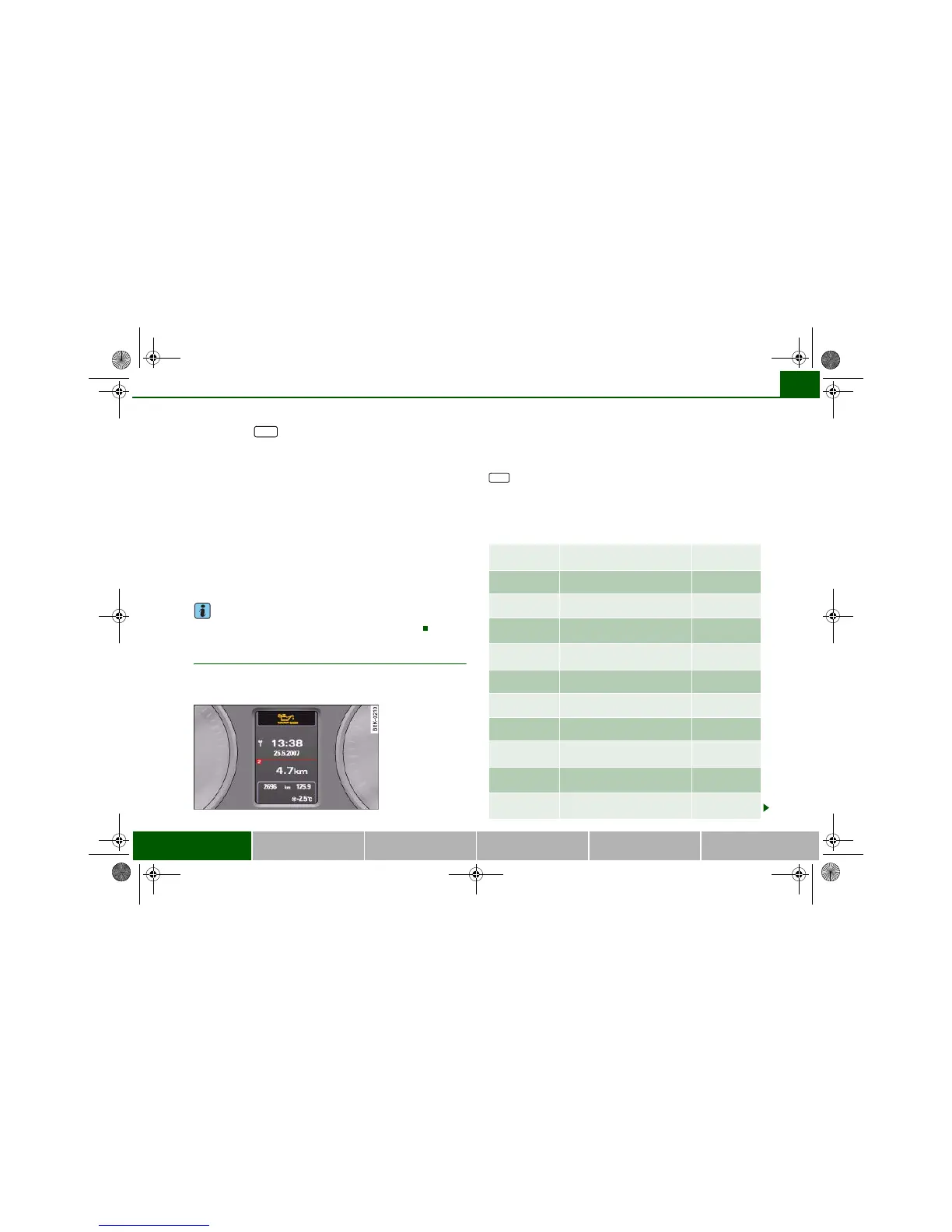
Fig. 26 Display: Yellow
warning symbol
Dynamic steering ⇒ page 36 and
⇒ page 159
Brake pads worn ⇒ page 37
Battery power* ⇒ page 38
Bulb monitor*
Bulb failure*
⇒ page 37
Check engine oil level ⇒ page 38 or
⇒ page 38
Engine oil sensor defective ⇒ page 38
Fuel level low ⇒ page 37
Washer fluid level low* ⇒ page 37
advanced key*
Key not in vehicle
⇒ page 36
Light sensor/rain sensor defec-
tive
⇒ page 37
Diesel particulate filter*
obstructed
⇒ page 38
SET
document_0900452a81b1b9de.book Seite 35 Donnerstag, 26. Juli 2007 9:16 09





 To Next Page