Lights and Vision
Messages in the instrument cluster display
Headlight assist: System fault
Drive to an authorized Audi dealer or a uthorized
Audi Serv ice Facility immediately to have the
malfunct ion corre cted. You can still switch t he
h igh beams on or off manually.
Headlight assist: Unavailable No camera view
The camera view is blocked, for example by a
sticker or debris.
The senso r is located between the interior rear-
view mirror and the windshield. Do not place any
stickers in th is area on the windshield.
A WARNING
High beam assistant is only intended to assist
the driver . The dr iver is still responsible for
cont rolling the head ligh t s a nd switch ing
t hem manually depend ing on light and visibil-
it y condition s .
It may be necessary t o operate
th em ma nually in sit uat ions such as:
- In adve rse weathe r condit ions such as fog,
heavy ra in, b lowing snow or sp raying wate r.
- On roads whe re oncoming tr affi c may be
pa rti ally o bscu red, s uch as expressways.
- Whe n there are road users t hat do not have
s ufficient light ing, s uch as bicycle rs o r
vehicles wit h d irty ta il la mps.
- In tight cu rves and o n steep hills.
- In poorly lit areas .
- With stro ng reflectors, such as signs.
- If the area of the windshield near the senso r
is fogged over, dirty, icy or covered with a
sticker.
Adjusting the exterior lighting
The functions are adjusted in the Infotainment
system.
~
Se lect : I CAR I functio n button> (Car)* Systems
contro l button > Vehicle settings > Exterior
light ing.
Automatic headlights
You can adju st t he follow ing settings in t he Au-
tomatic headlights
menu:
40
Headlights activation time - you can adjust if t he
headlights switch on Early, Medium or Late ac-
cording to the sensit ivity of the light sensor.
Auto-dimming high beams* - you can switch t he
high beam assistant *
On a nd Off .
Daytime running lights*
USA models:
the daytime running lights can be
switc hed on/off. Sele ct On or Off .
Canada models:
this function cannot be sw itched
off . They act ivate automatically each time the ig-
nit ion is switched on .
Coming home, Leaving home
The coming home function illuminates the area
outside the vehicle when you turn the ignition off
and open the d river's doo r. To turn the function
o n, select
Lights when leaving car > On.
The leaving home illum inates the area outside
the vehicle when you unlock the vehicle . To turn
t he function on, se lect Lights when unlocking
car > On.
The coming home and leav ing home functions
on ly operate when it is dark and the light switch
is in the AUTO pos ition .
Emergency flashers
- - --- -
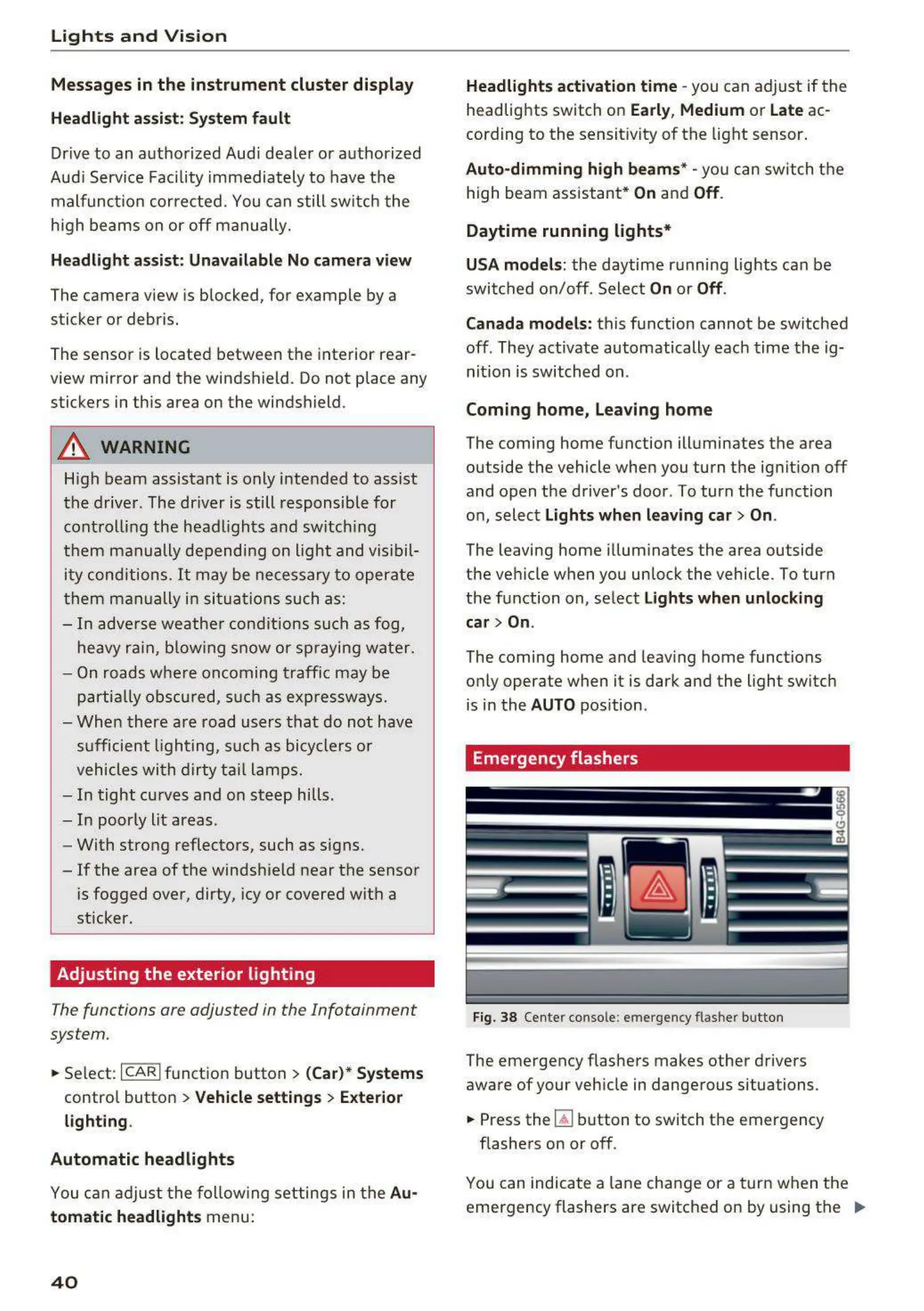
Fig. 38 Cente r conso le: emergency flasher bu tton
The eme rgency flashe rs makes other drivers
aware of your veh icle in dangerous situations.
~
Press the ~ button to switch the emergency
flashers on or off .
You can indicate a lane cha nge or a turn when the
eme rgency flashers are switched o n by using the ..,.















 To Next Page