Delete a Profile
To delete a Profile, right click on the Profile name in the Profile Panel and select delete.
A window will appear asking you to confirm your deletion.
Profile Organisation
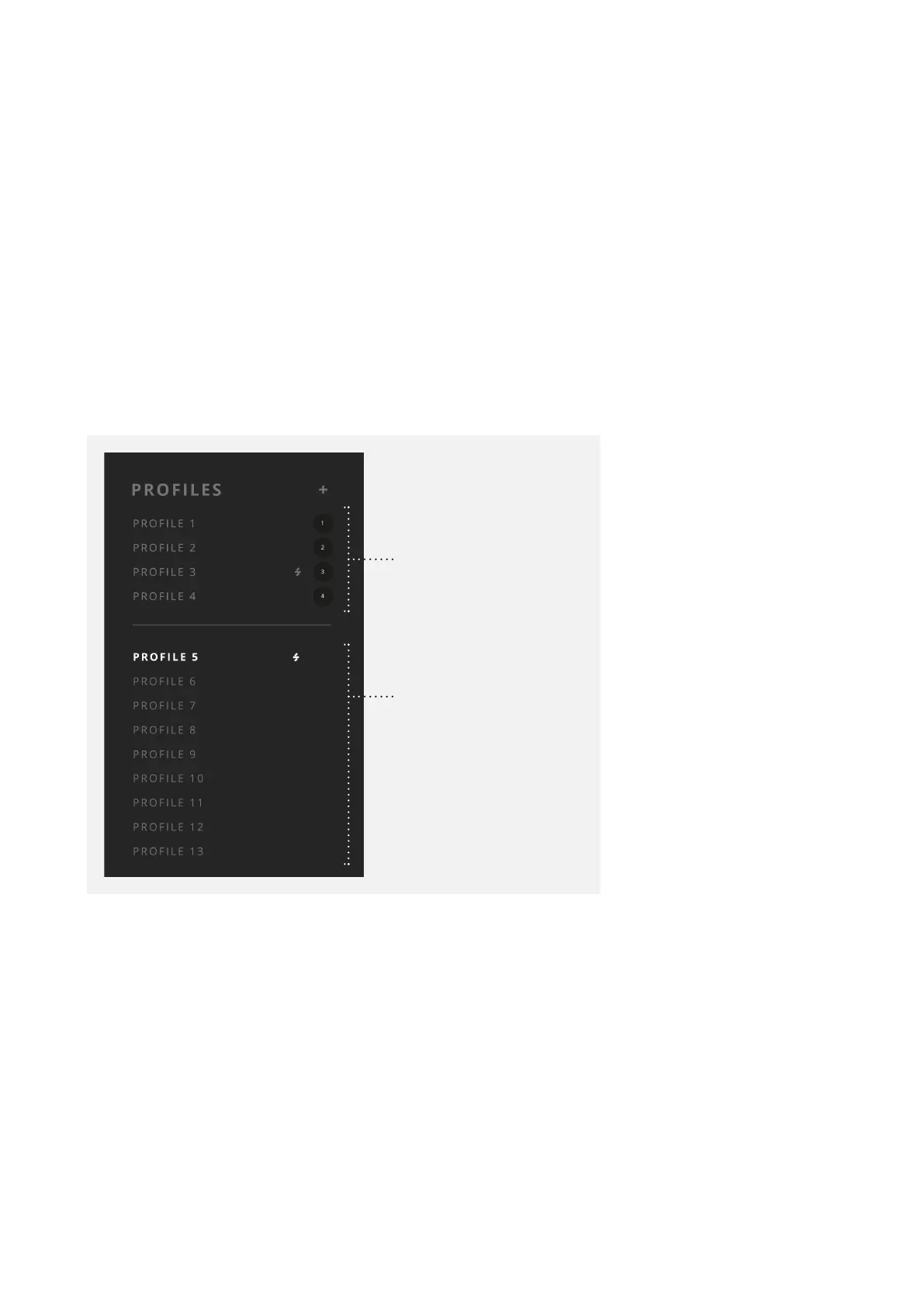
The Profiles list is split into two sections. The ‘Favourite’ Profiles (F) are the four listed
above the dividing line, each with their own number. The Profiles below the dividing line
are the ‘Non-Favourite’ Profiles (NF).
Favourite Profiles
Non-Favourite Profiles



 To Next Page