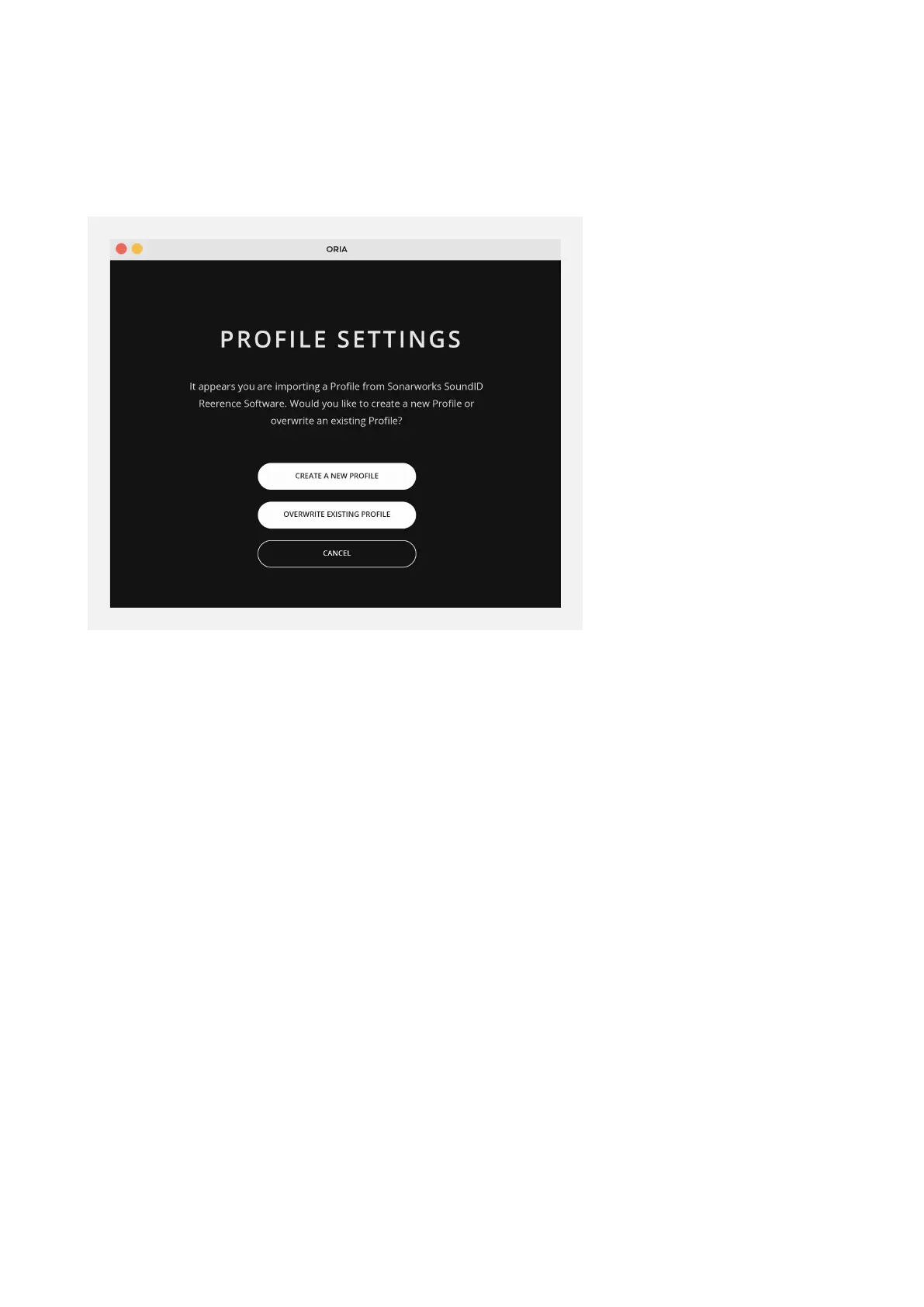
If you try to change Profile or close the ORIA application without saving the changes
you’ll see a Dialogue Box window asking if you wish to save the changes to the current
Active Profile, create a new Profile or discard the changes.
Please note that you can have a maximum of 32 Profiles so if you have filled every slot,
the ‘Create New Profile’ will be greyed out and you will have to overwrite an existing
setting or discard changes.



 To Next Page