17
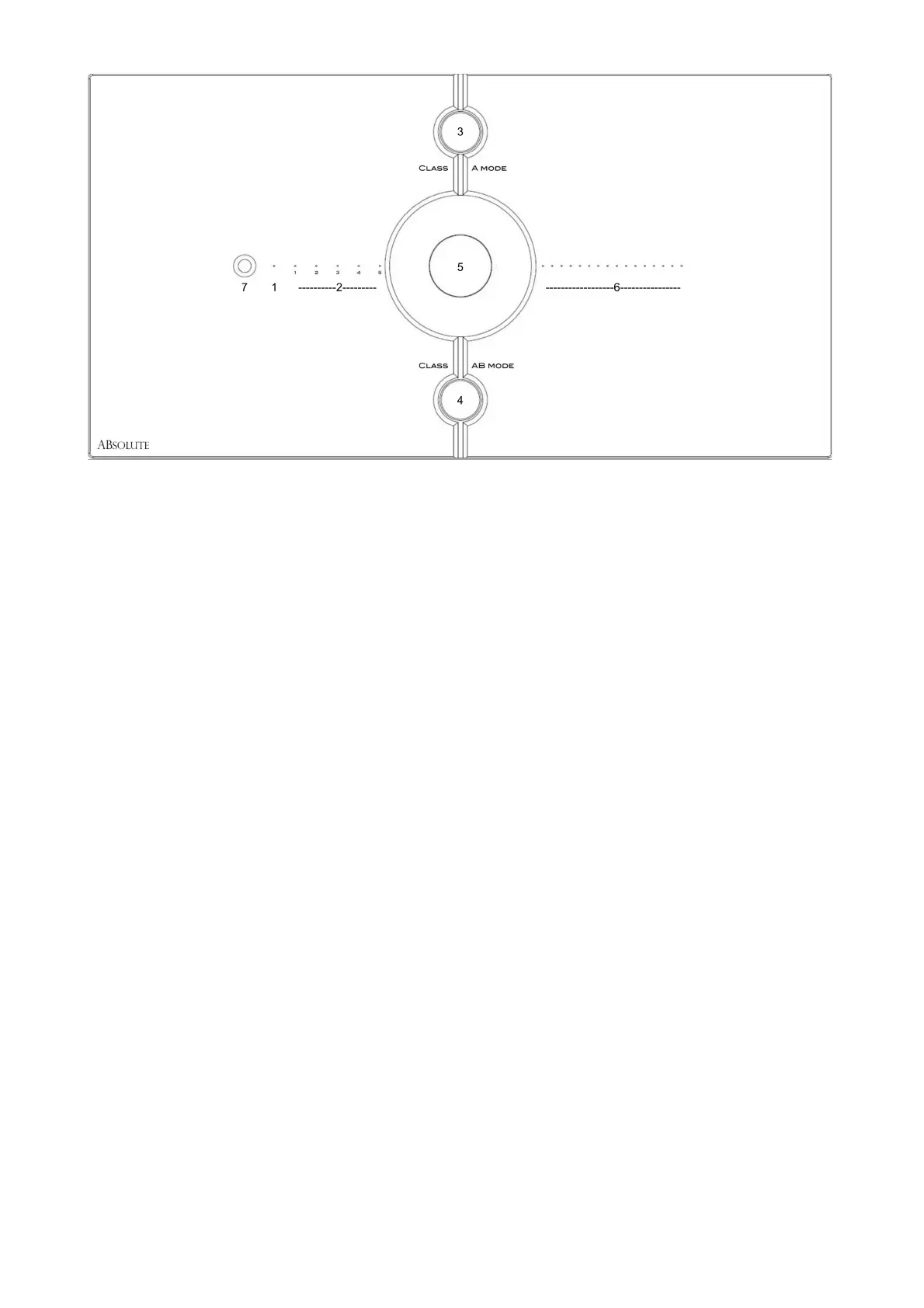
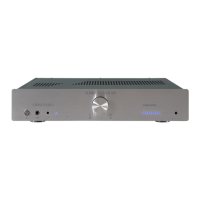
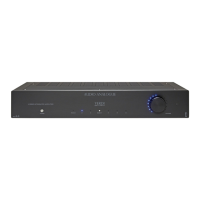
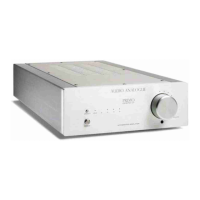
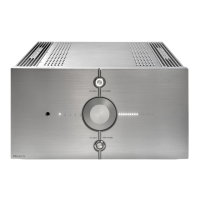
Front panel description
1 Standby LED (red LED indicates the unit is in standby, LED off indicates the unit is operating)
2 The five LEDs indicate the selected input
3 Class A ON/OFF button
4 Class AB ON/OFF button
5 Rotary volume control, input selection (press the rotary knob for a second to change the inputs)
6 Indicators of volume level.
7 IR receiver.
Notes:
When you are configuring some parameters of the device, the LEDs and knob are used differently.
See the procedure section for more details.
If the apparatus is used near certain lighting systems or television systems, it is known that there
may be malfunctions of the infrared transmission.




 To Next Page