Special Note – Make sure that all connections are tight and clean. For best results
use good quality audio interconnects. For best results and performance, we
recommend our own Audio Note (UK) range of interconnects and loudspeaker
cables. For further information, please consult your nearest Audio Note (UK) dealer,
or alternatively please feel free to contact us directly.
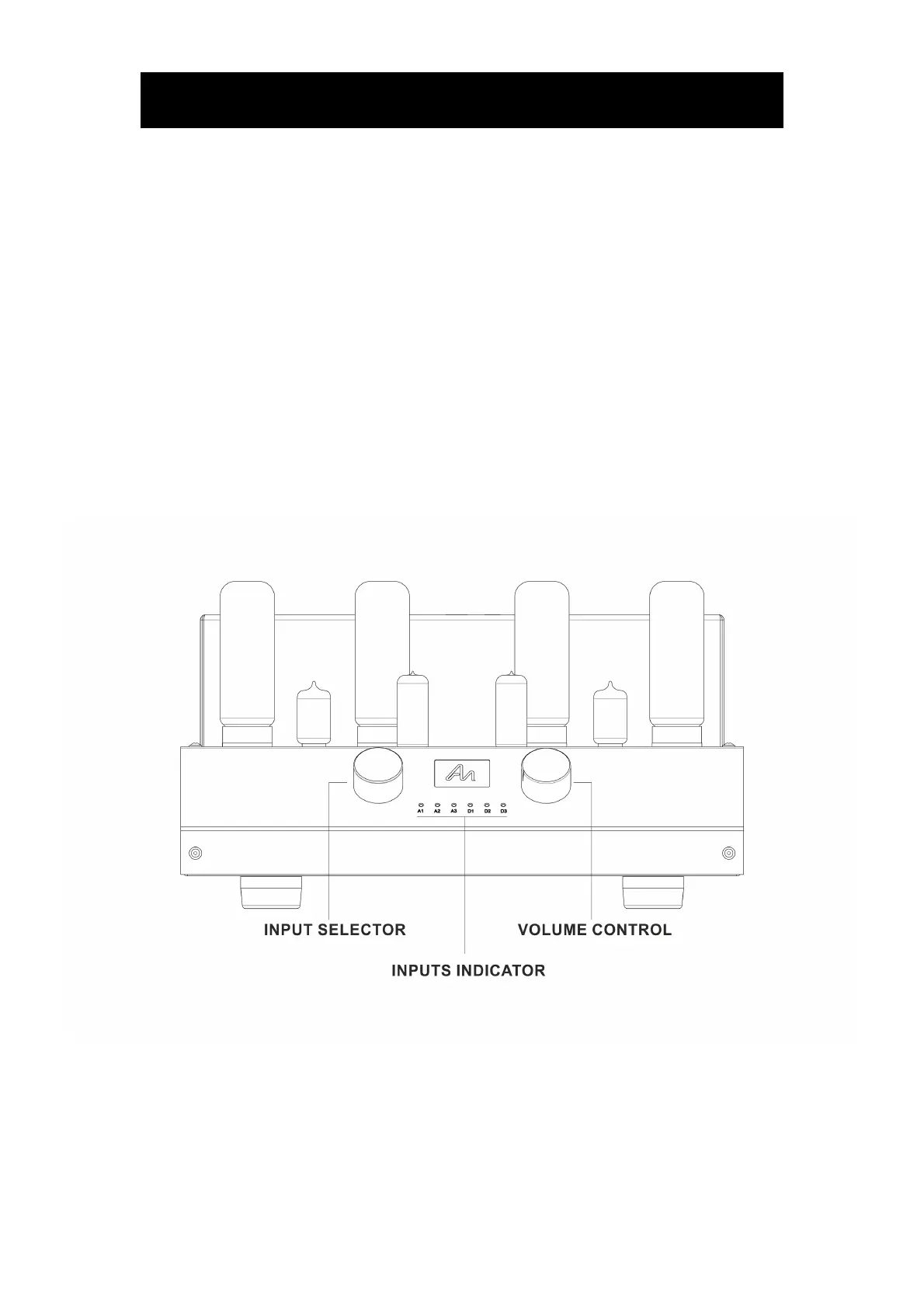
Once all connections are completed and checked, ensure that the volume control is
at the minimum setting (rotated all the way to the left).
Turn on any source components (CD player, DAC, Phono stage etc.) BEFORE
turning on the amplifier; the amplifier should be the LAST item to be turned on
when you are ready to listen to your system, and the FIRST item to be turned
off when the listening session is over.
Turn on the amplifier by using the rocker switch located on the top / right of the rear
panel, next to the mains inlet socket.
One of the red front panel lights should now be lit. The amplifier requires
approximately two minutes to initialize before it is ready for operation.
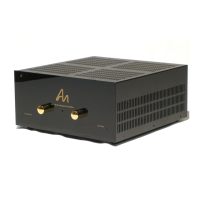
Input Selector Turn the input selector knob until the light of the source you
wish to listen to lights up.
Volume Control This control adjusts the listening level, or loudness. Set as
desired!
Inputs, Volume and Mute can be also controlled with the supplied remote control
handset.
When Mute is selected, input light flashes.



 To Next Page