10
Operation
Power-Up Procedure
Secure all rear-panel connections between Reference 10, power amplier(s)
and input sources.
Plug three-prong power cord from rear of chassis into grounded A.C. wall
outlet. The Power switch defaults to ’off’ when the unit is plugged into a
power receptacle.
Press power switch (either remote or front panel). The screen will initially
display ‘Now Loading’ for a few seconds, after which it will display the Audio
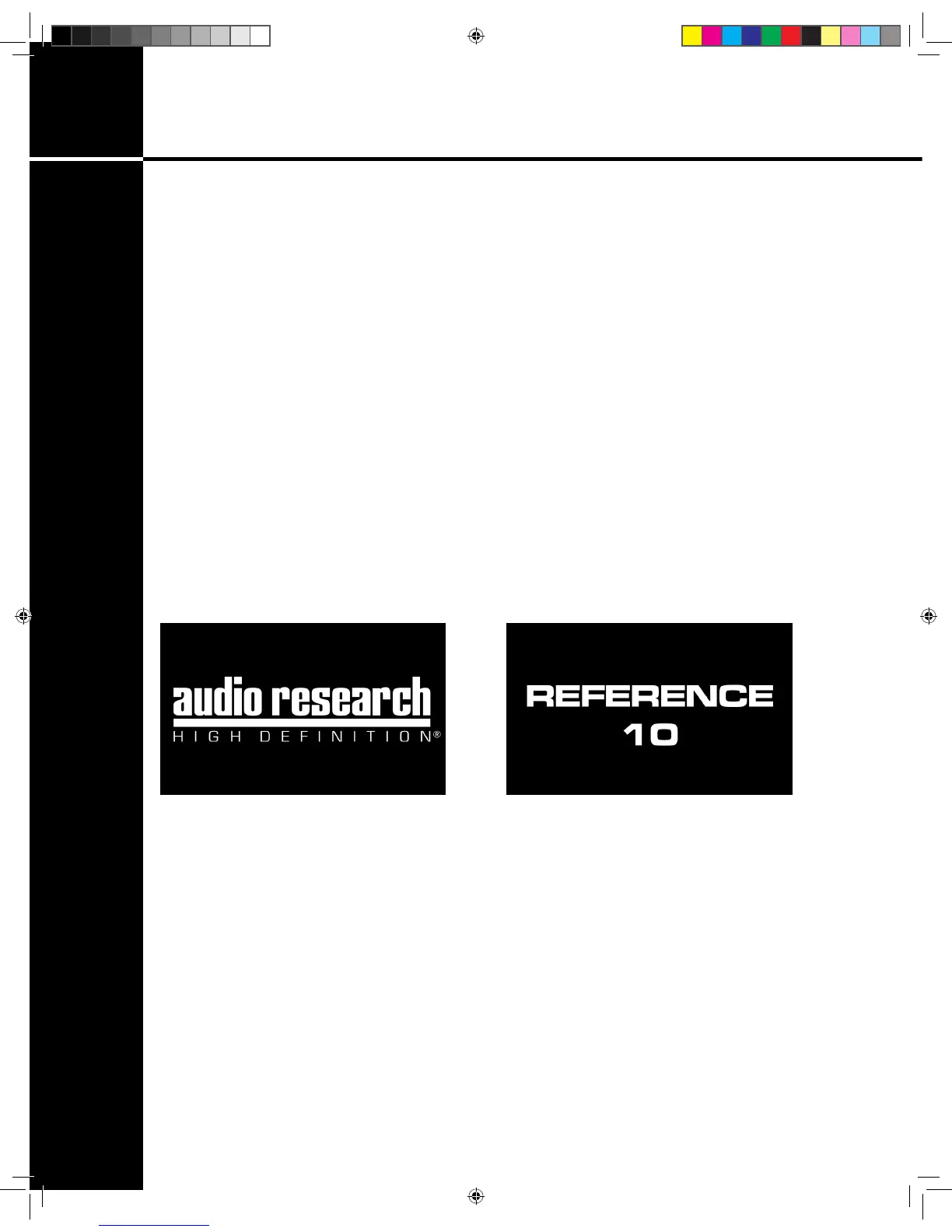
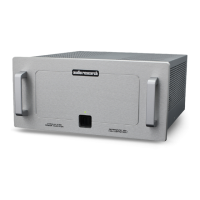
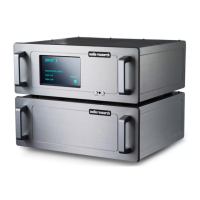
Research logo followed by ‘Reference 10’ (g. 3 + 4). The main display
screen will then appear on the screen, and ‘MUTE’ will be ashing. Once
‘MUTE’ becomes solid, depress the front panel MUTE button (right button)
or touch the word ‘MUTE’ on the screen to initiate normal operation.
Select input source, then BAL or SE as necessary.
Shut-Down
Activate ‘Mute’ function.
Set Volume level to 0.
Turn off power amplier(s).
Press Power switch to ‘off’.
Turn off input sources.
g. 3 g. 4
Ref 10.indd 10 4/17/13 1:21 PM


 To Next Page