EasyManua.ls Logo

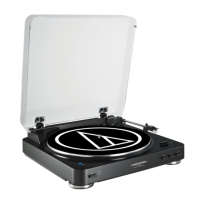
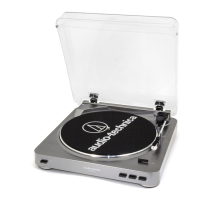
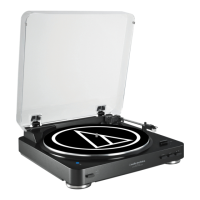
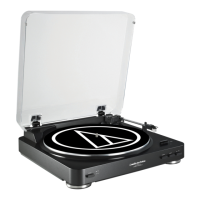
Audio Technica AT-LP60XBT-BK - User Manual

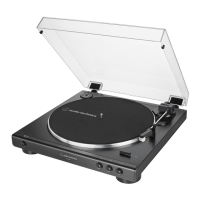
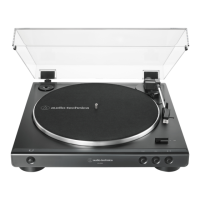
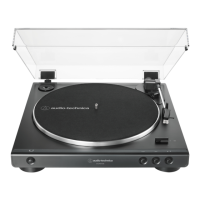
Audio Technica AT-LP60XBT-BK
15 pages
Print Icon
To Next Page IconTo Next Page
Loading...
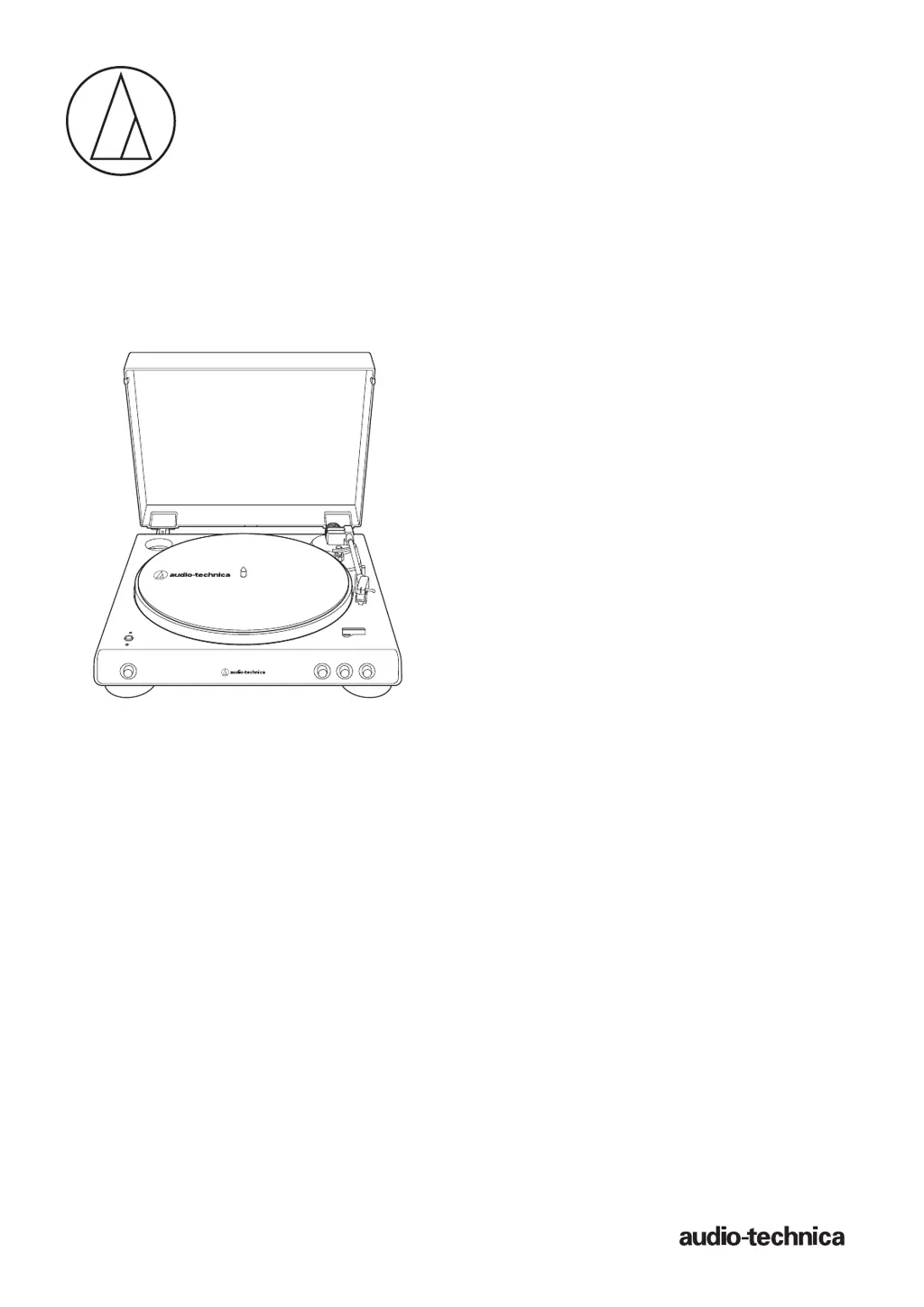
AT-L P60XBT
User Manual
Automatic Wireless Turntable
AT-LP60XBT

Questions and Answers

  • M
    madisonhernandezJul 29, 2025
    How to fix a Audio Technica AT-LP60XBT-BK when the platter does not spin?
    • J
      jonesjustinJul 29, 2025
      If the platter on your Audio Technica Turntable isn't spinning, try these solutions: * Ensure the AC adapter is properly connected to the outlet. * Make sure the belt is correctly placed on the platter. * Verify the belt is correctly positioned on the motor pulley (brass-colored). * If the belt is damaged or worn, replace it with a new one.
  • W
    williamsbethanyAug 3, 2025
    What to do if Audio Technica AT-LP60XBT-BK Turntable spins but no sound?
    • R
      Ryan ShepherdAug 3, 2025
      If the platter of your Audio Technica Turntable spins but you're not getting any sound, or the volume is too low, try these steps: * Check the settings on your connected equipment to ensure they are correct. * Inspect the stylus and replace it if needed. * Examine the cartridge and adjust it if necessary. * Verify that the preamplifier settings are correct. If there's no sound or the volume is too low, and the turntable is set to "PHONO," make sure it's connected to the amplifier's AUX/LINE input. If the volume is too loud or distorted, and the turntable is set to "LINE," ensure it's connected to the PHONO input.
  • T
    Tyler HarrisonAug 9, 2025
    Why can't I pair my Audio Technica AT-LP60XBT-BK?
    • K
      Katherine WilliamsAug 10, 2025
      If you're unable to pair your Audio Technica Turntable, please check if the Bluetooth receiver device communicates using Ver. 2.1+EDR or higher. Place the turntable and the Bluetooth receiver device within 1 m (3.3') of each other.
  • A
    Adam NavarroAug 16, 2025
    Why does my Audio Technica Turntable playback speed slow down?
    • T
      Tyler AlexanderAug 16, 2025
      If your Audio Technica Turntable's playback speed slows down or the rotation is irregular, here are some potential solutions: * Clean the stylus tip with a commercially sold brush to remove any dust. * Select the correct speed for your record type using the platter speed button. * Consider replacing the belt with a new one.
  • S
    Scott FergusonAug 21, 2025
    How to stop howling from Audio Technica Turntable?
    • P
      patriciawoodwardAug 21, 2025
      If your Audio Technica Turntable is producing a howling sound, try the following: * Reduce vibrations or mount the turntable on a surface less susceptible to vibrations. * Ensure the surface on which the turntable is mounted is suitable.

Summary

Introduction

Package Contents

Safety Precautions

General Safety Warnings

Covers warnings, cautions, and important usage advice to prevent accidents and hazards.

RF Exposure and Regulatory Compliance

Details FCC and Industry Canada statements regarding radio frequency exposure and device compliance.

Usage Notes

Turntable Body Placement and Care

Provides guidance on placement, surface, and dust cover operation for the turntable body.

Cartridge Handling and Maintenance

Offers advice on handling and protecting the cartridge stylus to prevent damage and ensure sound quality.

Part Identification

Preparation for Use

Installing and Assembling the Turntable

Instructions on mounting, dust cover installation, and initial assembly of the turntable.

Platter and Belt Setup

Steps for placing the platter, belt, and felt mat correctly for operation.

Preparation for Use

Initial Platter Rotation

Procedure to rotate the platter ten times to reset the auto mechanism and ensure smooth belt operation.

Wireless and Wired Connections

Explains how to connect the turntable to speakers or amplifiers via Bluetooth or RCA cable.

Connecting the AC Adapter

Instructions for connecting the AC adapter and what to do if the platter has rotated.

Preparation for Use

Connecting via Bluetooth

Step-by-step guide for pairing the turntable with Bluetooth receiver devices like headphones or speakers.

Pairing Bluetooth Devices

Details on the pairing process, device limitations, and how to pair a Bluetooth device with the turntable.

Indicator LED Status

Explains the meaning of different indicator LED patterns and colors for Bluetooth connection status.

Preparation for Use

Setting Pre-amplifier Selector Switch

Guidance on setting the pre-amplifier selector switch based on connectable equipment (PHONO/LINE input).

Connecting the Device

Instructions on connecting the RCA audio cable to the appropriate input jack on the amplifier or speakers.

Playing a Record

Pre-Playback Steps

Steps to prepare for playing a record, including removing the cartridge protector and placing the record.

Manual Playback Operation

Detailed steps for manually controlling the tonearm and starting playback on a record.

Automatic Playback Operation

Instructions for initiating automatic playback by selecting record size and speed, then pressing START.

Playing a Record

Pausing and Stopping Playback

Steps for pausing playback using the tonearm lift and manually stopping the record with the STOP button.

Using Bluetooth Connection for Playback

How to connect and use Bluetooth for playback, including device pairing and sound output considerations.

Care and Maintenance

Turntable Body Cleaning

Instructions for cleaning the turntable body using a soft, dry cloth, avoiding solvents.

Stylus Tip Cleaning and Replacement

Guidance on cleaning the stylus tip and replacing the stylus for optimal performance and record care.

Replacing the Belt

Drive Belt Replacement Procedure

Step-by-step instructions for removing the old belt and installing a new one on the motor pulley and platter.

Turntable Moving and Packing

Advice on how to safely pack and move the turntable using original materials or protective measures.

Troubleshooting

Dimensions

Specifications

Audio Technica AT-LP60XBT-BK Specifications

General IconGeneral
Drive TypeBelt-drive
Speeds33-1/3 RPM, 45 RPM
BluetoothYes
Bluetooth CodecSBC
CartridgeAT3600L
StylusReplaceable diamond stylus
MotorDC servo-controlled
Phono Pre-Amp Gain36 dB nominal, RIAA equalized
Replacement StylusATN3600L
ColorBlack
OutputRCA, Bluetooth
PlatterAluminum
Phono PreampBuilt-in switchable
Output LevelPhono: 2.5 mV nominal at 1 kHz, 5 cm/sec; Line: 150 mV nominal at 1 kHz, 5 cm/sec
Dimensions359.5mm x 97.5mm x 373.3mm
Weight2.6 kg
Bluetooth VersionBluetooth 5.0
Wow and Flutter< 0.25% (WTD) at 3 kHz (JIS)

Related product manuals