EasyManua.ls Logo

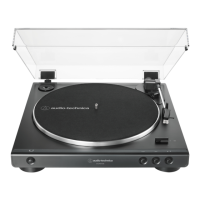
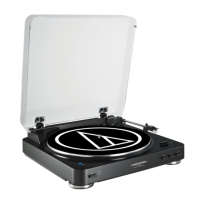
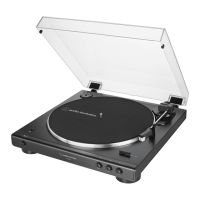
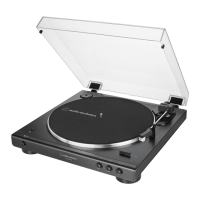
Audio Technica AT-LP60XHP - User Manual

Audio Technica AT-LP60XHP
14 pages
Print Icon
To Next Page IconTo Next Page
Loading...
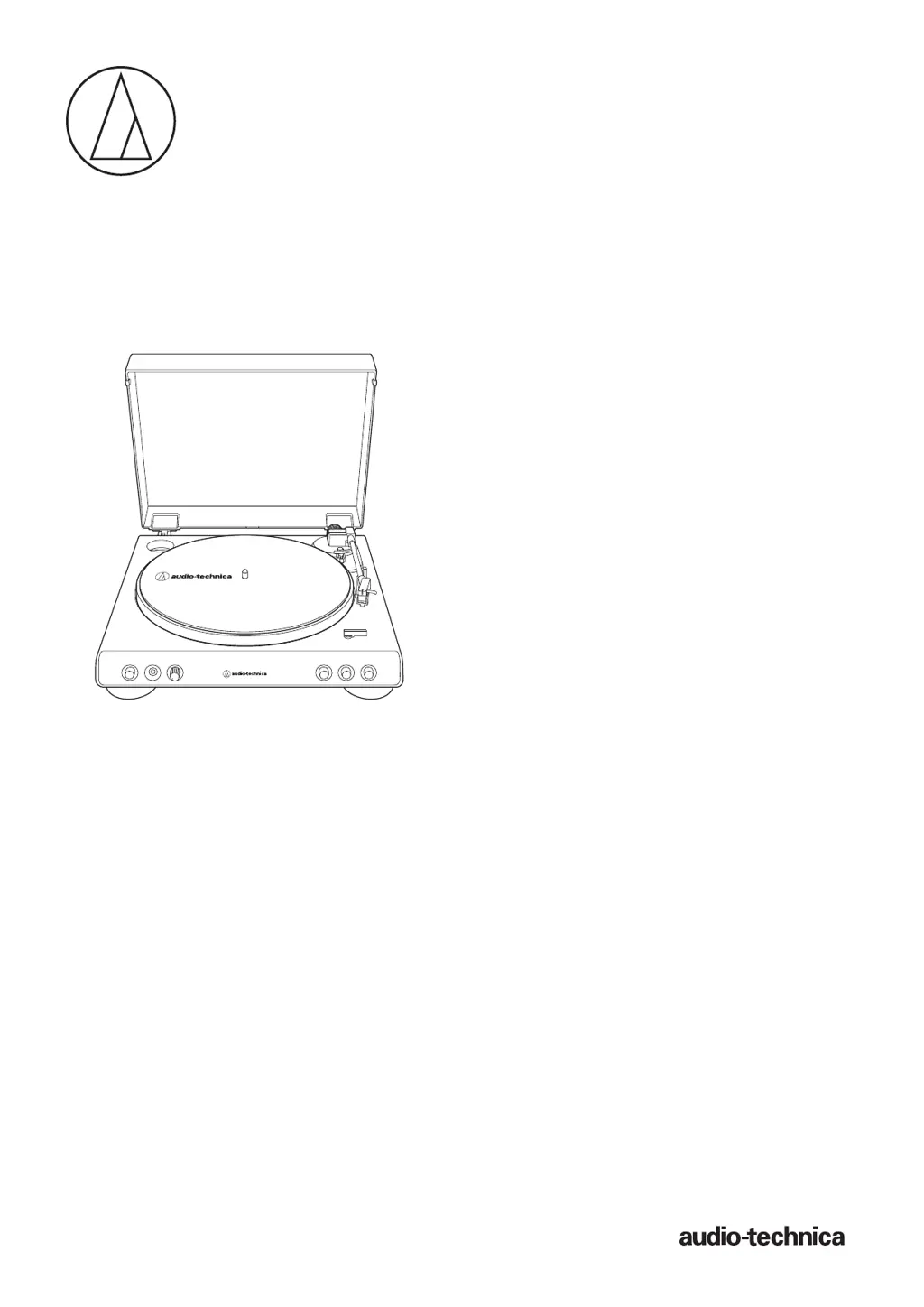
AT-L P60XHP
User Manual
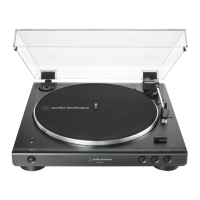
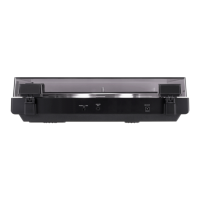
Automatic Belt-Drive Turntable with Headphone Amplifier
AT-LP60XHP

Questions and Answers

  • K
    Kim DominguezJul 29, 2025
    Why won't the platter spin on my Audio Technica AT-LP60XHP Turntable?
    • T
      thomasmartinezJul 29, 2025
      If the platter on your Audio Technica Turntable isn't spinning, make sure the AC adapter is properly connected to the outlet. Also, check that the belt is correctly placed on the platter and the motor pulley (brass-colored). If the belt is damaged, replace it with a new one.
  • W
    wilsonmercedesAug 3, 2025
    How to adjust the speed on my Audio Technica AT-LP60XHP Turntable?
    • L
      lukenguyenAug 3, 2025
      If the record is playing too fast or too slow on your Audio Technica Turntable, use the platter speed button to select the correct speed for the type of record you are playing.
  • K
    Katherine ThomasAug 9, 2025
    What to do if my Audio Technica AT-LP60XHP platter spins but no sound comes out?
    • C
      Christina OrtizAug 9, 2025
      If you're not getting any sound or the volume is too low on your Audio Technica Turntable, first ensure all your connected equipment settings are correct. Check the stylus and replace it if needed, and inspect the cartridge, adjusting it if necessary. Also, if the turntable is set to "PHONO" and connected to the amplifier's AUX/LINE input, double-check the preamplifier settings. If the volume is too loud or distorted, and the turntable is on “LINE” while connected to the PHONO input, review the preamplifier settings.
  • S
    Sherri HahnAug 15, 2025
    Why is my Audio Technica AT-LP60XHP howling?
    • S
      swhiteAug 16, 2025
      If you're experiencing howling sounds with your Audio Technica Turntable, it might be due to excessive vibrations. Try to reduce these vibrations or place the turntable on a surface less susceptible to them. Also, ensure the surface the turntable is on is suitable for it.
  • D
    Daniel StrongAug 21, 2025
    How to fix noise when playing records on Audio Technica AT-LP60XHP Turntable?
    • C
      Carly HallAug 21, 2025
      If you're hearing noise when playing records on your Audio Technica Turntable, try these steps: First, if there's dust on the stylus tip, clean it with a brush designed for this purpose. Next, make sure you've selected the correct speed for your record using the platter speed button. Finally, consider replacing the belt with a new one.

Summary

Safety Precautions

Turntable Safety

Safety guidelines and warnings for the turntable operation, including specific advice for Canadian and US customers.

Headphone Safety

Guidelines for safe headphone usage, including volume limits and handling precautions.

Product Components

Preparation and Setup

Playing Records

Maintenance and Replacement

Stylus Replacement

Detailed steps for removing and installing a new replacement stylus for the cartridge.

Belt Replacement

Step-by-step guide on how to remove and replace the drive belt for the turntable.

Troubleshooting

Platter Not Spinning

Solutions for issues where the turntable platter fails to rotate.

No Sound or Low Volume

Troubleshooting steps for audio output problems, including checking connections and settings.

Stylus Skipping

Causes and solutions for the stylus skipping on the record.

Howling or Noise Issues

Diagnosing and fixing issues like howling or noise during playback.

Incorrect Playback Speed

Solutions for records playing too fast, too slow, or with irregular rotation.

Specifications and Dimensions

Audio Technica AT-LP60XHP Specifications

Turntable (AT-LP60XHP)

Power IconPower
power supply requirements100 to 240 V, 50/60 Hz, 0.6 A
power consumption1.9 W
AC adapter12 V, 2 A
Performance IconPerformance
speeds33-1/3 RPM, 45 RPM
wow and flutter< 0.25% (WTD) at 3 kHz
signal-to-noise ratio> 50 dB (DIN-B)
Weight and Dimensions IconWeight and Dimensions
weight2.7 kg
dimensions359.5 mm x 97.5 mm x 373.3 mm

Headphones (ATH-250AV)

Audio Specifications IconAudio Specifications
driver40 mm
sensitivity102 dB/mW
frequency response18 to 22, 000 Hz
Electrical Specifications IconElectrical Specifications
maximum input power500 mW
impedance43 ohms
plug3.5 mm gold-plated stereo mini-plug
Physical Characteristics IconPhysical Characteristics
typeclosed-back dynamic
weight (without cable)97 g
cable length3.5 m

Related product manuals