EasyManua.ls Logo

Audio Technica ATDM-0604A - User Manual

Audio Technica ATDM-0604A
85 pages
Print Icon
To Next Page IconTo Next Page
Loading...
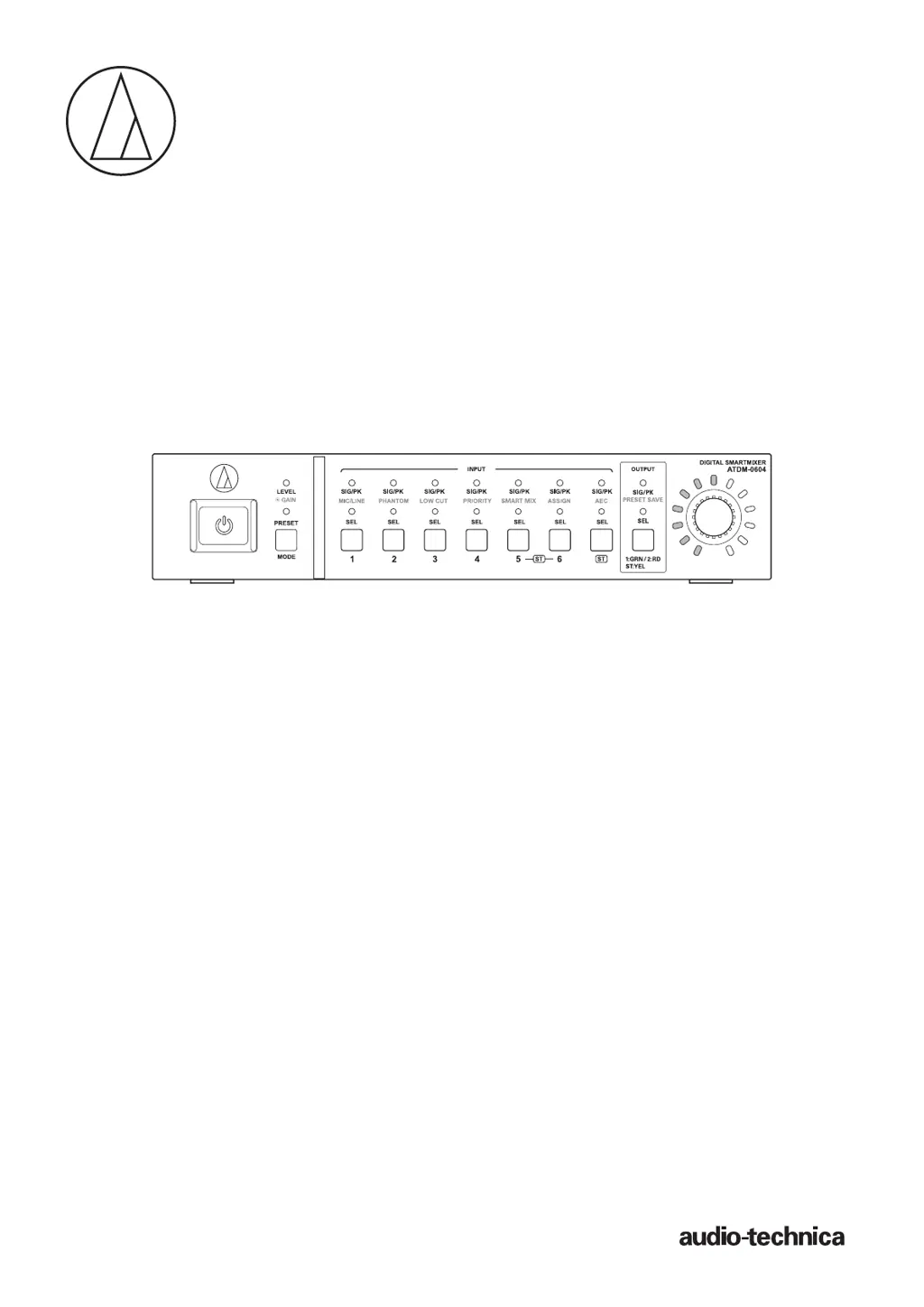
ATDM-0604
User Manual
DIGITAL SMARTMIXER

Table of Contents

Questions and Answers

  • R
    Richard FletcherAug 14, 2025
    What to do if I forgot the password for my Audio Technica Recording Equipment?
    • N
      ngreenAug 14, 2025
      To reset the password: 1. Power on the product. 2. Select “PRESET” by pressing the MODE button, or turning the dial button while pressing the MODE button. 3. While holding the OUTPUT SEL button, turn the dial button three clicks to the right. 4. While still holding the OUTPUT SEL button, turn the dial button three clicks to the left. 5. While holding the OUTPUT SEL button, press the dial button. This will reset the Web Remote password, allowing you to log in and set a new password.
  • L
    Leslie KimAug 18, 2025
    How to troubleshoot Audio Technica Recording Equipment if I cannot “locate” the product?
    • N
      nataliehooperAug 18, 2025
      If you're unable to locate the product, verify the connections between the product and the control device (e.g., computer). Ensure both are on the same network and check the firewall settings.
  • A
    Alice YoungAug 25, 2025
    How to fix strange sound from Audio Technica Recording Equipment?
    • N
      nelsondanielAug 25, 2025
      To address strange sound issues, adjust the input gain. If the sound is muffled or the volume is insufficient, check the setting of each equalizer.
  • T
    Tammy SmallAug 29, 2025
    How to stop howling from Audio Technica Recording Equipment?
    • J
      Joshua SchmidtAug 29, 2025
      To suppress howling, check the setting of the FBS (feedback suppressor). If howling that exceeds the number of filters is occurring, the howling cannot be controlled completely.
  • K
    Kelly FowlerSep 2, 2025
    What to do if front panel buttons are not responding on Audio Technica Recording Equipment?
    • M
      Michelle CarlsonSep 2, 2025
      If the front panel buttons are not responding, check that the front panel is not locked.
  • N
    Norman RodriguezNov 8, 2025
    What to do if no sound comes out of the connected speaker of Audio Technica Recording Equipment?
    • J
      jesse17Nov 8, 2025
      If no sound is coming from your connected speaker, or if the sound is distorted, try these steps: * Check all device connections. * Verify if phantom power is correctly applied, especially when using a condenser microphone. Supplying phantom power to a device that doesn't need it may cause it to malfunction, so check whether a device that does not require phantom power is connected with the phantom power turned ON. If phantom power is supplied to a device that does not require it, the device may malfunction. * Adjust the settings on the connected amplifier. * Inspect the balanced cable for damage and ensure it's fully inserted. * Confirm the input and output terminals are correctly connected with correct pin assignments. * Ensure the input/output levels are not too low and tha...

Audio Technica ATDM-0604A Specifications

General IconGeneral
TypeDigital Mixer
Channels6
Mic/Line Inputs4
Microphone Inputs4
Output Channels4
USBYes
Phantom PowerYes
SmartMixer TechnologyYes
Weight2.0 kg (4.4 lbs)
Frequency Response20 Hz - 20 kHz
ConnectorXLR, TRS
A/D Resolution24-bit
Sensitivity-60 dBV

Related product manuals