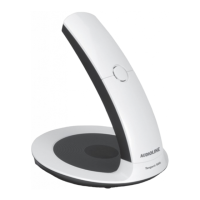
Transferring numbers to memory
. The last number received will be displayed.
to scroll to the desired telephone number.
Enter the required memory location,
. The telephone will return to standby mode.
. The last number received will be displayed.
to scroll to the desired telephone number.
until a beep is heard, the number will be deleted
until P is displayed on the handset.
. NO CLIP will now be displayed on the handset.
Network message indication
If new information exists on a network service, eg, a voice mail system, the
Access the information/messages in accordance with
the instructions provided by your network operator. After accessing all of the
new information/messages the indicator
in the display will be turned off
automatically by the network. However if this does not happen, or you do not
subscribe to a network voice mail system, the indication can be cancelled from
the display by pressing and holding
for a few seconds while in standby mode.
In order for the network voice mail to operate, you must subscribe to this service and/or have it
activated by your network operator. Contact your operator for more information.


 To Next Page