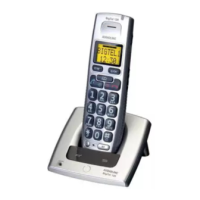
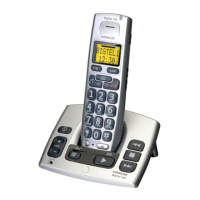
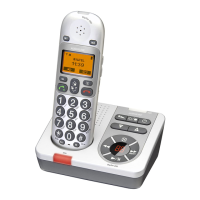
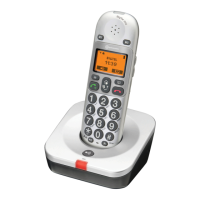
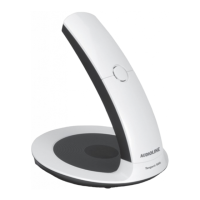
The package should include the following items:
- 2 batteries (Ni-MH AAA 1.2V 600 mAh)
Models with an extra handset (+1) also include an additional handset, batteries, charger
Only use with the supplied power adaptor/s.
Connect the mains adapter to the
socket of the base unit and to an electrical
Carefully remove the handset battery cover. Insert the batteries into the handset
ensuring correct battery polarity is observed, and replace the battery cover.
Place the handset in the base unit, with the keypad facing outwards. Once the
handset is correctly positioned in the base unit, a beep will be heard.
Leave the handset to charge initially for 24 hours before use.
Connect the line cord to the
socket on the base unit and a network wall socket.
T
socket on the base unit and a network wall socket.
T
Only for models with an extra handsets (+1):
Connect the mains adapter to the
socket of the base unit and to an electrical
Carefully remove the handset battery cover. Insert the batteries into the handset
ensuring correct battery polarity is observed, and replace the battery cover.
Place the handset in the base unit, with the keypad facing outwards. Once the
handset is correctly positioned in the base unit, a beep will be heard.
Leave the handset to charge initially for 24 hours before use.
Under power failure conditions this telephone will not operate. Please ensure that a separate telephone
not dependent on local power is available for emergency use. Do not place the base unit close to other
electrical equipment such as TV sets, computer screens, telecom equipment, fans etc. This will minimize
the risk of interference. Do not place the base unit in areas where it will be exposed to direct sunlight or
other major heat sources.


 To Next Page