The microphone can be muted during a call by pressing
as long as the function is active
on the base unit will activate the paging signal on the handset. This
function is used to help locate the handset or to page the person carrying the handset.
The signal will stop automatically after a while or if any
pressed. The page can also be cancelled by pressing
Within approximately 10 seconds after the connection of a call, a timer will be shown on
the display. The timer is a simple way to help you keep track of how long the call lasts.
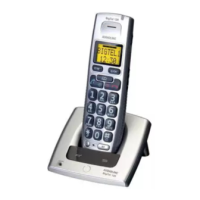
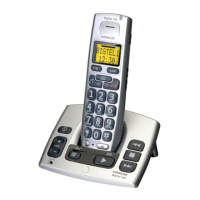
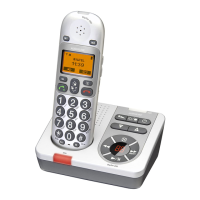
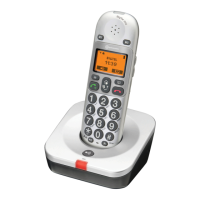
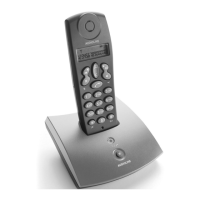
The hands free button is located on the front of the handset, this allows calls to be
made without having to hold the handset. If you wish you can switch between handset
and hands free during a call.
Enter the required telephone number. Mistakes can be erased using
the telephone number will now be dialled.
When the call is connected press
The hands free function will be activated and
the conversation can be heard through the speaker.
Place the handset on an a hard at surface, e.g. a table.
Speak towards the microphone on the lower front edge of the handset(max 1 metre
The volume can be adjusted during a call - see volume control on page 14.
To switch to normal handset conversation press
To switch back to hands free press
q
to terminate the call.
q
Please remember that in hands free speaker mode it is only possible for one person at a time to talk.
The switchover between speaker and microphone is automatic and dependent on the sound level of the
incoming call and the microphone respectively. It is therefore essential that there are no loud noises in the
immediate vicinity of the telephone, as this will disrupt the speaker function.
To switch to normal handset conversation press
The hands free button is located on the front of the handset, this allows calls to be


 To Next Page