128-6282A
6 of 16
-6-
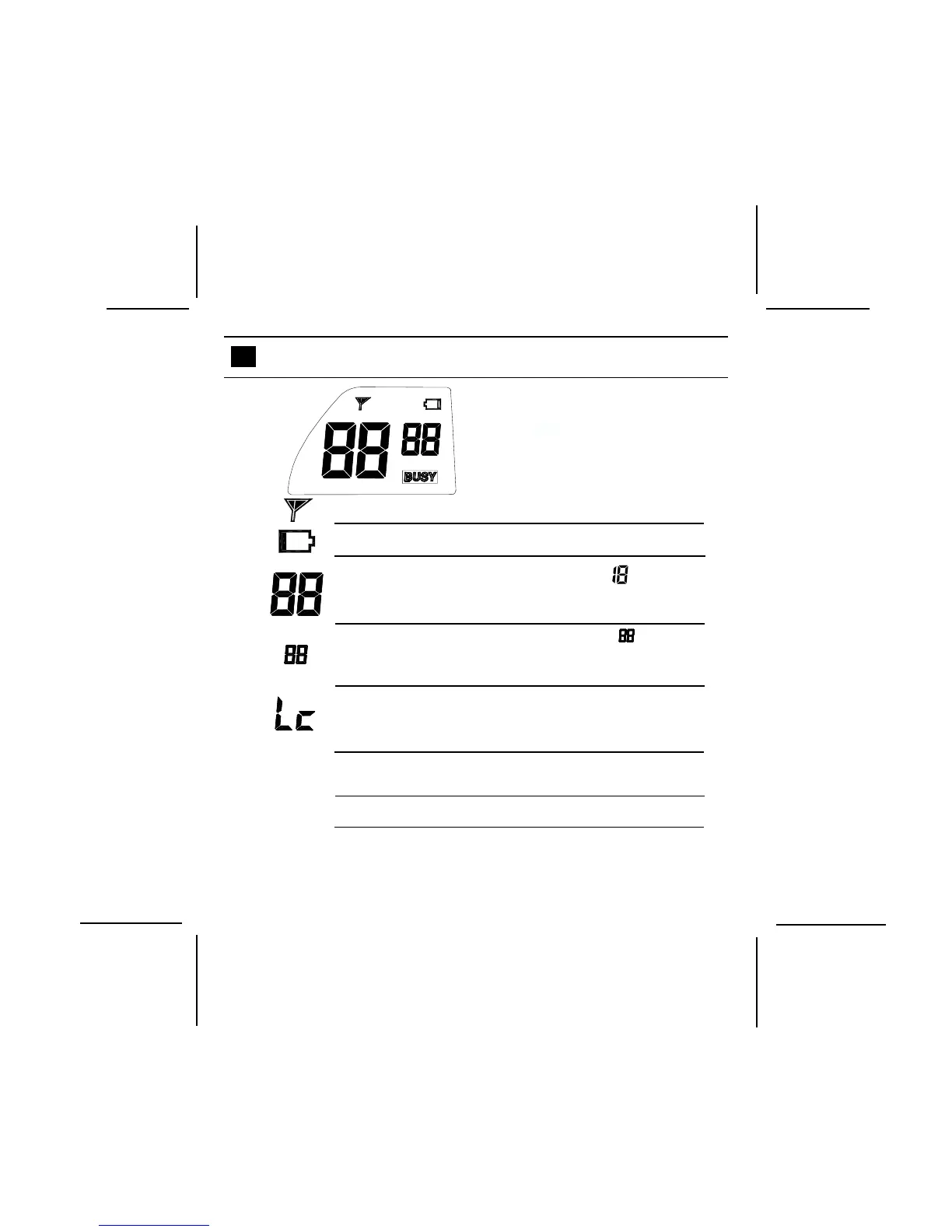
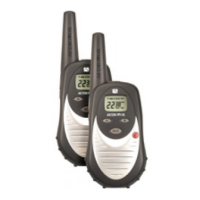
LCD DISPLAY AND OPERATION
The FR548-2CH is equipped with an
LCD display to indicate its settings and
functions.
Transmission Indicator
Low Battery Alert
FRS Channel Indicator (1–14). appears
each time power is turned on during a power-on
self-test of the unit.
CTCSS Channel Indicator (01-38). appears
each time power is turned on during a power-
on self-test of the unit.
Key Lock Indicator. Appears for 2 seconds when
Function (F) button is pressed and held to
disable unit key functions (except PTT).
Busy Channel Indicator. Displays when
Monitor button is pressed.
VOX Function Indicator
VOX
BUSY
VOX



 To Next Page