7
12. Volume
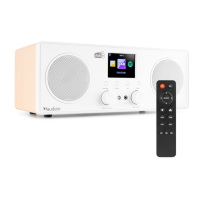
Rotate to adjust the volume level. Press to (un)mute.
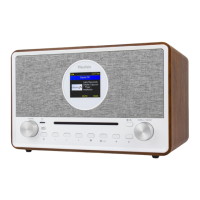
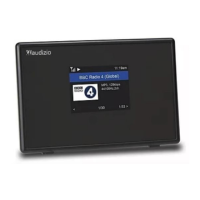
13. 2.8” Display
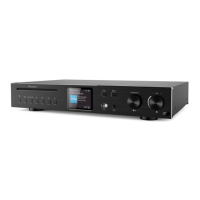
14. Cd-disc slot
15. Tune/OK
Rotate to scroll up/down within a menu.
Press to confirm menu options inputs.
[FM]
Rotate the knob to manual tune the FM frequencies.
[Internet radio/DAB]
Rotate to change to next/previous station.
[Media player UPnP/BT/USB/CD/MicroSD]
Rotate to skip to next/previous track.
Press to pause/play the music.
16. Headphones jack (3.5mm)
17. Speaker
18. Power on/off
19. DC IN power connector
20. USB port (for playback only)
21. Line output jack (3.5 mm)
22. AUX input jack (3.5mm)
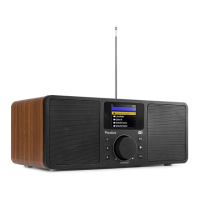
23. Telescopic antenna
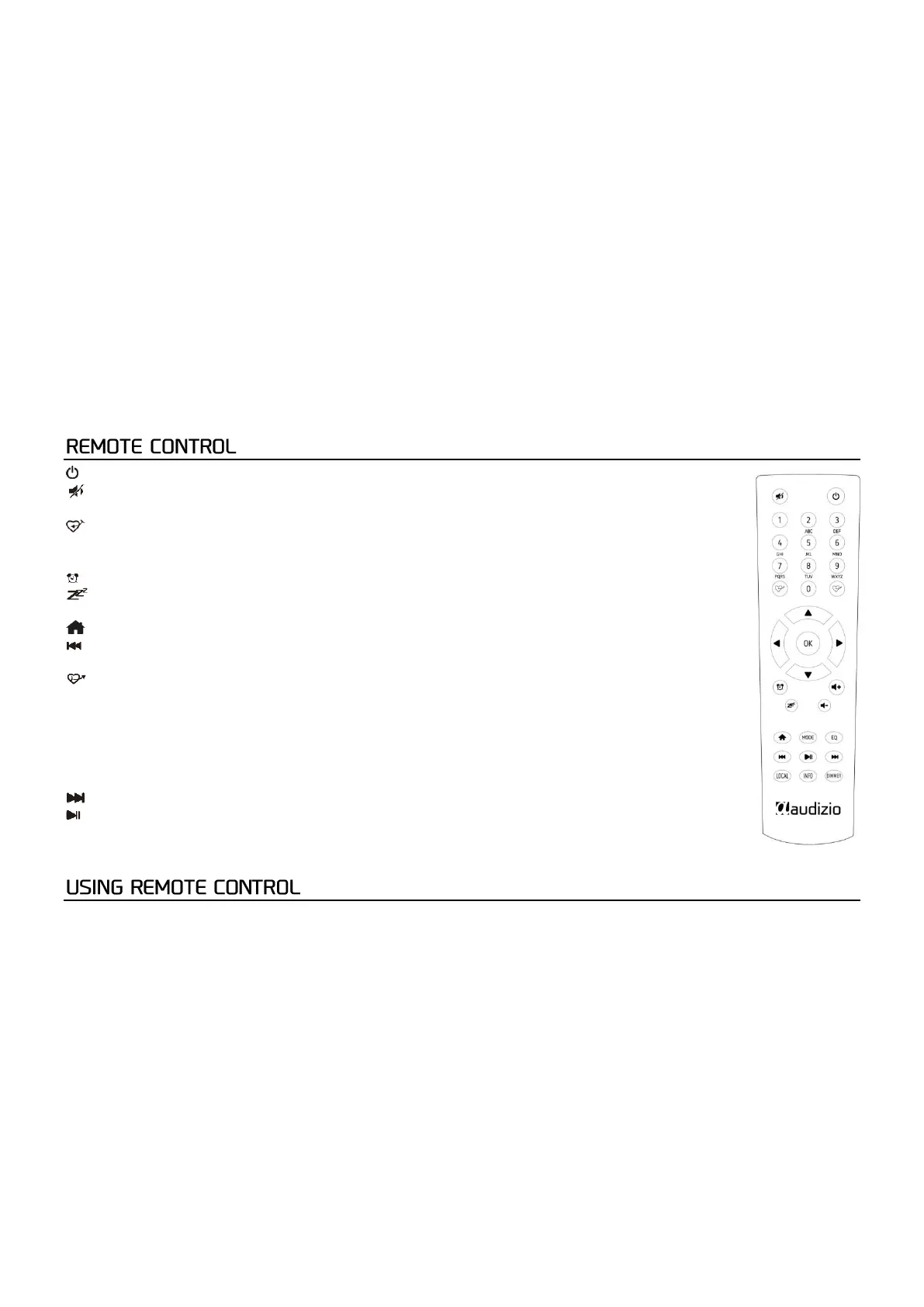
: Press to toggle between standby and operation
: Mute
0-9: Input index numbers
: Save the current playing station as favourite/preset
▲ : Cursor up
◄ : Cursor left / back to previous menu
: Alarm button
: Sleep Timer
Mode: Switch between radio modes
: Home
: Previous station on the list/previous track media sources
Local: Access the local station list (Local area set up in Configuration)
: Recall the favorite list
OK: Confirm button
►: Cursor right
▼: Cursor down
Vol+: Volume up
Vol-: Volume down
EQ: Equalizer
: Next station on the list/next track on media sources
: Play/pause for media sources/ play/stop for Internet radio
Dimmer: Access the Dimmer menu to adjust the brightness of the display
Info: Quick access to Network and System information
On the alpha-numeric keypad, press the button repeatedly to cycle through the characters assigned to each button. Refer to
the following list. To input a character, highlight it and press the [OK] button to confirm and input the next character. When it
comes to the last character of the password, press [OK] to complete the entry.
Button 1: 1 and different kind of symbols !@#$%^&*()_+[]{};:'”\|,./<>?
Button 2: 2ABCabc
Button 3: 3DEFdef
Button 4: 4GHIghi
Button 5: 5JKLjkl
Button 6: 6MNOmno
Button 7: 7PQRSpqrs
Button 8: 8TUVtuv
Button 9: 9WXYZwxyz
Button 0: 0


 To Next Page