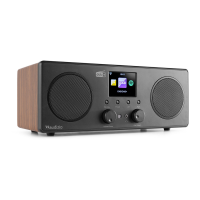
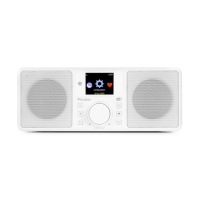
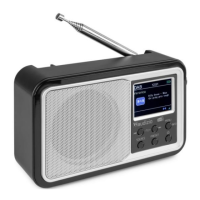
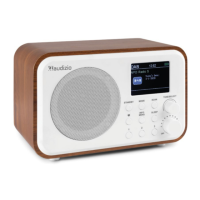
Need help?
Do you have a question about the Audizio NAPLES and is the answer not in the manual?
Instructions for safely unpacking the Audizio product and checking contents. Retain packaging for returns.
Information on connecting the correct power supply and ensuring electrical safety. Avoid dimmers.
Description of the remote control buttons and their functions for operating the radio.
Guide on how to use the alpha-numeric keypad and other buttons for navigation and input.
Prerequisites for using the radio, including broadband internet connection and Wi-Fi password.
Step-by-step guide to connect the radio to a wireless network (Wi-Fi).
A summary of the radio's capabilities, including Internet Radio, Media Centre, DAB+/FM, BT, and AUX.
Explore stations using Skytune (Region, Genre, Talks) and Local Radio options.
Find stations by keyword and access previously listened stations.
Stream music from UPnP/DLNA compatible devices on your network.
Create, add songs to, and clear your personal playlists from UPnP music files.
Scan for available DAB stations. Requires no internet connection.
Manually tune to specific FM frequencies for reception.
Connect and play audio from AUX input, CD player, or USB drive.
Configure alarm times, sounds, repeat settings, volume, and duration.
Set a timer to automatically turn the radio to standby mode after a specified period.
Configure Wi-Fi channels, add/remove access points, and manage network connections.
Set the radio's time automatically or manually, and select the user interface language.
Configure scan settings for DAB and FM reception, including area and signal strength.
Set playback modes (Repeat, Shuffle) and define radio behavior on power-on.
Adjust display brightness levels and select equalizer presets for audio.
Adjust buffer time for internet radio and gain for AUX input.
View system information, check for software updates, and reset the radio to default settings.
Manage internet radio channels and favorites using a web browser on PC or smartphone.
Find the radio's IP address needed for remote management via web browser.
Add favorite radio channels manually or via URLs with specified streaming formats.
Solutions for problems connecting to Wi-Fi networks, including MAC address restrictions.
Troubleshoot poor DAB/FM reception by checking antenna and interference.
Address problems with playing specific stations or no sound output.
Tips for resolving internet radio re-buffering and understanding buffering.
Reasons why certain stations might not play and how to check internet connection speed.
Specifications including item number, color, playback options, connections, power, and dimensions.
Information on European Community Directives and certifications the product conforms to.
 General
| Frequency Range DAB+ | 174 - 240MHz |
|---|---|
| Frequency Range FM | 87.5 - 108 MHz |
| Bluetooth | Yes |
| Bluetooth Version | 5.0 |
| Impedance | 8 Ohm |
| Tuner Type | FM |
| Connections | AUX, USB |

 To Next Page