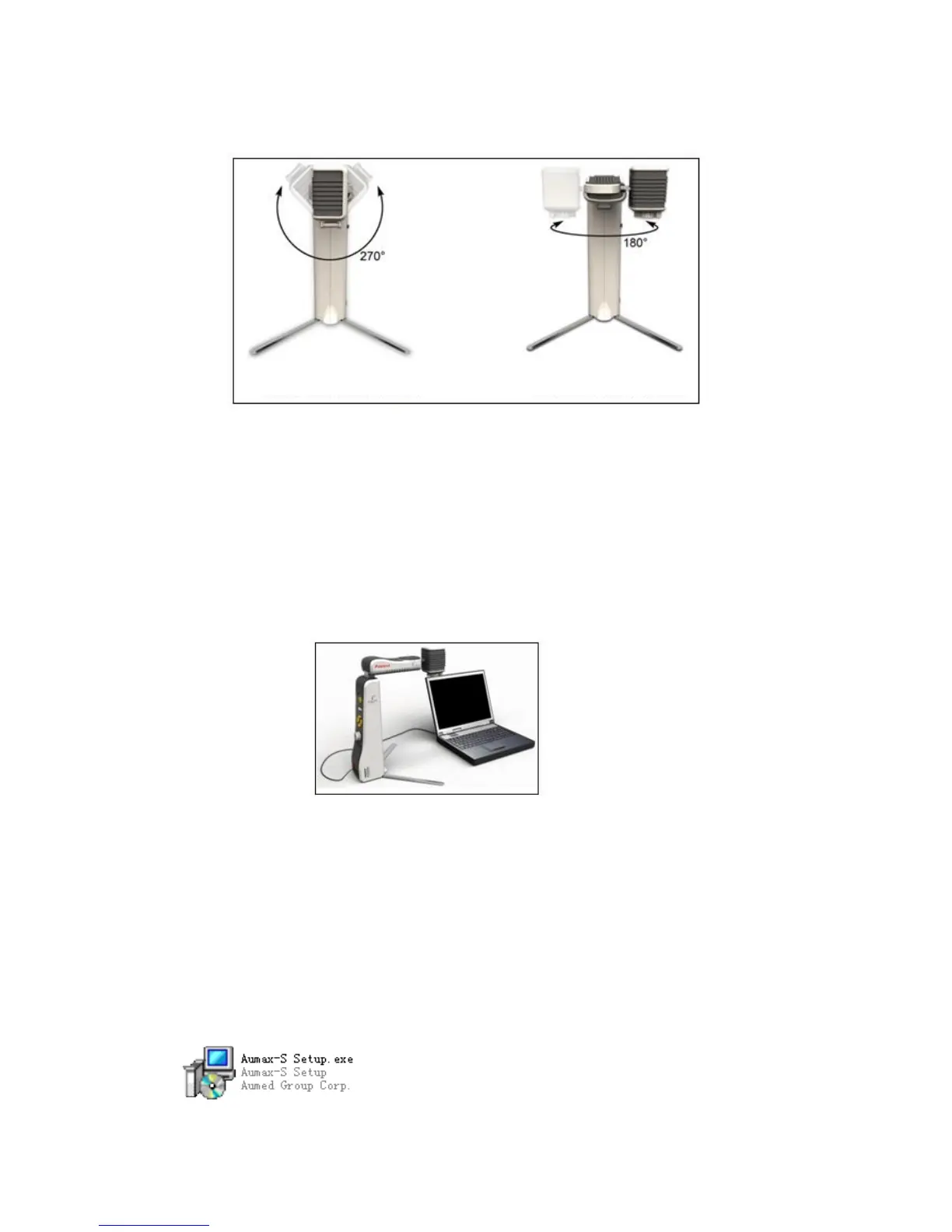
6) Aumax-S Camera Rotation Angle
7) Software Installation
a) Before installing the driver software, Aumax-S must be connected to computer and
turned on, as shown in the picture below:
The following installation steps are described using Windows XP as an example.
b) Put the Aumax-S installation CD into the CD drive. Double click on the drive icon. Open
the CD;
Note: The installation software can also be downloaded from the website.
c) Now double click on the "Aumax-S Setup" icon (pictured below);


 To Next Page