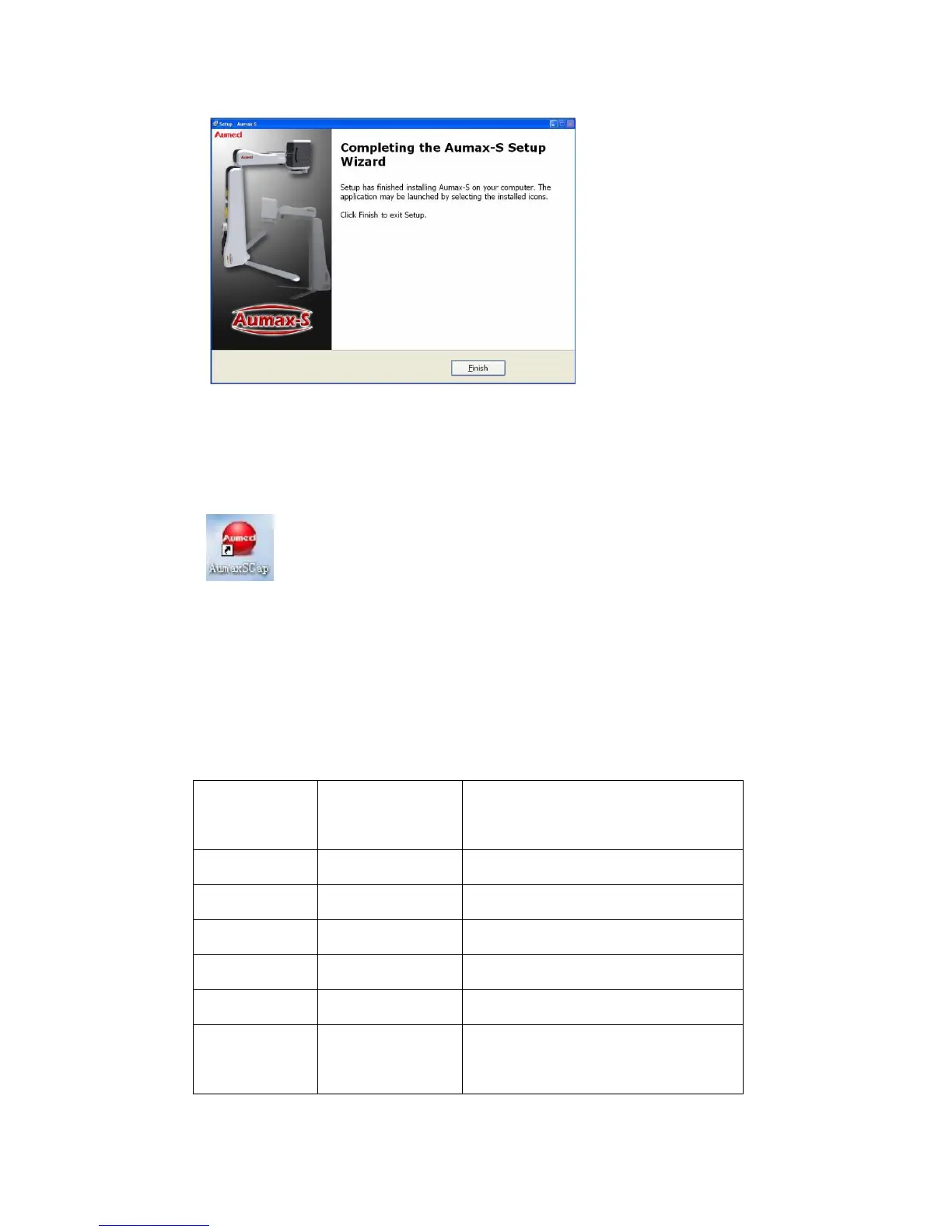
i) After the software installation is finished, the shortcut icon (pictured below) will appear in
the desktop or Quick Launch Bar. Click on the icon to run the Aumax-S software.
8) Computer Keyboard Shortcuts Operation and File
Save
a) The following are the operations that can be performed only when Aumax-S is connected
to the computer. Computer shortcut menu options are as follows:
Computer and camera display image
up-down and left- right windowing,


 To Next Page