Memory: 1.5 GB
USB: 2.0 Interface
Display card: Support DirectX 9.0 and higher versions
Hard Disk: Installation requires at least 50 MB space available
Note: When using Aumax-S with some screen magnifying software on a computer of low
hardware configuration, the computer system may run out of resources and cause the
image unsmooth. If you encounter this problem please do not run Aumax-S and screen
magnifying software in the same time, or upgrade the hardware of the computer, especially
CPU.
4. Installation and Preparation
1) Unfolding Aumax-S
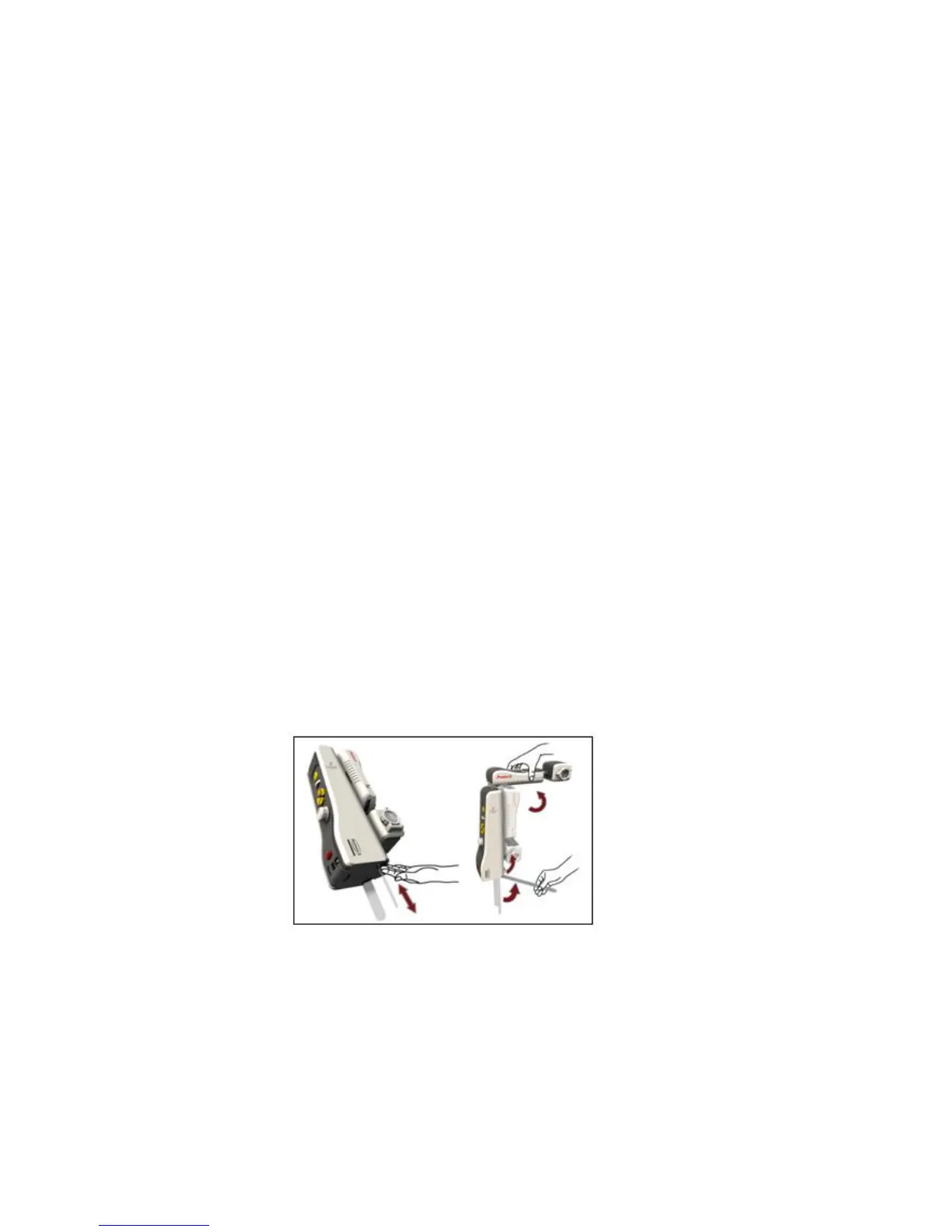
a) Take out the support leg from the machine: First find the support leg and gently push the
support leg inward to make it pop up. Pull the support leg from the machine, unfold the
support leg into a 90° angle, and then put the support leg flat on the horizontal desk, as
shown in the picture below:


 To Next Page