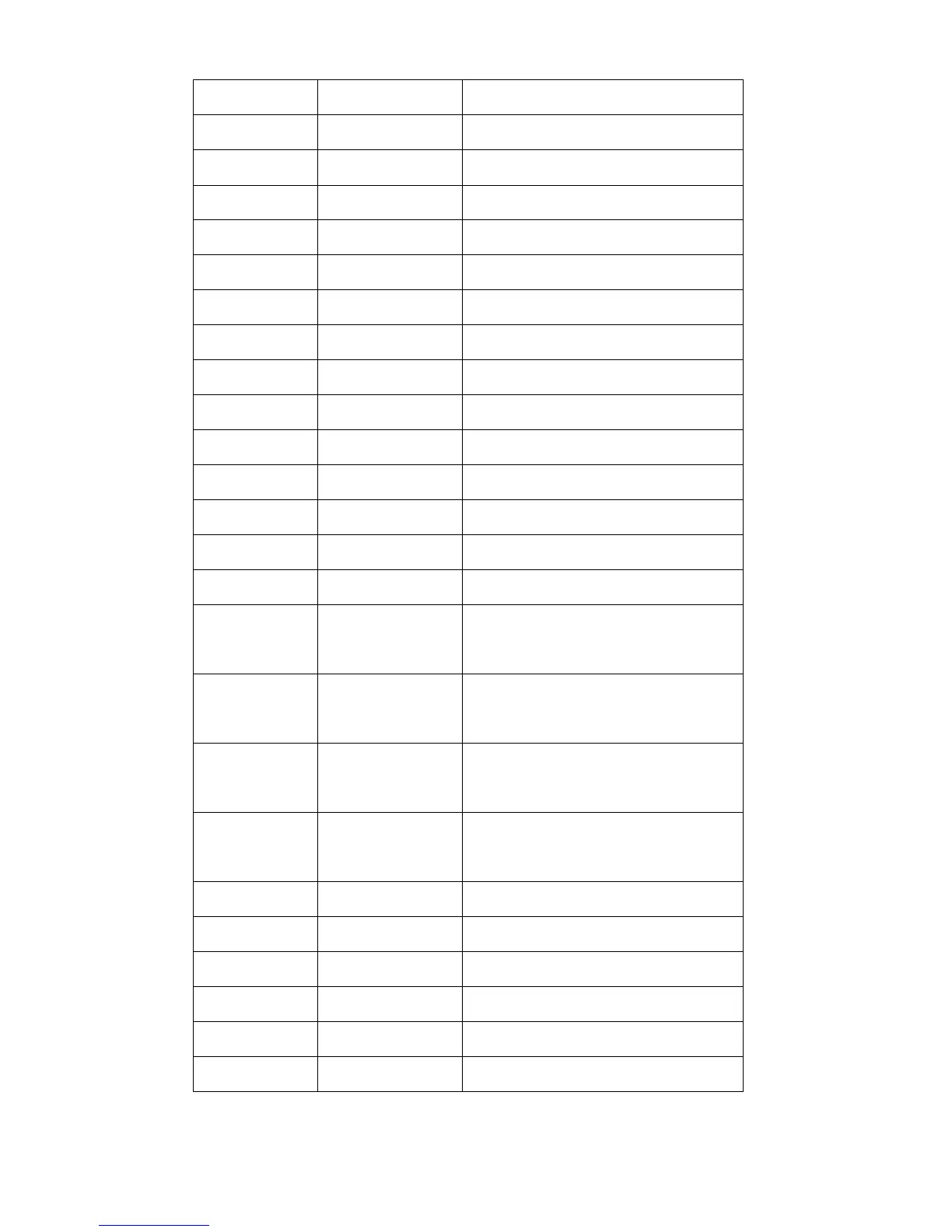
minimize or maximize window
The right edge of window leftward
The left edge of window rightward
The bottom edge of window upward
The top edge of window downward
The whole window leftward
The whole window rightward
The whole window downward
Computer window switching
Horizontal/vertical line marker
Horizontal/vertical line mask
Widen the space between line marker/
mask
Narrow the space between line
marker/ mask
The whole line marker/ mask moves
upward
The whole line marker/ mask moves
downward
Restore to default settings
Button control menu appears


 To Next Page